




bigmantoof
Member
-
Joined
-
Last visited
-
yeah I mean if it’s been going on for that long then there really is no point of using the aircraft anyways. in my situation it’s been going on since January, I’ve emailed customer support and they’ve told me that they’ll reach out to the developers. I really hope there is some sort of solution to this problem because it’s a shame that I paid $110 for a mod with really great potential. I guess all we have to do is wait and see when a patch comes out.
-
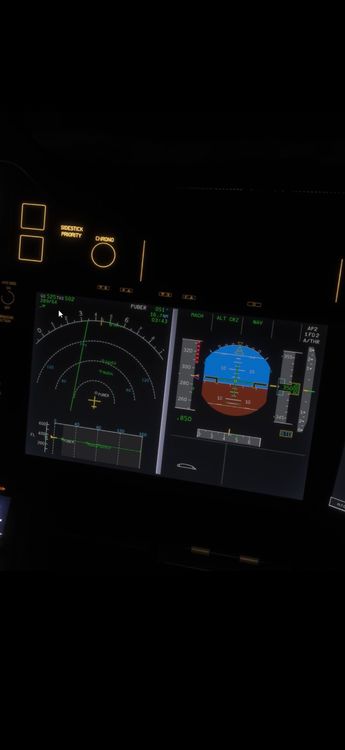
hey there, I’ve been having a really frustrating issue with the A350 for the past month+ and I still haven’t found any real fix. Around 2–4 hours into the flight (usually during cruise), the aircraft basically freezes in terms of systems. The sim itself is still running fine, autopilot keeps flying but veers off the flight plan, and all displays are still on, but none of the buttons or switches actually do anything. Everything is clickable but there’s no response at all. I’ve already tried clearing WASM, restarting the sim, and I’m not using any extra mods. This also happens even on fresh sessions, not back-to-back flights. From what I’ve seen, this might be some kind of SimConnect/WASM communication issue where the aircraft just stops responding mid-flight. at this point it’s making long-haul flights basically impossible, does anyone know a fix to this or just something we have to wait to be patched? and I am on the current version of the sim and aircraft (not using any betas.)
.thumb.jpeg.9fdbbfad2d3b153a9983005d38da4a55.jpeg)
.jpeg.fc522518cc6e84a1f43b8f5119afe619.jpeg)
