phoenixegmh
Member
-
Joined
-
Last visited
-
The way I have done it during my testing is to plot my route on LittleNavMap, find two DME stations near to the route, then at a relevant point, hold the INS, not the two DME distances and draw range rings around each DME on LNM. Where the two rings intersect, Add a User Waypoint and bingo, you have a lat/long to enter into the INS. It's theoretically exactly how crew did it, only we don't have to use rulers to identify the lat/long of the ring cross as they would have done.
-
Further information of unexpected behaviour during test: Loaded at EGVN on threshold RWY 25 with flightplan to EDDV loaded. Aligned all three INS to current location correctly (51 45.2N 001 33.8W), loaded plan on PFB and sent to INS. Checked waypoints loaded correctly. Set both sides to INS and verified HSI readouts correct. Changed INS 1 posn to same coords but E instead of W. Observed Pilot HSI change to give a larger distance ~120nm and lateral deviation before it then returned to match Copilot side. I don't believe the Tristar INS' were loaded in a Triple Mix config and almost certainly didn't have error rejection in so Pilot INS should continue to report erroneously. See below video (note DME did not change in this recording) https://drive.google.com/file/d/10QXu7MvoKVst0D9W2GsB4cAMIknQ5Xi-/view?usp=sharing
-
It's wildly wrong. I put an incorrect position in INS 1 (E instead of W) on a nav update and it somehow still followed the track as though it was in the correct position.
-
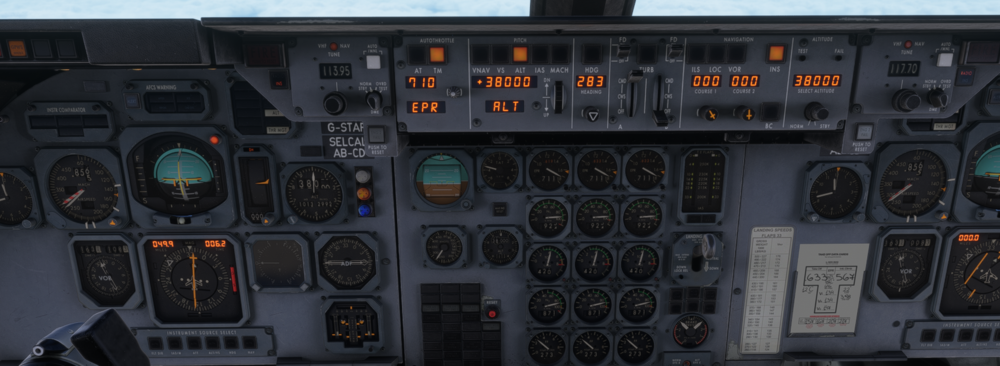
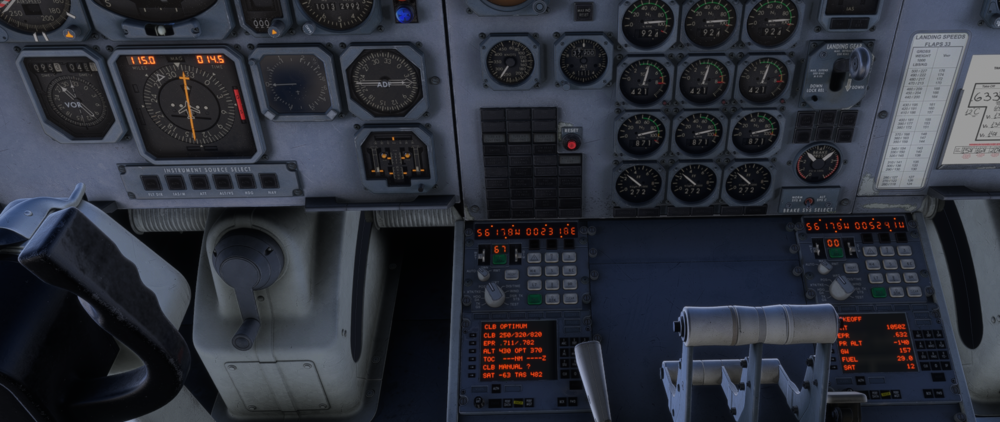
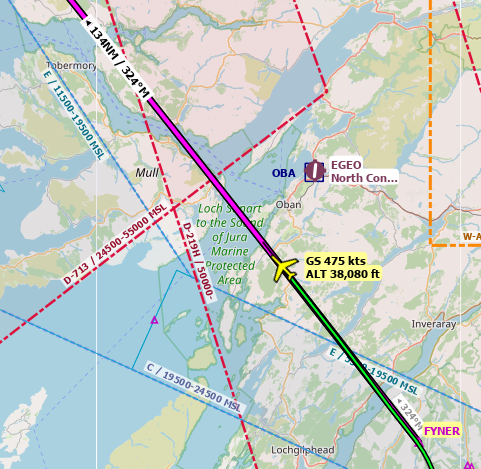
INS Only config with drift, waypoints loaded from PFB. Made an E/W error in position update on INS 1, but still tracking route reasonably well. Attached screenshot, INS2 has been updated to correct position within last 2 mins so is accurate. Littlenavmap plot shown to show how on track we are!
-
Pilot/Copilot DME readout mismatch as per attached screenshot. This was just after retuning NAV2. Once the pilot DME clicked under 100nm, the Copilot DME caught up.