





CaptainDart
Member
-
Joined
-
Last visited
Everything posted by CaptainDart
-
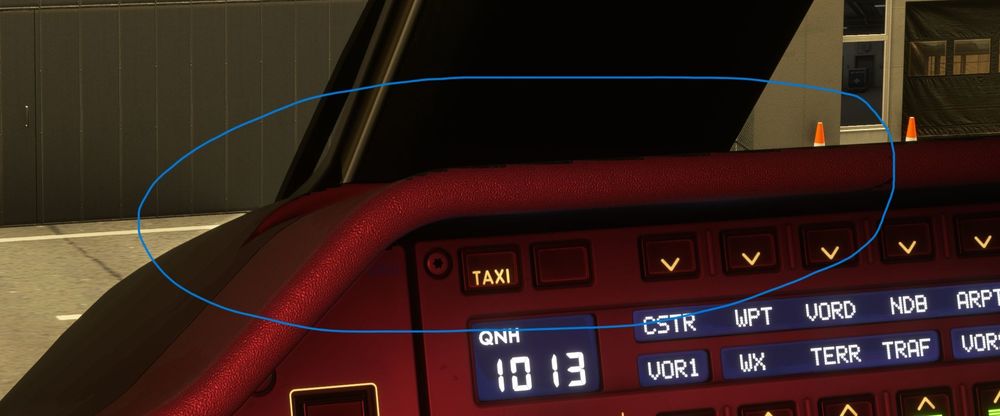
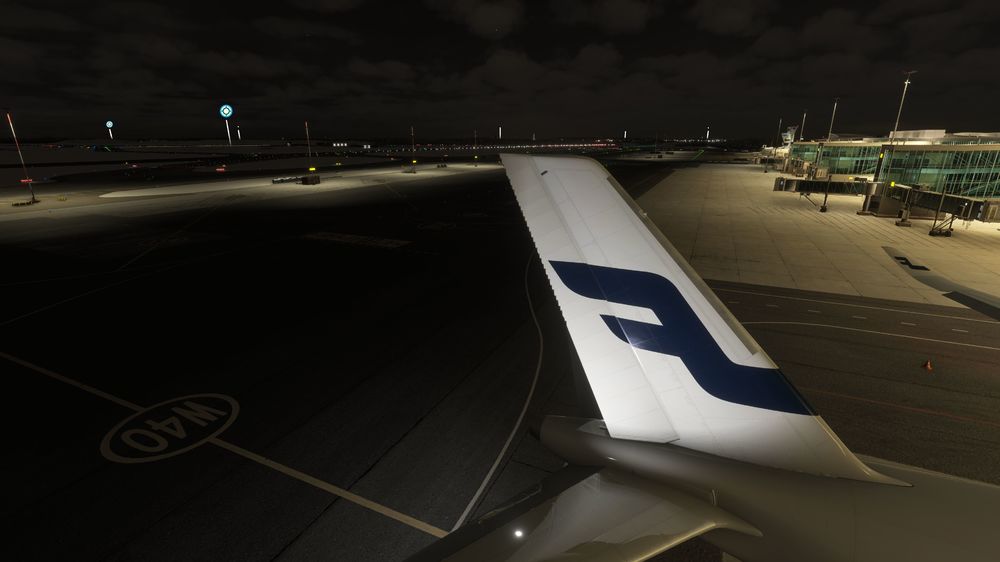
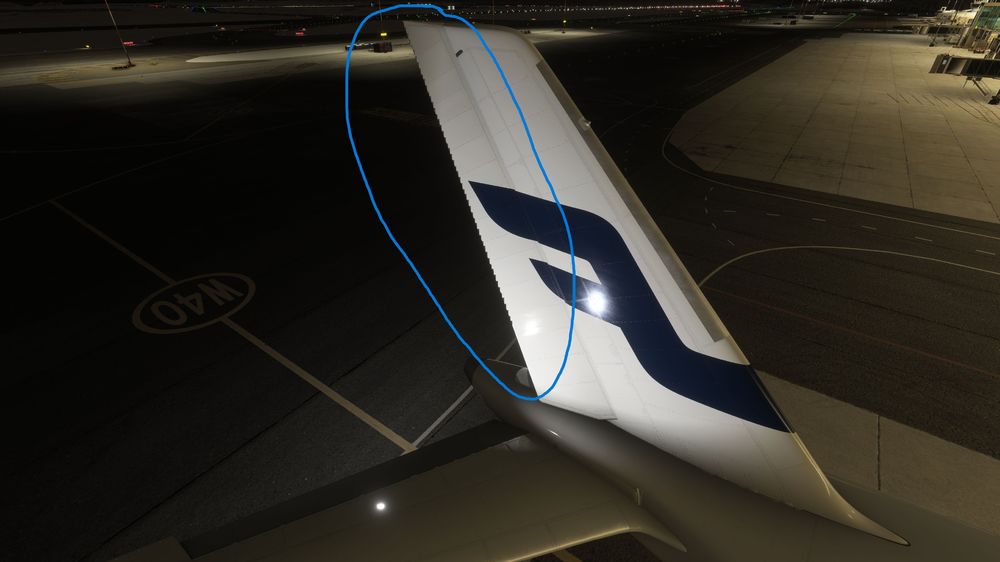
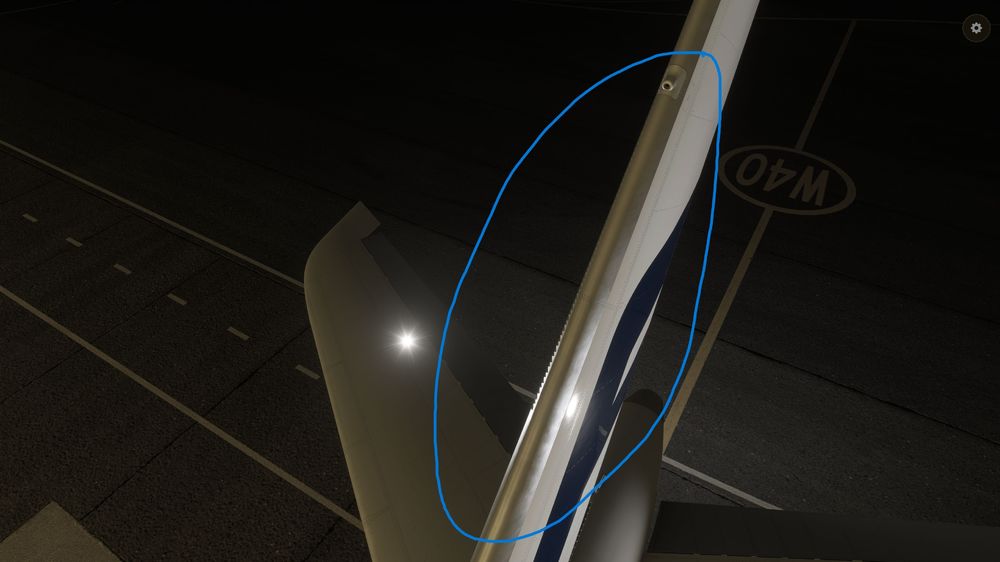
Hi, attached some tail screenshots and a cockpit one. I apologize but a video was too big to be attached. I tried. Anyway, you can see the jagged edges visible only at night with logo light on. There are artifacts also above the cockpit with the torchlight on. I have to correct myself since on the A300 there is some minor problem of the same nature on the tail and the cockpit too. The A340 is perfect, no issues at all. I run MSFS24 in 4k with TAA and ULTRA settings, full screen. These kind of artifacts happen on the edges of the 3d model when under direct lighting, for example when using the torchlight in cockpit, and in AMD RX9000 video cards. New drivers helped to solve the issue on others planes but is still present on the A350 (and A300). Hope this help and thanks for your support. Cpt Dart
-
Having jagged textures at night is a well known issue affecting AMD RX9000 cards but recently, with the January release of the AMD Adrenaline drivers (26.1.1.), this issue, at least from my side, is almost completely gone. Except for the Ini A350 where jagged textures are still present on the trailing edge of the rudder (starboard or right side) and on the leading edge of the tail (port or left side). No other planes in my library (I have all the existing airliners on the market) present this problem, neither the Ini A340 and A300. Only the A350 and this is little annoying because it's one of my favourite airliners. It was a driver related issue but I suspect that's also a model depending problem. Asking here if other pilots experienced this issue and if, from Inibuilds side, there's a solution in sight. Thanks. CptDart


