Niskan40
Member
-
Joined
-
Last visited
-
Yup, that was the problem! I never realized you also have to update the liveries. Thanks for the help!
-
Yes the livery is from the manager.
-
The video is too large to upload here so I uploaded it to YouTube.
-
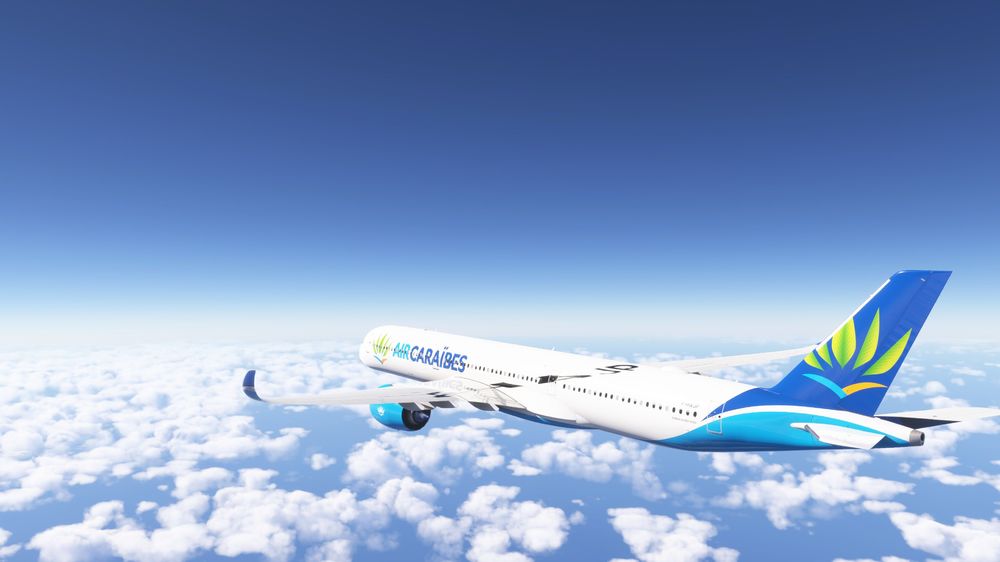
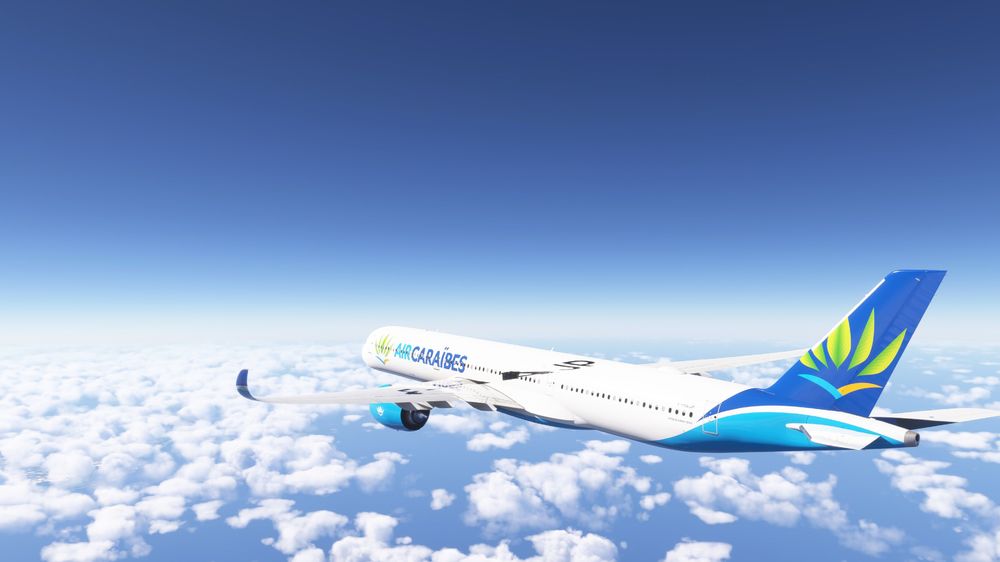
Hi, I am flying the A350 and noticed that the wing texture is visible on the fuselage at certain angles. It is from that specific angle shown in the screenshots. I am not sure if this has been reported before? I've also noticed on the A340 a similar issue though it is smaller. On that plane the wing registration floats below the wing. Also on the A340 if the winglet is in front of the fuselage, the textures seem to be offset, with them extending behind the winglet. it looks fine if the winglet is seen in the sky, but in front of the fuselage it looks off. (I didn't grab screenshots of that one.) Can this be looked into? Thank you!