Filside
Member
-
Joined
-
Last visited
Everything posted by Filside
-
Hey, thanks for your response. Sadly the originial creator of the livery is not responding is there any "simple" solution on how I can fix the livery so it shows it correctly in the sim again or would that be too complicated without the original file/work.
-
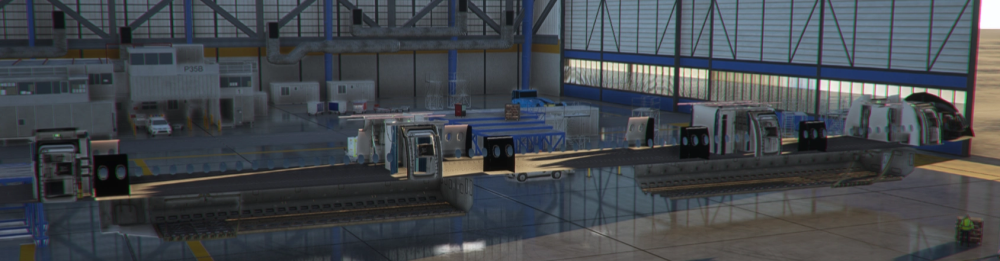
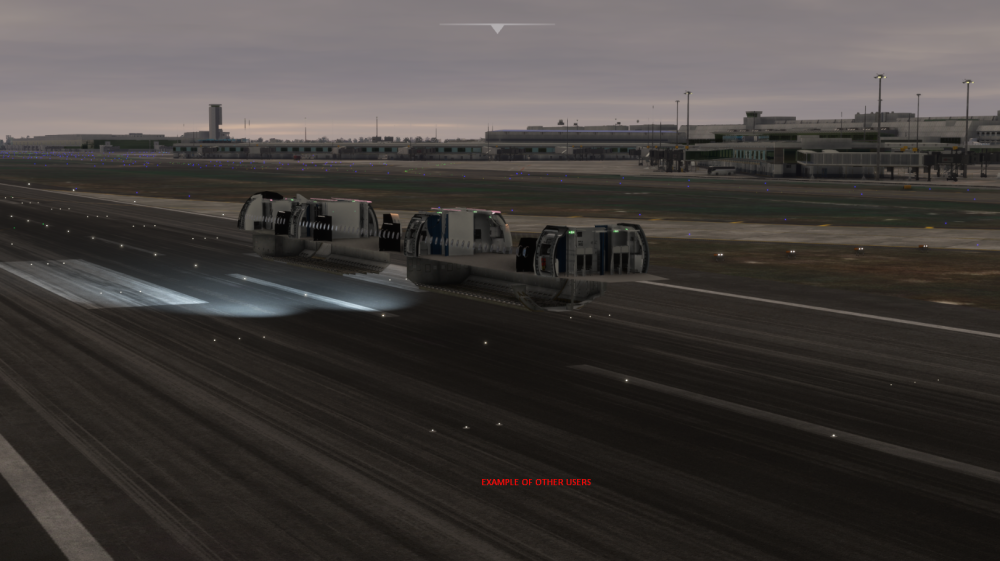
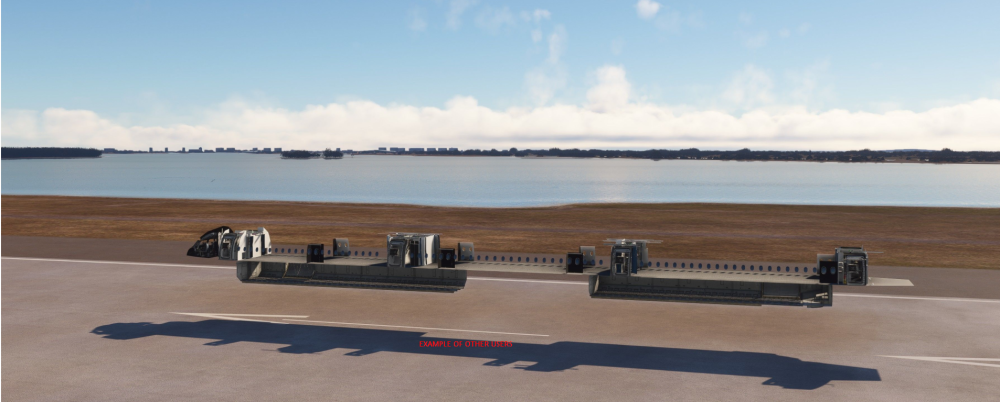
Hey everyone, I came across this issue a few months ago already but finally I figured out that it only applies to the 3rd party liveries. So when I want to fly with the A350 and load into the game (MSFS 2020). The normal plane with the inibuilds or blank livery works just fine. But when I try to load into the game with a 3rd party livery the outside is just a "skeleton". No model, no nothing. Except what you see in the attached picture. Before someone says I just should buy the official liveries on the marketplace that doesn't help, because I normally fly Austrian. And since AUA doens't have an A350 irl there is also no official livery. Therefore Im forced to use a 3rd party livery. Hope someone can help me fix this :)