



Skip to content
View in the app

A better way to browse. Learn more.

iniBuilds Forum

A full-screen app on your home screen with push notifications, badges and more.

To install this app on iOS and iPadOS
  1. Tap the Share icon in Safari
  2. Scroll the menu and tap Add to Home Screen.
  3. Tap Add in the top-right corner.
To install this app on Android
  1. Tap the 3-dot menu (⋮) in the top-right corner of the browser.
  2. Tap Add to Home screen or Install app.
  3. Confirm by tapping Install.

gusstavo

Member
  • Joined

  • Last visited

Everything posted by gusstavo

  1. its common after installing a new livery/scenery of even the latest update for it to take a while to load. find it to be the case the first time i load a flight. it loads faster there after.
  2. I had the same issues. Guess the temporary fix is to preset a STAR and APP before pushback. Later I would update if needed with no issues.
  3. same thing in msfs2020. I found that i just press CTRL once then type. Press it again to end "keyboard input active" this is what happens when just pressing the ctrl button and not releasing: a350 key input.mp4
  4. gusstavo posted a topic in Support
    MSFS2020 with the latest update for this scenery. Attempted to uninstall and reinstall with no changes. Image is an example of what is seen all throughout the airport. Thanks!
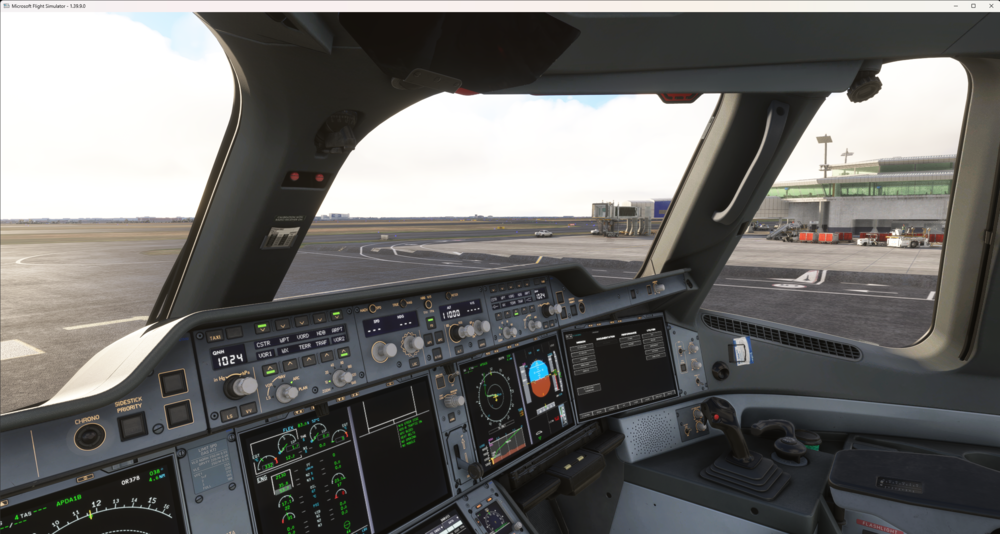
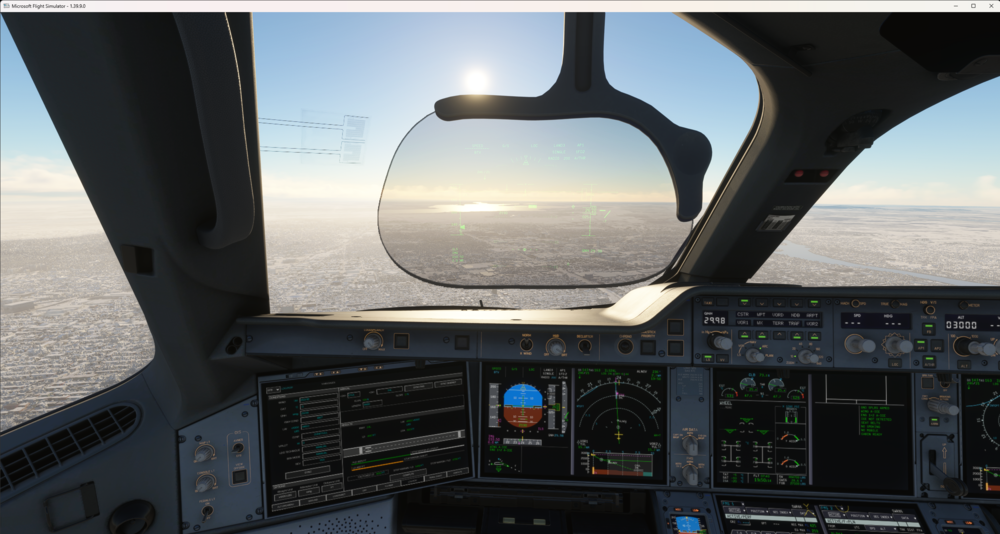
  5. Coming in to an direct-sunlight-approach the HUD is barely visible at max brightness.
Account

Navigation

Configure browser push notifications

Chrome (Android)
  1. Tap the lock icon next to the address bar.
  2. Tap Permissions → Notifications.
  3. Adjust your preference.
Chrome (Desktop)
  1. Click the padlock icon in the address bar.
  2. Select Site settings.
  3. Find Notifications and adjust your preference.