Jinsappy
Member
-
Joined
-
Last visited
-
-
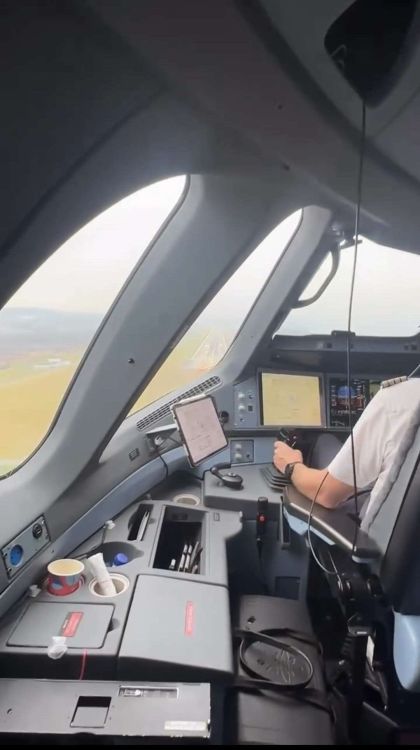
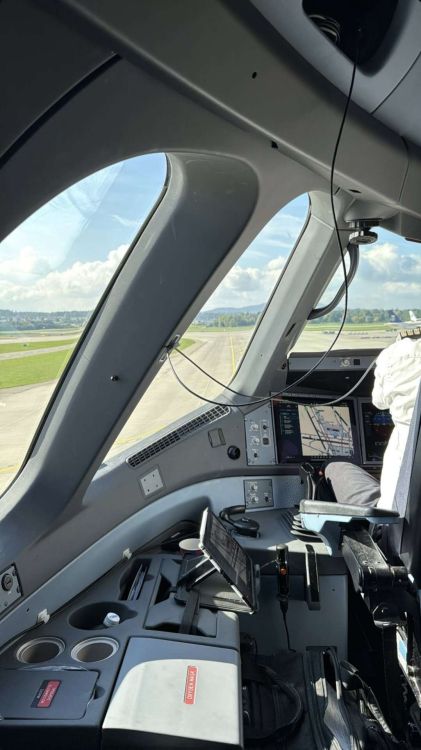
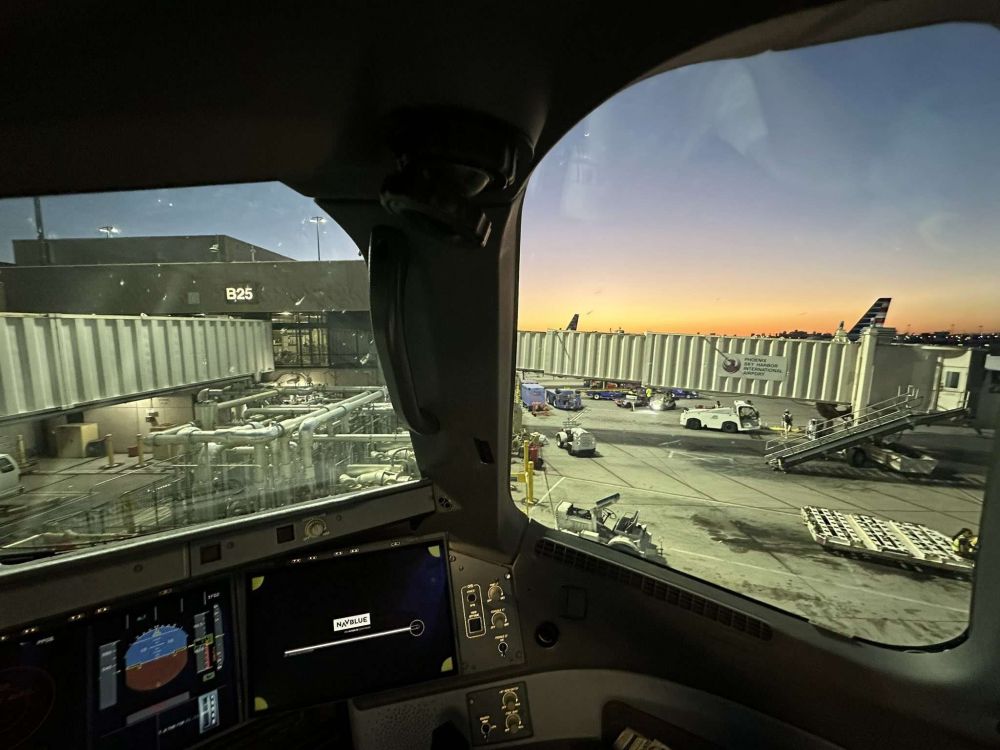
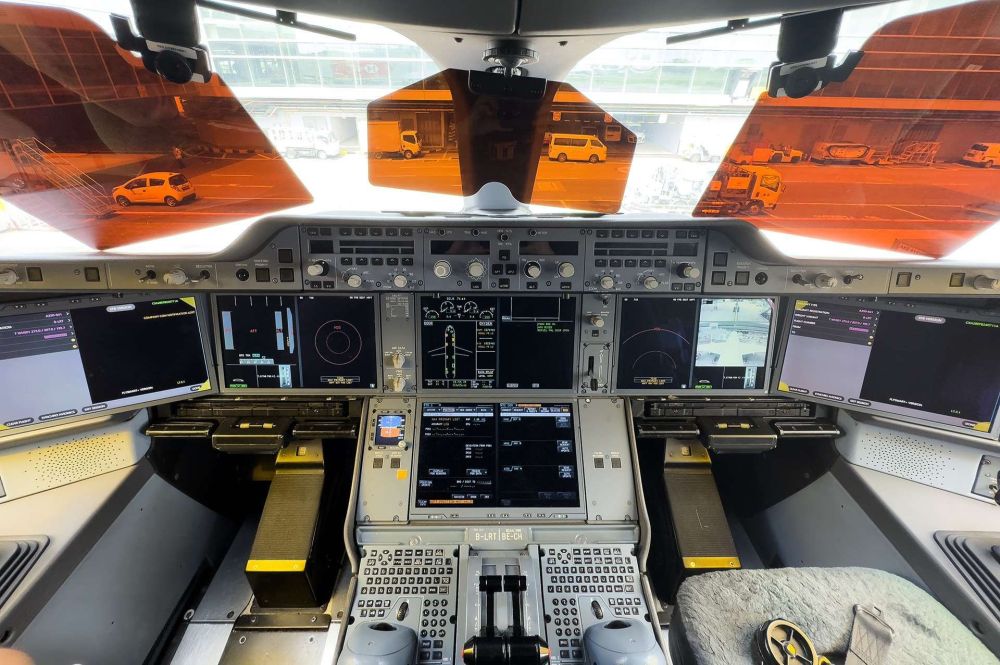
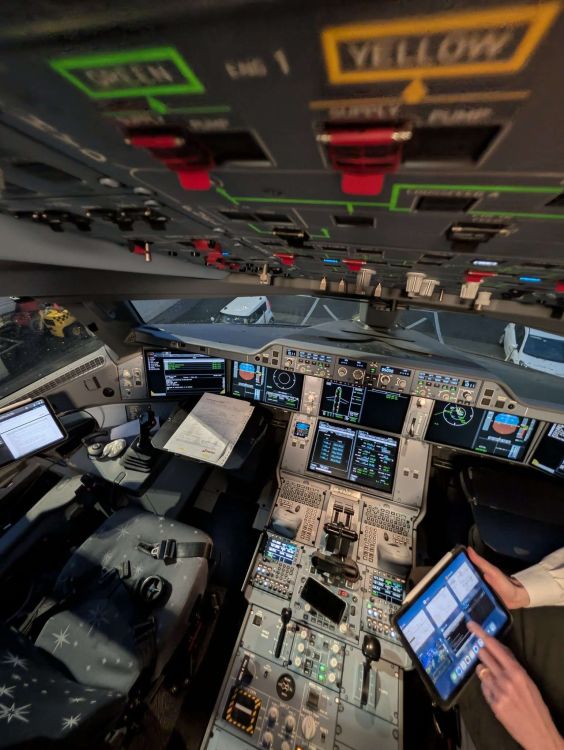
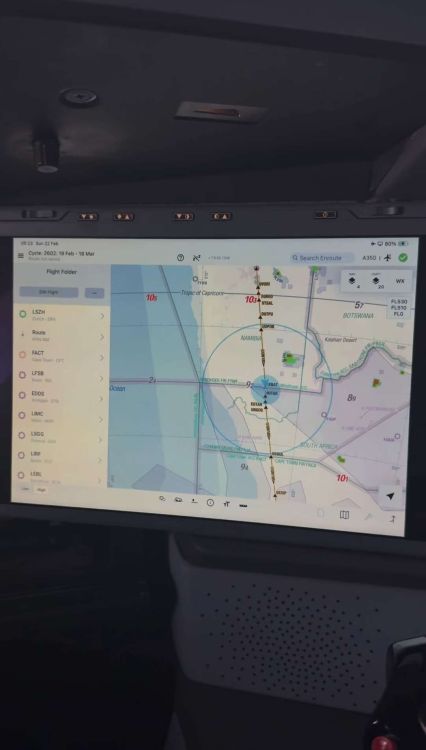
Hiya Inibuilds team, As you are preparing for the release of A380 and teasing the A350 V2 update. While on the topic of the A350 V2 I do have some suggestion/ Wishlist for this wonderful Plane. I would be happy if youse would take my Feedback into consideration. May we get separate EFB and OIS system? Meaning the EFB is a physical Tablet like in the A340/380 (1,2nd pictures attached) Can we get a button to turn on the EFB manually instead of it turning on automatically (3rd picture attached) When starting the OIS may we also get a Progress bar on how long it takes to power on the OIS for abit more realism (3rd Picture attached) On the OIS can we also get the Yellow triangle to "centre the screen" (3rd picture attached) Can we get different sunshades when having the HUD equipped (4th Picture attached) I mentioned it before but can we get a completely flat Standby Nav panel (4th picture attached) Some airline do have another RMP model and I would love to have it implemented in MSFS (5th picture attached) On the enroute map may we get a blue circle around the progress.png for better visual enhancement (6th picture attached) May we get a checklist as a xml file so we can customize the checklist to our own liking (Airline based for certain users) Thank you for reading through my Wishlist for the A350 V2 and many happy releases more to come! Cheers Inibuilds