




areman
Member
-
Joined
-
Last visited
-
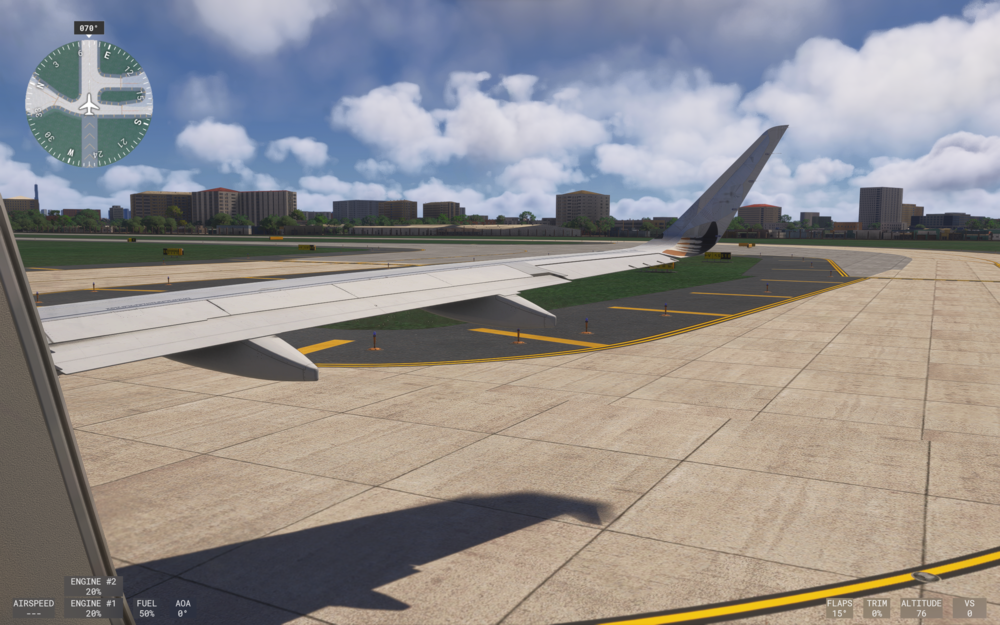
Hi, so I noticed that even in SU4, the flap animation for the a320neo seems still visually extended too little. Flaps 1 nudges the flaps a tiny bit, and does not move back then point down like say the fenix does. I think the a321lr does this fine, as it extends normally, but the a320neo doesn't. This is flaps 2 according to the image.
-
The iniBuilds A350 is missing the continuously running hydraulic pump noise when the engines are running. It's not the flaps whine, but I can hear the hydraulic pump noise running faintly behind the flaps noise. I think it just applies to me, but then my headphones can hear the same running hyd noises from other youtube iniBuilds A350 videos and real life videos. I don't know what is wrong with my MSFS 2024 either, but when 1.1.8 was out it was fine, but then 1.1.9 and 1.2.0 didn't have those sounds anymore.
