Skip to content
View in the app

A better way to browse. Learn more.

iniBuilds Forum

A full-screen app on your home screen with push notifications, badges and more.

To install this app on iOS and iPadOS
  1. Tap the Share icon in Safari
  2. Scroll the menu and tap Add to Home Screen.
  3. Tap Add in the top-right corner.
To install this app on Android
  1. Tap the 3-dot menu (⋮) in the top-right corner of the browser.
  2. Tap Add to Home screen or Install app.
  3. Confirm by tapping Install.

nunciomp96

Member
  • Joined

  • Last visited

Everything posted by nunciomp96

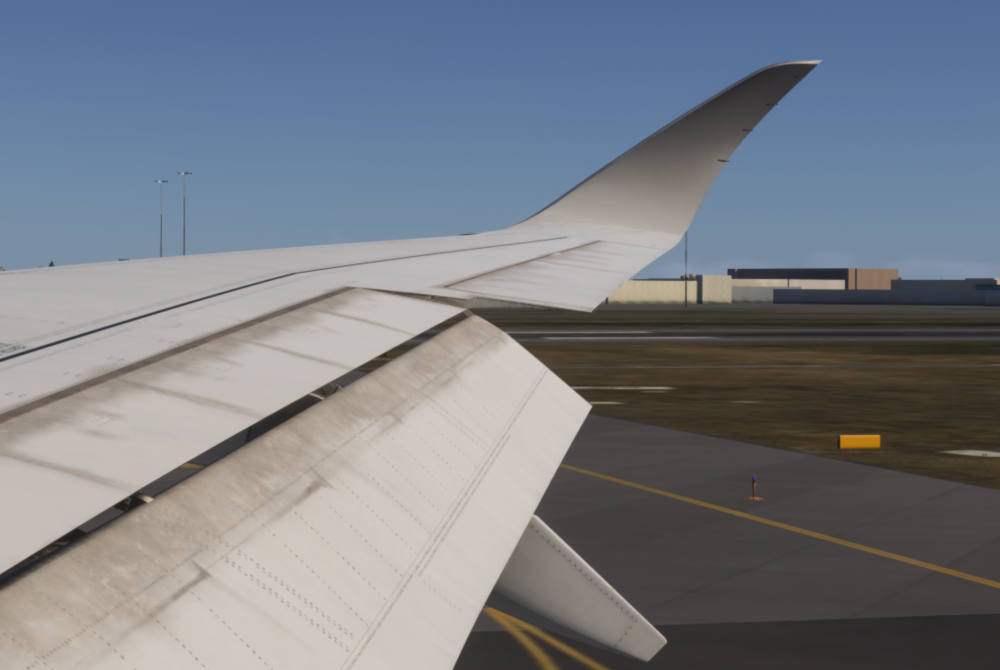
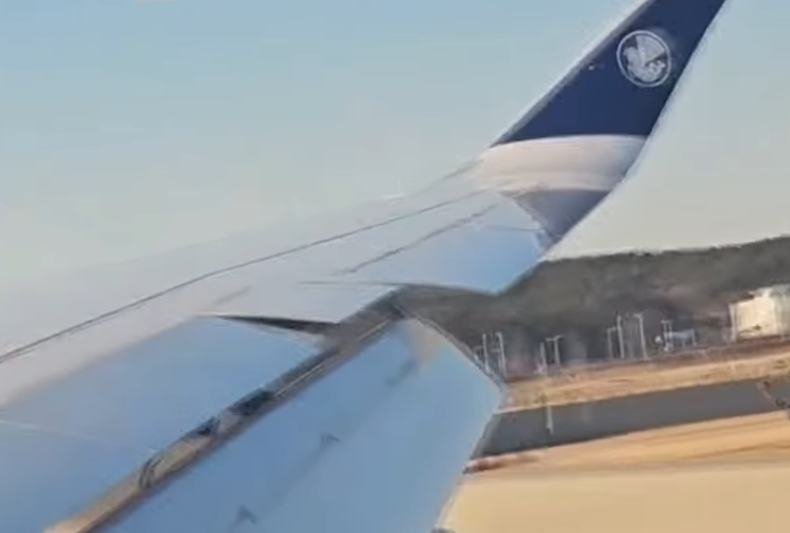
  1. Sorry, no. Its from the real one. This one is from the 1.2.7 This one from a previous one Thanks
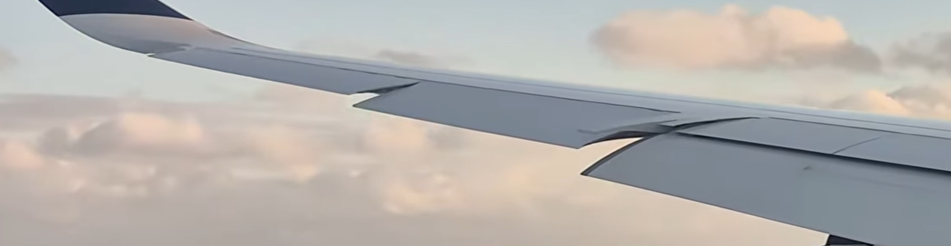
  2. Hello, With the new update, I just noticed that the animations from the ailerons and spoilers are not as accurate as they were previously on v 1.2.6: When deploying flaps, the outer aileron aligns to the wing first than the inner one (so, when retracting it happens backwards) With fully deployed flaps, the spoiler next to the aileron, aligns to the wing too Animation can be perfectly seen and detailed on this video (credits to its author) https://www.youtube.com/watch?v=jh8twAa7TQQ Thanks in advance for your hard work
Account

Navigation

Configure browser push notifications

Chrome (Android)
  1. Tap the lock icon next to the address bar.
  2. Tap Permissions → Notifications.
  3. Adjust your preference.
Chrome (Desktop)
  1. Click the padlock icon in the address bar.
  2. Select Site settings.
  3. Find Notifications and adjust your preference.