





777 777
Member
-
Joined
-
Last visited
-
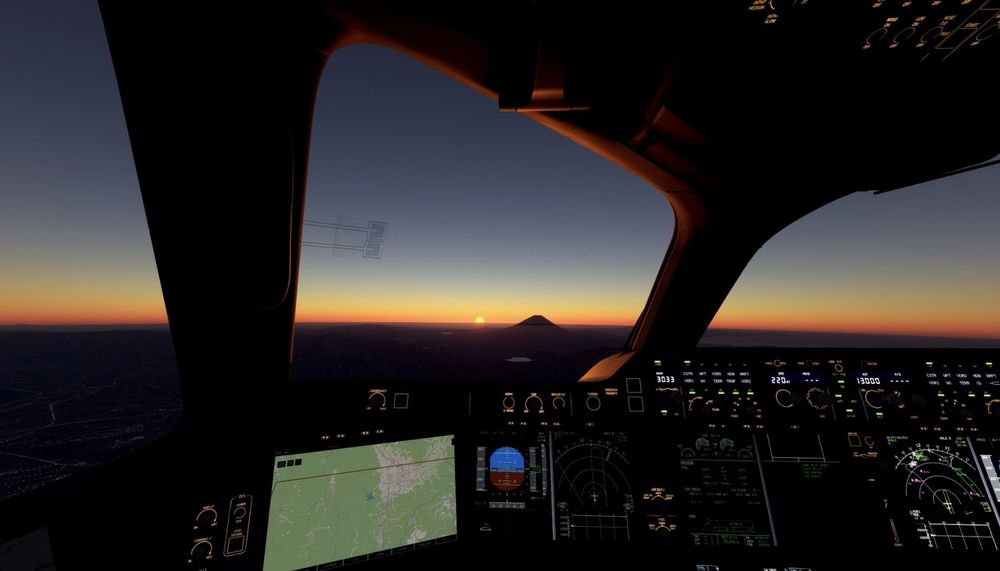
My last flight of 2025, so I took an early New Year’s first sunrise flight 😆 I’ve made a trailer for my first sunrise flight.
 777 777 started following No CTD occurred even during a long flight. , "I bought the iniBuilds A340 and Heathrow Airport." , Just completed my last flight of 2025 🛬 and 1 otherI was able to complete a long-haul flight from Helsinki to Tokyo without any crashes. Everything worked very smoothly. Thank you for the great work on improving stability and performance! 😀💯 "I accidentally uploaded the file to the downloads section, so I’ve reposted it."😆


