




Bondislacker
Member
-
Joined
-
Last visited
Everything posted by Bondislacker
-
I really wish Inibuilds would at least acknowledge the bugs I report. I’m not a beta tester, and it’s annoying to get zero feedback.
-
Hi inibuilds, The new cabin lighting looks awful. Could you please revert back to the previous iteration? A350 ULR cabin lighting before the update: A350 ULR cabin lighting after the update: Thanks
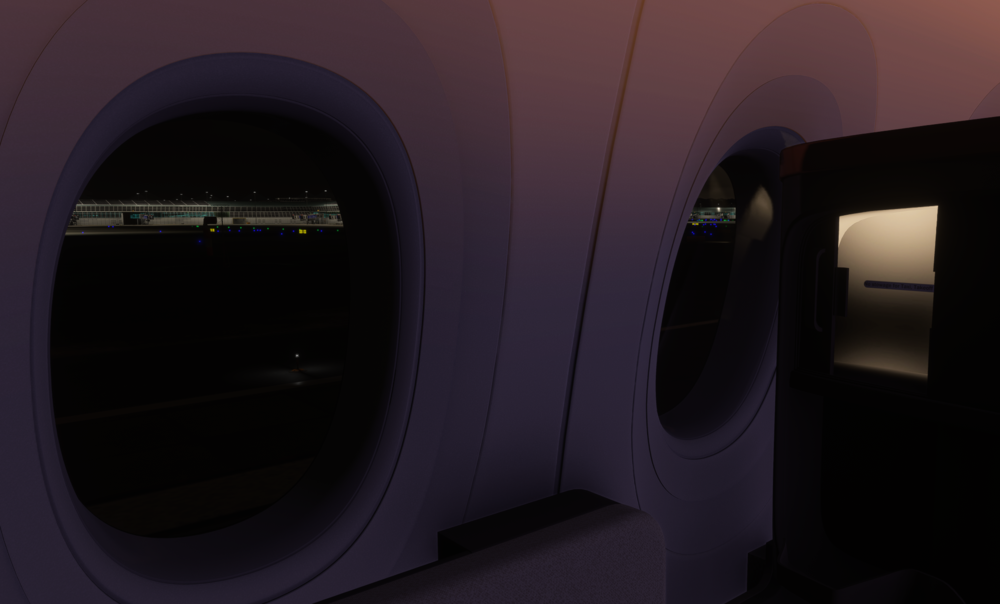
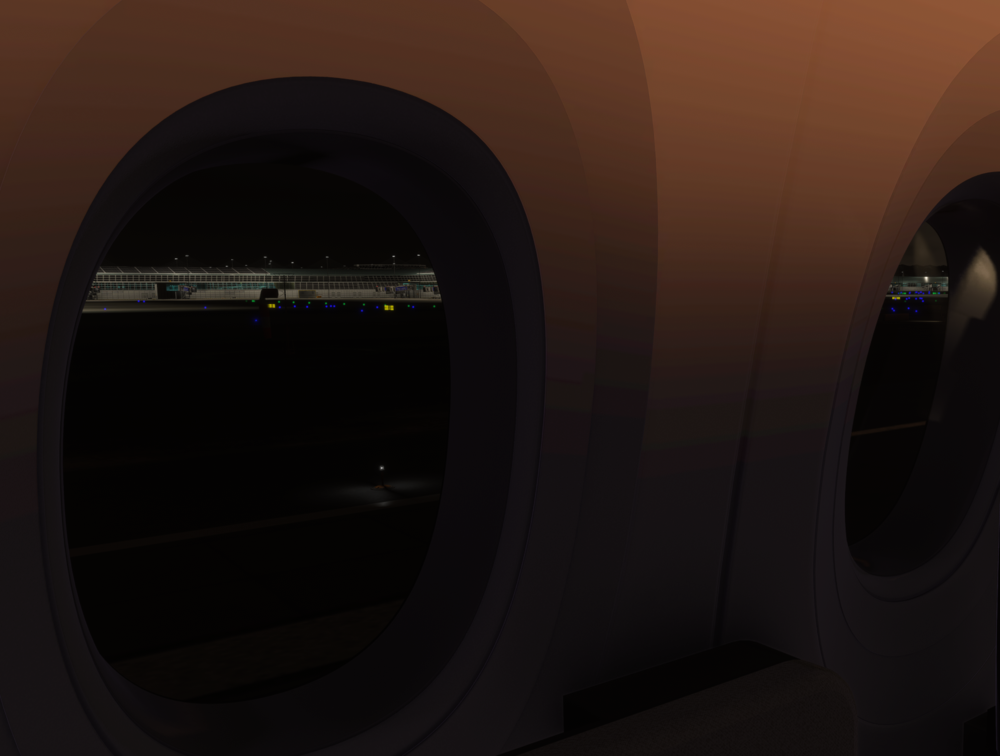
-
Given the silence, is it fair to say this is off the cards?
-
@Eddie Have the developers indicated whether this might be implemented in the future? I would have thought an option to turn the lights off would make sense - especially since they implemented it in the ULR (albeit by mistake 😆).
-
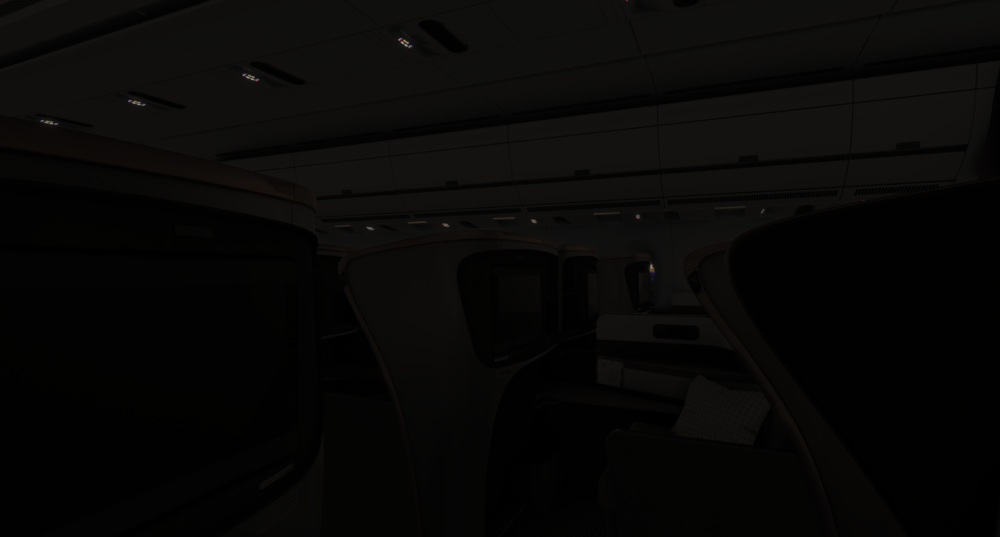
Hi @Eddie, Thanks for that. Today I was playing around with the A350ULR and noticed that the default lighting condition is dark (see picture). It looks really good and feels very realistic for a night flight. Would it be possible to replicate this dark mode in the other A350 models? Incidentally, when I try to change the lighting settings in the ULR via the FAP, I can’t seem to revert back to that original dark mode, so I suspect it might actually be a bug rather than an intentional feature. That said, it’s exactly this lighting setup that I’d love to see across all variants.
-
Hi Inibuilds team, One thing I’ve noticed is that even at the lowest dim setting, the cabin lights are still far too bright, especially during night flights. It would be great to have the option to turn off the cabin lights completely, or at least reduce them significantly more than is currently possible. Right now, there’s still noticeable light reflecting off the window panels, which really takes away from immersion, especially when flying at night or from the passenger view. Would you consider adding a proper "lights off" option in a future update? Thanks


