Skip to content
View in the app

A better way to browse. Learn more.

iniBuilds Forum

A full-screen app on your home screen with push notifications, badges and more.

To install this app on iOS and iPadOS
  1. Tap the Share icon in Safari
  2. Scroll the menu and tap Add to Home Screen.
  3. Tap Add in the top-right corner.
To install this app on Android
  1. Tap the 3-dot menu (⋮) in the top-right corner of the browser.
  2. Tap Add to Home screen or Install app.
  3. Confirm by tapping Install.

DaveDoes3d

Member
  • Joined

  • Last visited

Everything posted by DaveDoes3d

  1. Thank you for the workaround... That works great for now!
  2. DaveDoes3d posted a topic in Other
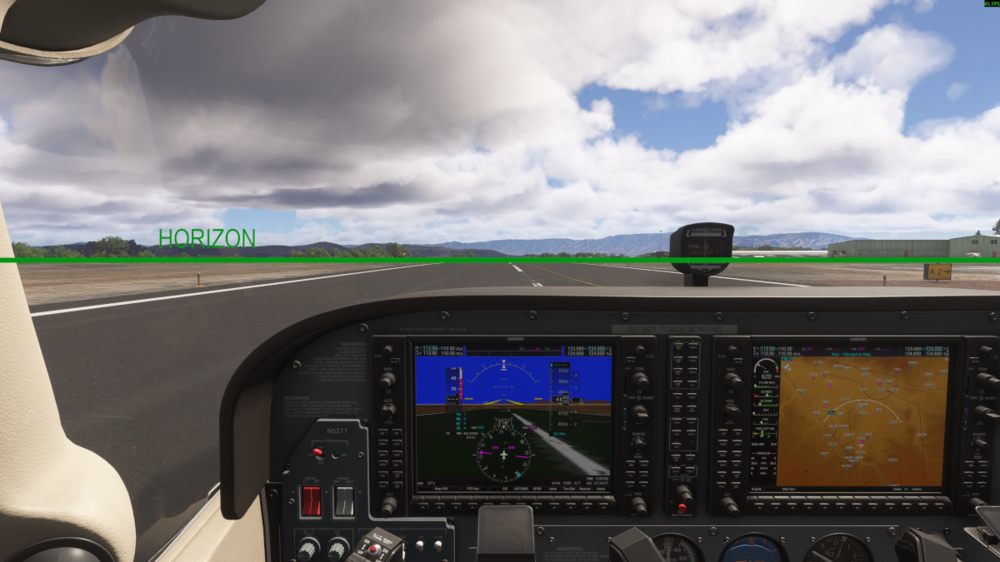
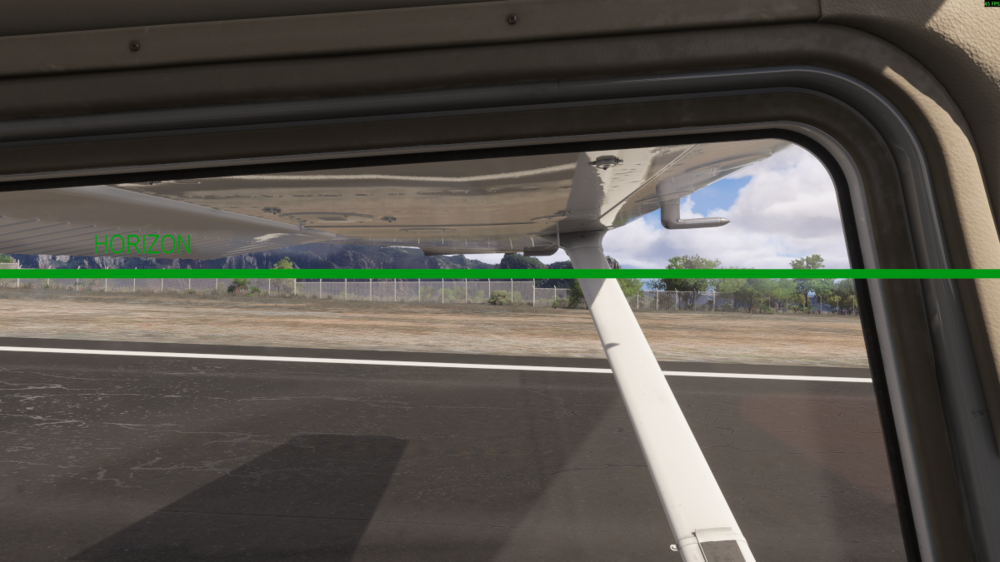
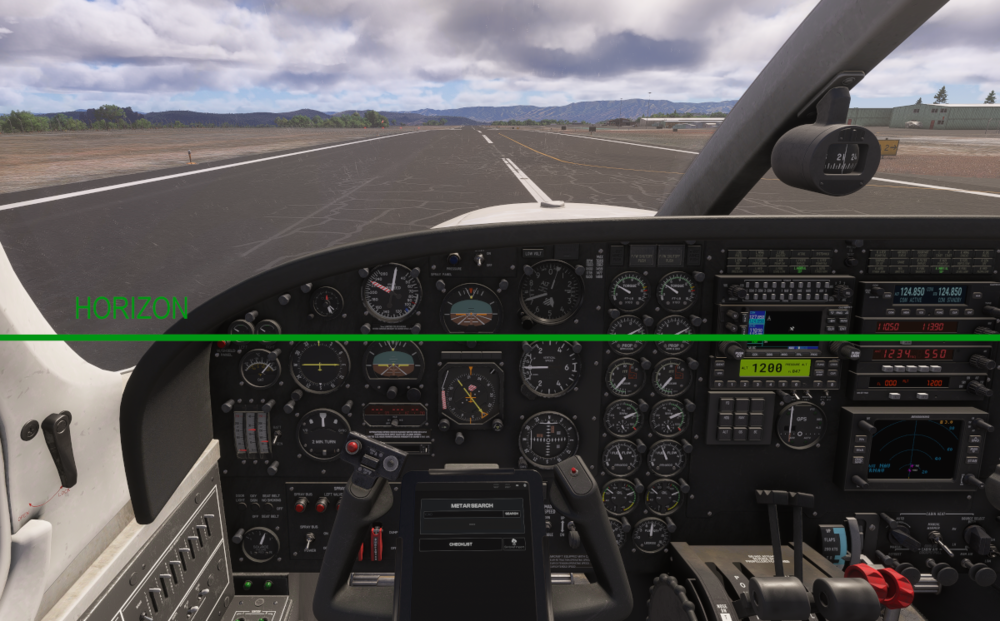
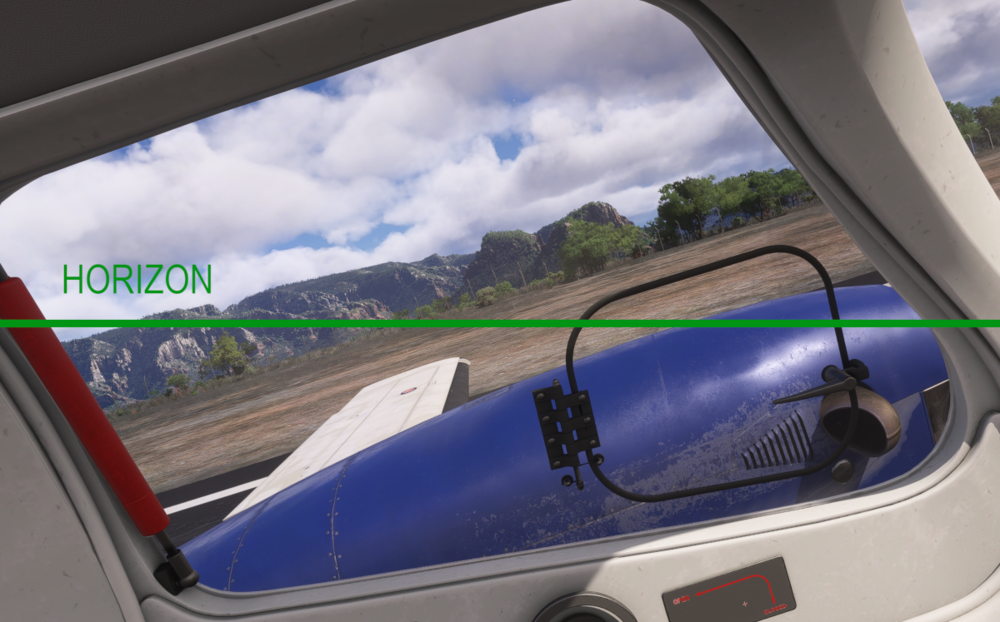
    I'm having an issue with the default view in the F406. When I launch VR mode and try to set the view by looking forward and hitting the Shift key... The center of my VR headset lines up with the green line below. It's like the default camera angle is set to look down at an angle. This is the only plane I've had this problem with in VR. If I set the view and then turn my head the left in VR... this is what my view looks like out the side window: For a comparison... this is what the default VR views look like in the 172 Skyhawk: Does anybody know how I can fix this problem with the F406?? It's unflyable in VR in it's current state.
Account

Navigation

Configure browser push notifications

Chrome (Android)
  1. Tap the lock icon next to the address bar.
  2. Tap Permissions → Notifications.
  3. Adjust your preference.
Chrome (Desktop)
  1. Click the padlock icon in the address bar.
  2. Select Site settings.
  3. Find Notifications and adjust your preference.