Skip to content
View in the app

A better way to browse. Learn more.

iniBuilds Forum

A full-screen app on your home screen with push notifications, badges and more.

To install this app on iOS and iPadOS
  1. Tap the Share icon in Safari
  2. Scroll the menu and tap Add to Home Screen.
  3. Tap Add in the top-right corner.
To install this app on Android
  1. Tap the 3-dot menu (⋮) in the top-right corner of the browser.
  2. Tap Add to Home screen or Install app.
  3. Confirm by tapping Install.

jf96g

Member
  • Joined

  • Last visited

  1. jf96g replied to LukeFF's topic in Other
    Yeah, but when you pay for the premium version but still have to use the compatible something is wrong...
  2. jf96g replied to LukeFF's topic in Other
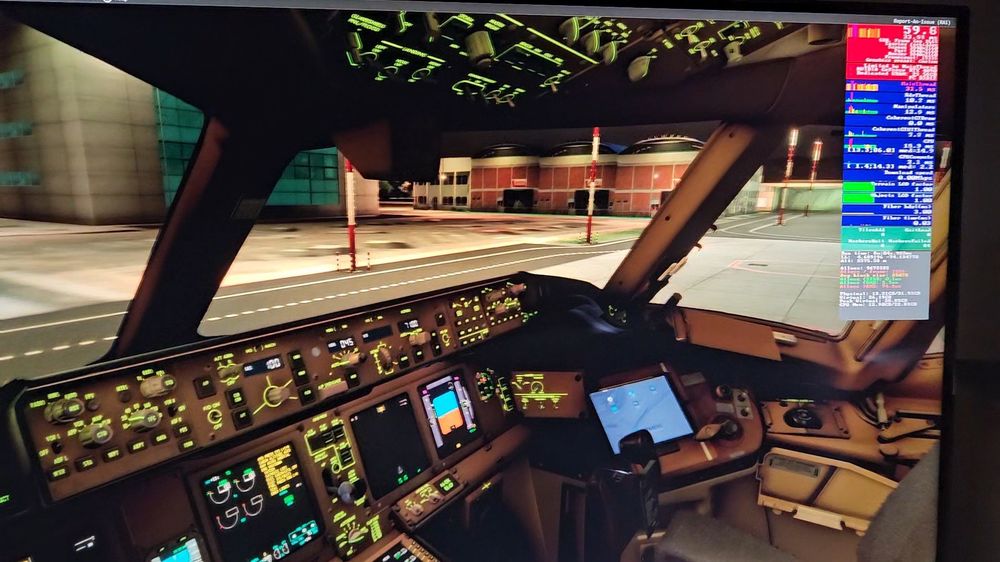
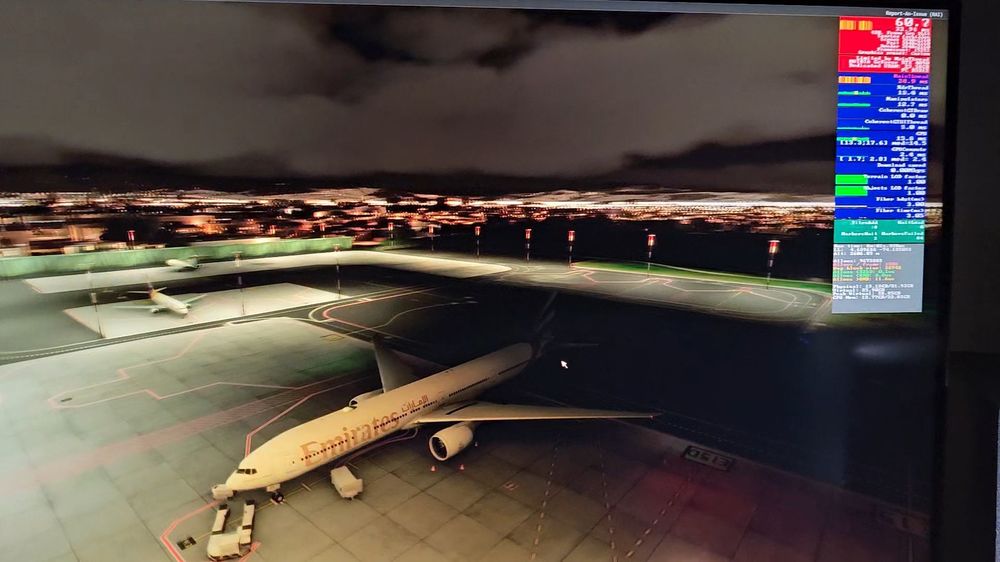
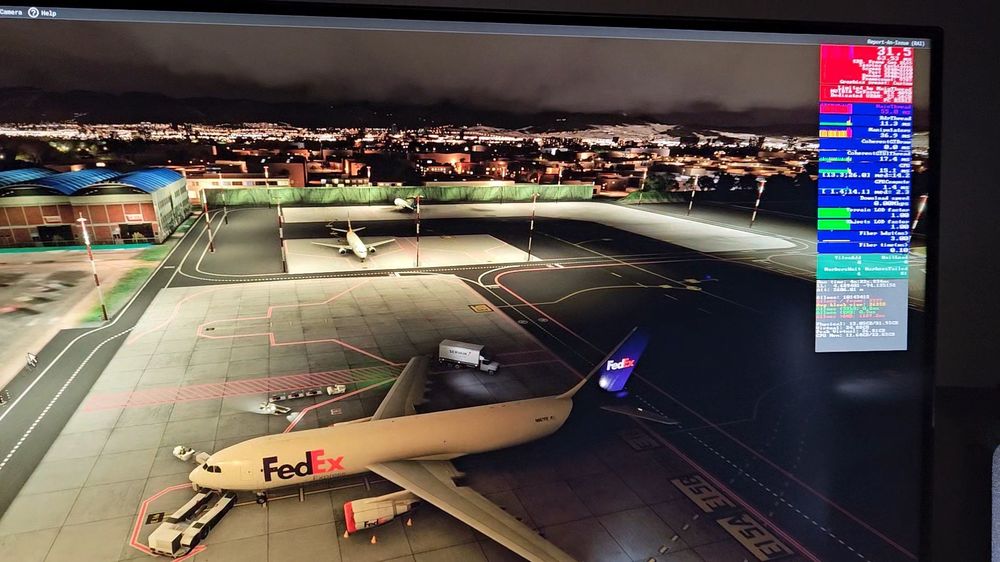
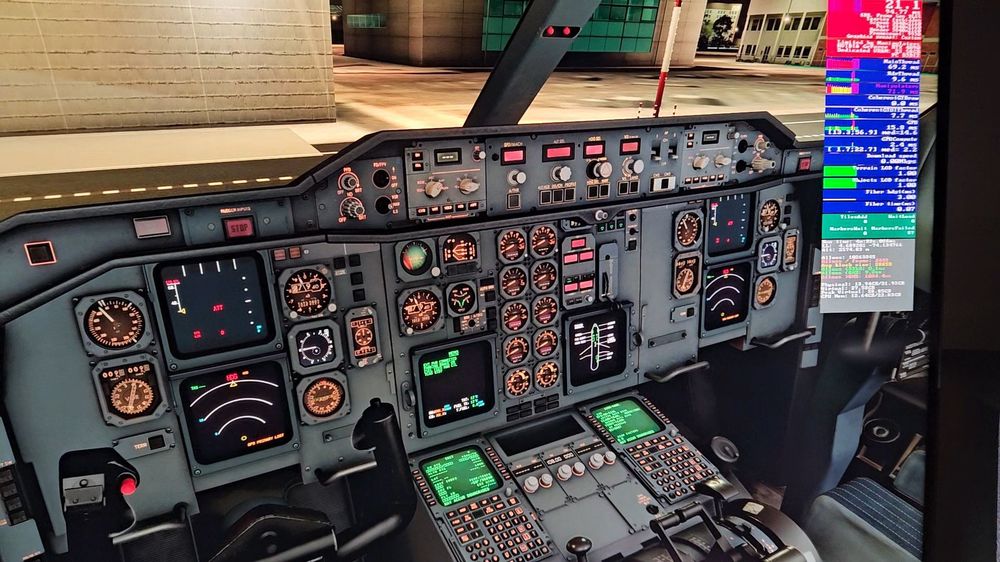
    I bought the premium version today, and when I get inside the cockpit of the A300 cargo variant I get terrible fps (around 20fps) until the point my sim crashes. I have an RTX 4090 paired with a Ryzen 7 5800x and 32gb of ram. In the PMDG 777 or any other aircraft officially released for fs2024 I am getting 55fps + easily. Anyone still having the same problem? Any solutions? Here are examples of the differences in fps I get using the A300 and the PMDG 777 in exactly the same scenario. No external apps are running, no auto fps or dynamic lod nor anything. Just the sim.
Account

Navigation

Configure browser push notifications

Chrome (Android)
  1. Tap the lock icon next to the address bar.
  2. Tap Permissions → Notifications.
  3. Adjust your preference.
Chrome (Desktop)
  1. Click the padlock icon in the address bar.
  2. Select Site settings.
  3. Find Notifications and adjust your preference.