FTee
Member
-
Joined
-
Last visited
Everything posted by FTee
-
After the release of SU3, this issue still exists
-
I can confirm that after the release of SU3 this issue still remains.
-
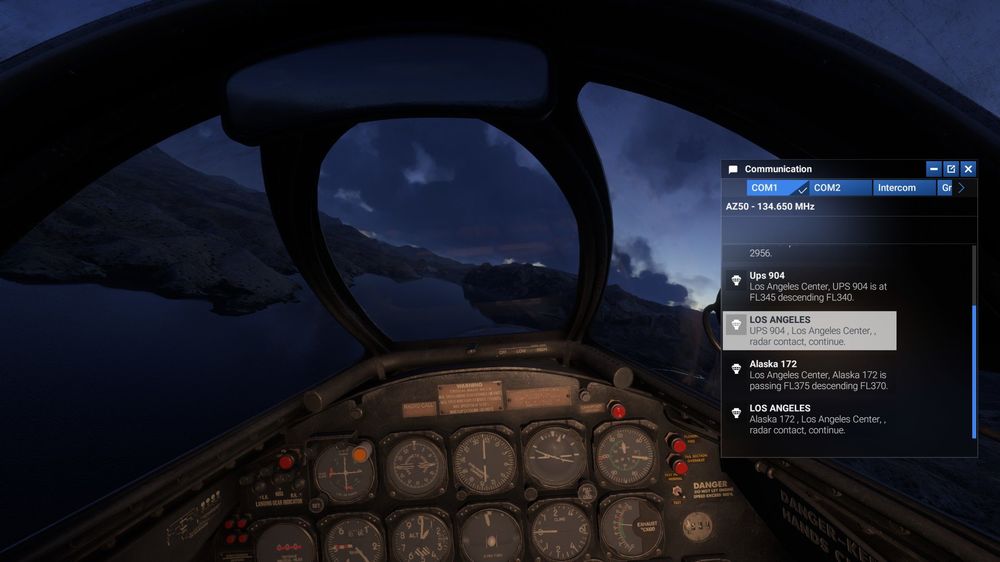
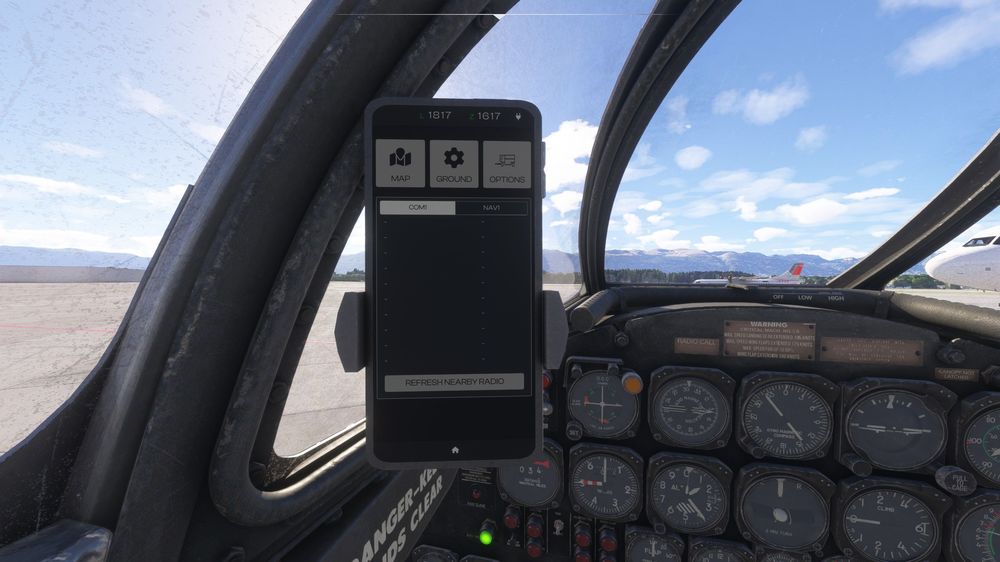
I experience the missing canopy in the beta so I'm going to assume this issue is also related, but I'm having issues with the radio not working in the T-33. I am unable to communicate with anything that isn't ATIS with the plane, if I try and tune to say a tower frequency either with the tablet by setting or manually I do not get any option to communicate with ATC, but I can hear them communicating with other planes. I also get no frequencies displayed in the phone if I have that displayed so I'm not sure if this is linked. See below for a video example https://imgur.com/a/ISgx9Kf It's a great plane and I'm having fun with it but I think the SU3 beta may have broken the radios. Please let me know if you need anything from me to reproduce the issue.