



Skip to content
View in the app

A better way to browse. Learn more.

iniBuilds Forum

A full-screen app on your home screen with push notifications, badges and more.

To install this app on iOS and iPadOS
  1. Tap the Share icon in Safari
  2. Scroll the menu and tap Add to Home Screen.
  3. Tap Add in the top-right corner.
To install this app on Android
  1. Tap the 3-dot menu (⋮) in the top-right corner of the browser.
  2. Tap Add to Home screen or Install app.
  3. Confirm by tapping Install.

robysax68

Member
  • Joined

  • Last visited

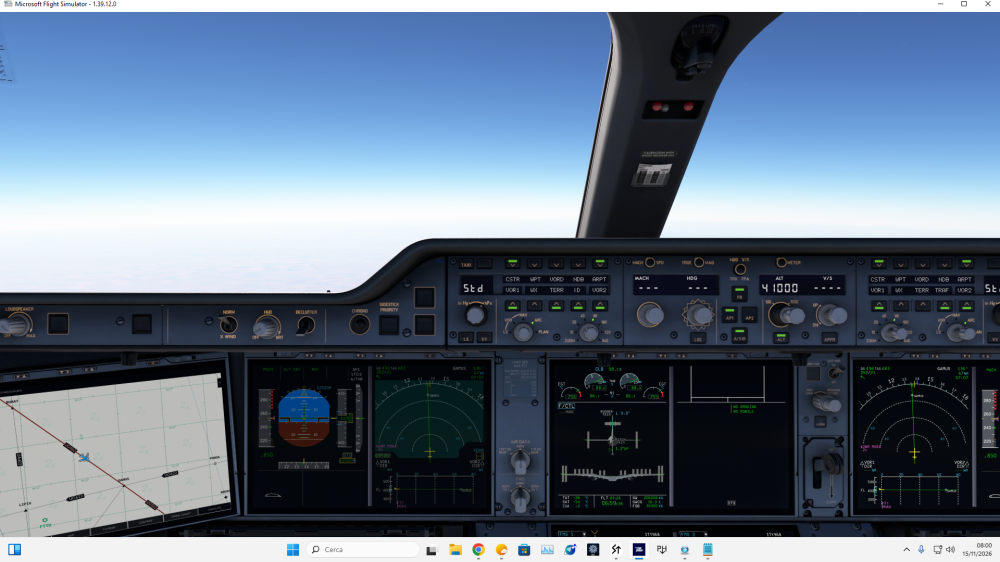
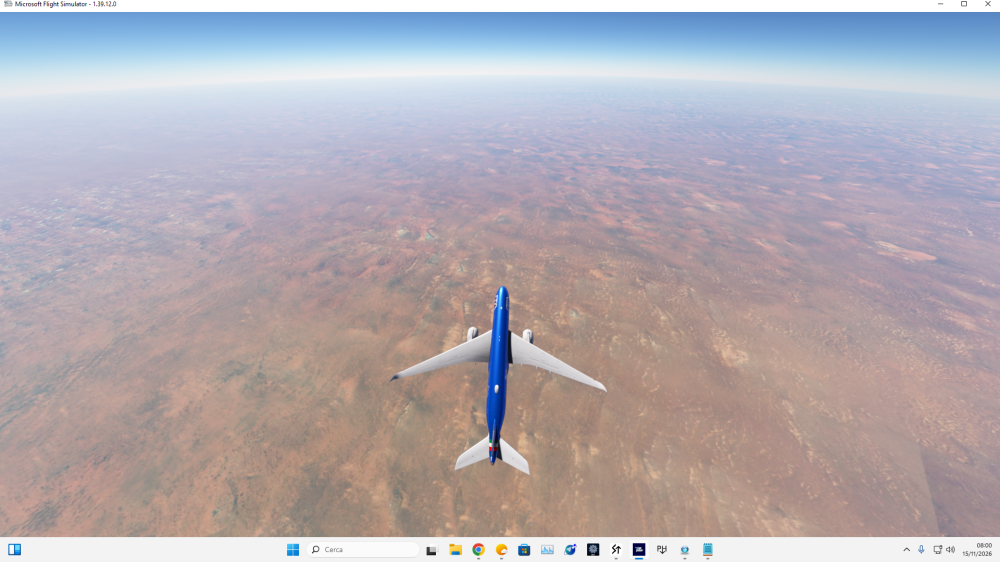
  1. HELLO I installed the A350 3th november 2026 , so this is a fresh install on the latest version.A350-900, MSFS 2020 v1.39.12. The EFB map shows only blue sea over North Africa. Airways and the aircraft track update normally, and the ND terrain display (TERR) shows terrain correctly, so the sim terrain is loaded. Sometimes the EFB map shows terrain correctly, sometimes not. Anyone else seeing this?
Account

Navigation

Configure browser push notifications

Chrome (Android)
  1. Tap the lock icon next to the address bar.
  2. Tap Permissions → Notifications.
  3. Adjust your preference.
Chrome (Desktop)
  1. Click the padlock icon in the address bar.
  2. Select Site settings.
  3. Find Notifications and adjust your preference.