




JoJo64
Member
-
Joined
-
Last visited
-
Problem solved. Thanks for your help.
-
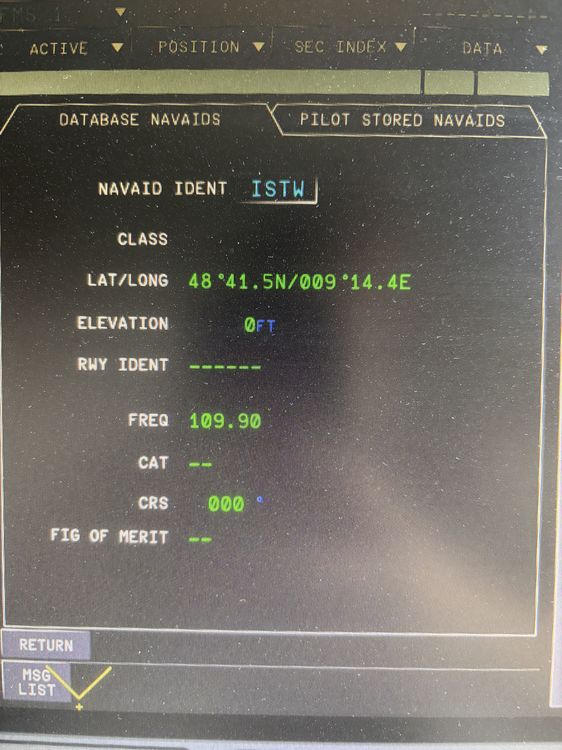
It can't find the runway. I've tested it with all charts, though. I've also reset the WASM folder.
-
The Wasm folder isn't anywhere. I've looked everywhere, but it's nowhere. And the screenshot was just an example to explain it better.
-
These files aren't there for me. I'll try reinstalling the A350.
-
The problem occurs with all ILS landings, even those where I have no scenery. Unfortunately it didn't change anything when I switched by 3rd Party.
-
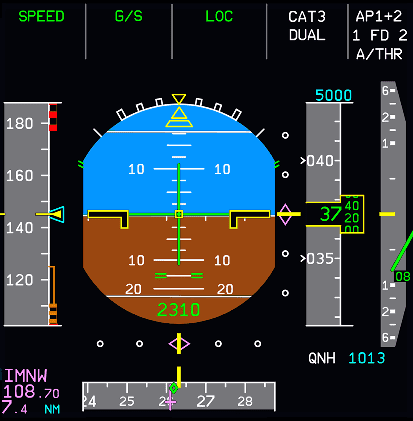
For example, I see the 108.7 ILS frequency in the bottom left corner and this is also in the onboard computer but I do not see the NM number there and when I turn on Loc and Approach mode I do not see any Glide Slope
-
I've been having this problem since the second-to-last update. My ILS frequency is correct and everything is set as usual, but the aircraft isn't receiving it. And the correct frequency is even listed on the left, but it doesn't work. Does anyone have any ideas or can help me? Thanks.

