



Skip to content
View in the app

A better way to browse. Learn more.

iniBuilds Forum

A full-screen app on your home screen with push notifications, badges and more.

To install this app on iOS and iPadOS
  1. Tap the Share icon in Safari
  2. Scroll the menu and tap Add to Home Screen.
  3. Tap Add in the top-right corner.
To install this app on Android
  1. Tap the 3-dot menu (⋮) in the top-right corner of the browser.
  2. Tap Add to Home screen or Install app.
  3. Confirm by tapping Install.

Patrick Cole

Member
  • Joined

  • Last visited

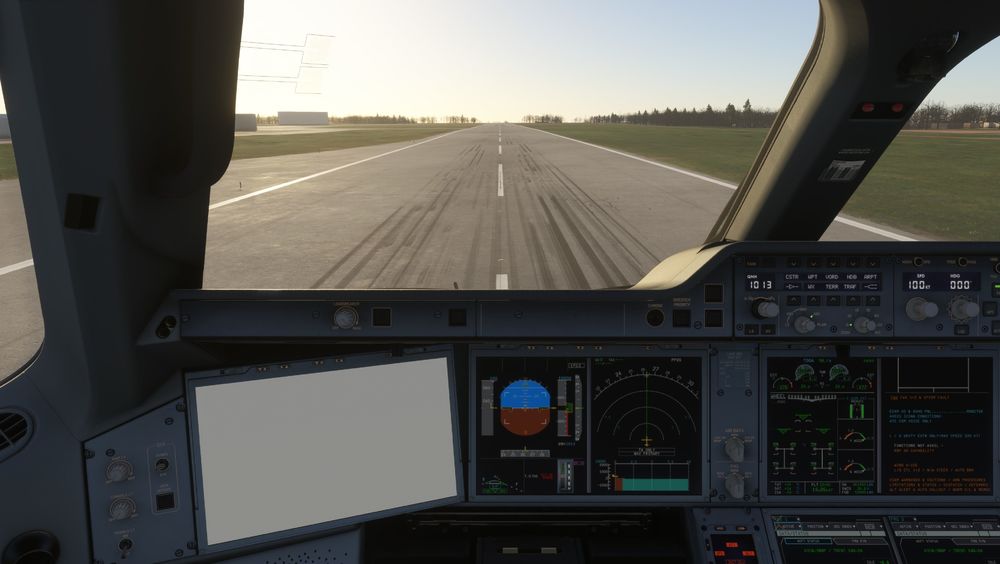
  1. Mine won't even start in 2024. Takes forever to get to start flight screen then comes up with OIS error on the EFB then freezes. I have uninstalled 5 times, cleared the WASM and deleted every file I can find for A350 before the latest reinstall, but still exactly the same. It seems to work in 2020, but the whole purpose of the purchase was to have a decent aircraft in 2024. Not happy. I have wasted an awful lot of time with this and am considering asking for a refund unless someone can come up with a fix.
Account

Navigation

Configure browser push notifications

Chrome (Android)
  1. Tap the lock icon next to the address bar.
  2. Tap Permissions → Notifications.
  3. Adjust your preference.
Chrome (Desktop)
  1. Click the padlock icon in the address bar.
  2. Select Site settings.
  3. Find Notifications and adjust your preference.