Rithy
Member
-
Joined
-
Last visited
Everything posted by Rithy
-
-
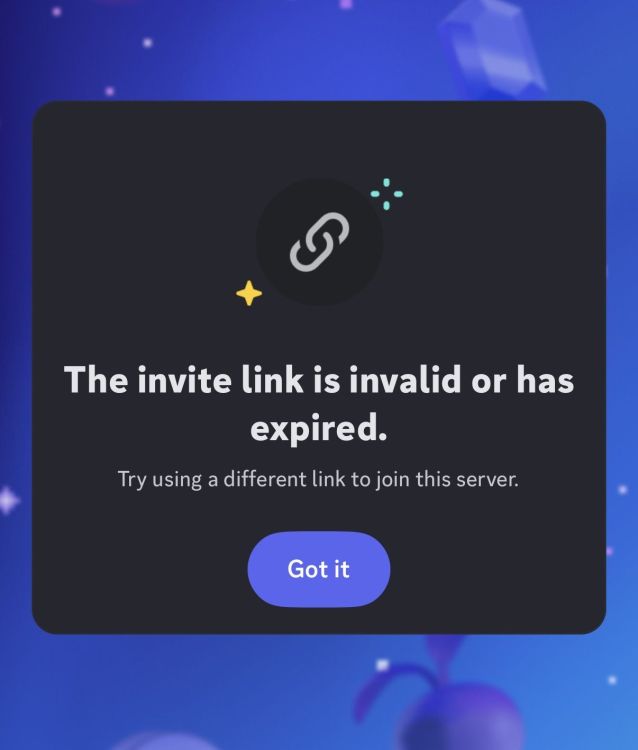
Hello inibuilds team, I hope you’re doing well. I’m writing to respectfully ask if you would reconsider the ban on my Discord account (rithr#5323) When I contacted support, I was told the reason for the ban was “misuse of your account.” I genuinely don’t understand what that means, and I would really appreciate some clarification. I am not in any piracy servers or anything like that and it seems unfair to me that I was removed without any warning The only thing I can think of is that I made a post about “A350 nose gear too stiff” that was removed. I reposted it because I wasn’t sure why it had been taken down and thought it may have been removed by mistake. I’ve been a member of the server for over a year and have always enjoyed being part of the community. I purchased A350 for nearly $100 on release and have only tried to contribute by reporting bugs, suggesting improvements, and participating in discussions If I made a mistake, (which I don’t know what it is) I take responsibility for it. I only ask that you consider the context and understand that there was no malicious intent behind my actions. I would be very grateful for the opportunity to rejoin the community. Even if the ban cannot be lifted, I would greatly appreciate a clearer explanation of what “misuse of your account” specifically refers to so I can understand what happened. Thank you
-
-
-
Hi, It’s mentioned in the original post But it’s rithr#5323
-
@IniJamir can you please help? I contacted your support twice and they said they’d reach out to me after they’re back after FS weekend or something but no reply. I’ve done nothing but make posts and give suggestions and the occasional argument about the addon but idk why I got kicked
-
Can someone help? I’ve contacted IniBuilds two times now to no resolution
-
-
Someone please help?
-
No im not in any of those kind of servers. Also I only give constructive feedback and I make posts in the community about the problems they can fix or improve. So most likely their egos got hurt. Really poor. I paid nearly $100 just for them to not acknowledge my posts but instead get offended and block me.
-
just today the IniBuilds discord server was unadded from my server list I think they removed me but not sure what I did please help. I have bought your a350 product a long time ago and haven’t had issues with the server Me username is rithr#5323