gdj74
Member
-
Joined
-
Last visited
Everything posted by gdj74
-
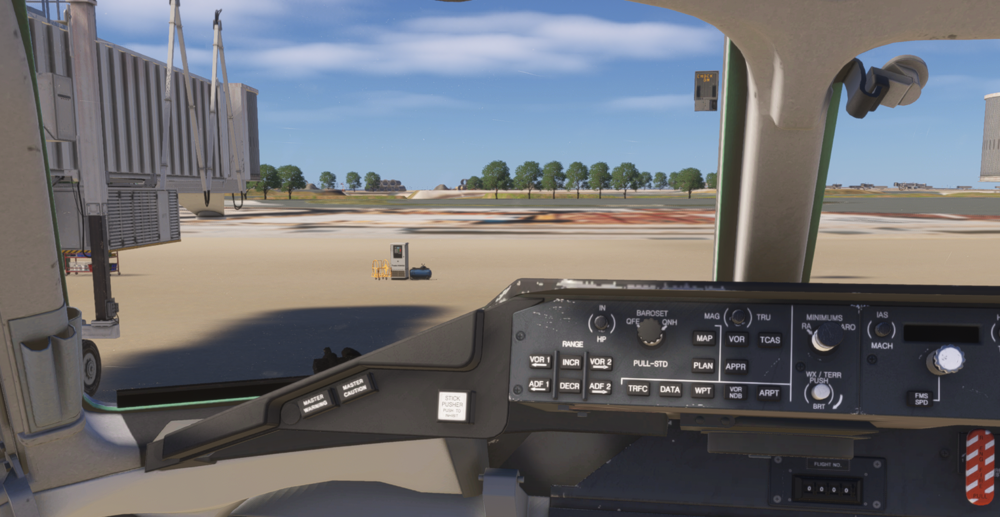
Hello all On recent flight the INS managed to bork itself so attempted to revert to VOR. I changed the switch on the captains side cockpit from INS to radio but while it seemed the HSI needle was tracking the station, the DME itself was frozen on 12.5. The DMEs on the RMIs did seem to track. Had DME set to on with the nav radio (both nav 1+2). Scoured the manual just to confirm it wasn’t user error but couldn’t find anything I might have missed. Hopefully someone else knows where I screwed up. As mentioned this is on 1.0.5
-
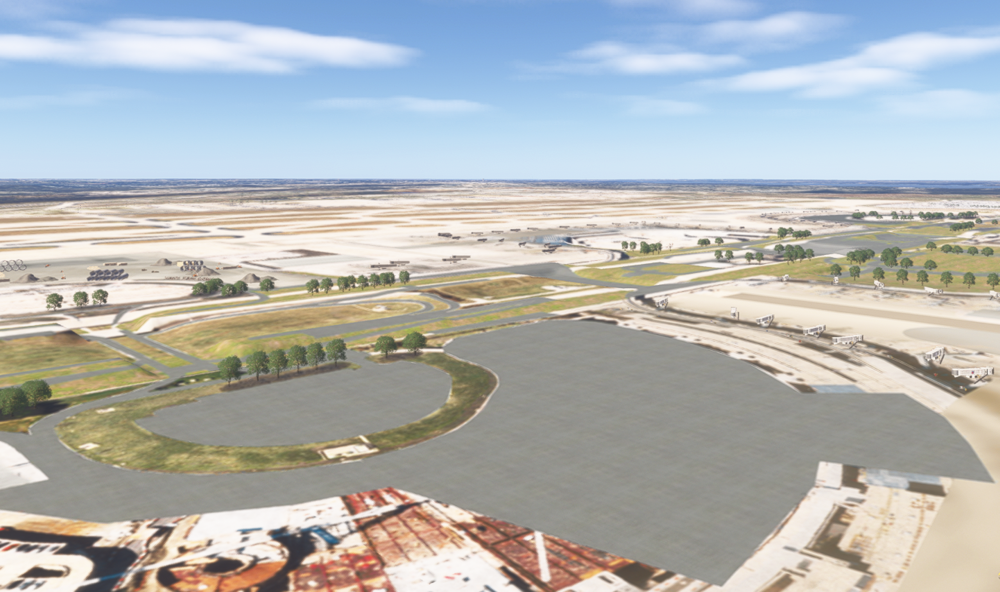
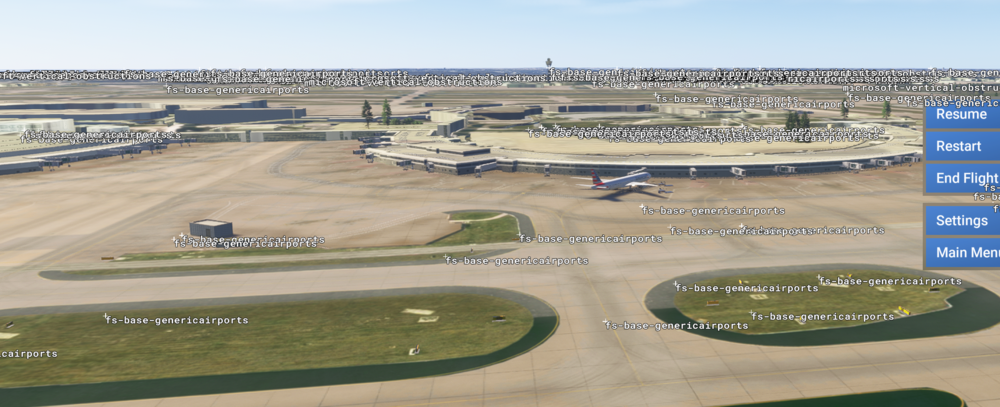
So, sorry I didn't get to you before I got to me. I figured out that as usual, I'm an idiot. I had unfortunately disabled in FS24 this scenery (in addition to the world update scenery All working now, and it looks beautiful!!
-
So...uninstalled and reinstalled Disabled KDFW out of world update II Still getting this... Appreciate any thoughts on how to get it to load (swear it loaded fine right when I purchased the day it came out) GJ