




Jonathan Lee
Member
-
Joined
-
Last visited
-
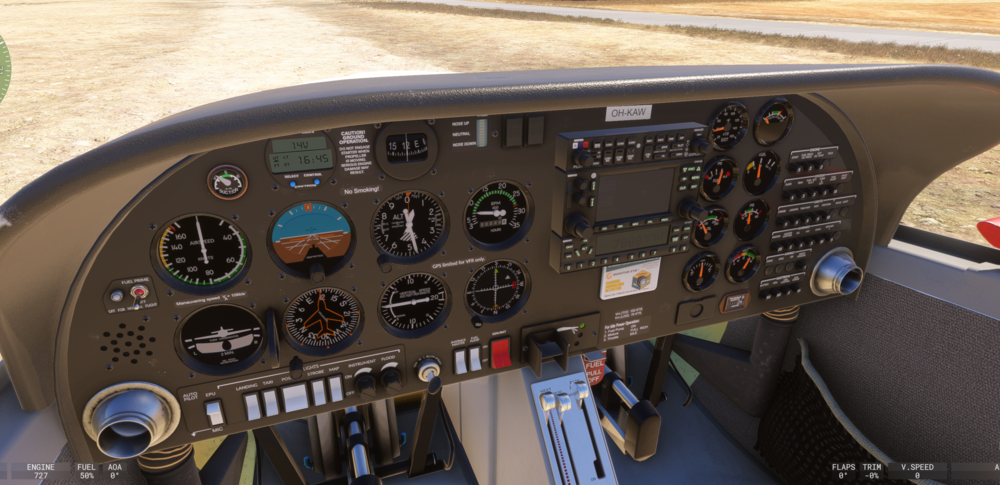
Here you can see that the flood lights and instrument lights are turned all he way up. But the Garmin 430 and Transponder screens are still very very faint. After another test I found the radial encoder was working... Maybe I was in another mode or aircraft.
-
It looks like the issue with the Trim Indicator light (backlight) not working correctly is present in MSFS 2024. A similar issue seems to now be affecting the Garmin 430 and Transponder units in MSFS. 2024... The Radial Encoder to set the frequency for COM/NAV also does not seem to be working. It would also be nice to get the Tooltip to appear correctly for when you are setting the altimeter. I fly VR, but these issues are also present in non-VR. It would be nice to get this issue resolved for both builds.
-
Still no fix for the Trim Indicator Light...Enough time has passed for the model to be updated with a post-it note that says "INOP"
