Mogas
Member
-
Joined
-
Last visited
-
Hi again! Thanks for the assistance! It seems to have been something relating to the auto rudder or auto aileron. Seams like MSFS automatically activated those features in some update and I didn't notice. After turning all of those functions off it now seems to be working correctly again! Again, thank you for the great support!
-
Hi! I can confirm it still happens without my hardware plugged in. I have also checked and deleted any rogue trim/axis binds. I would not suspect a hardware issue as all other planes fly well in my sim.
-
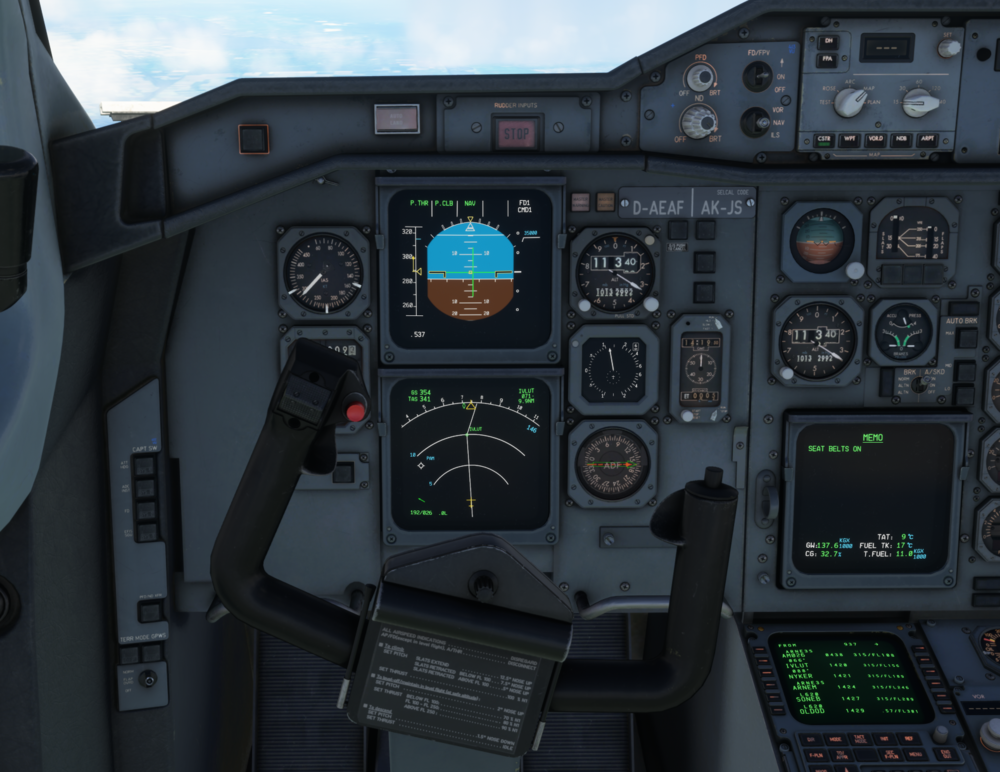
Hello! First I must say I enjoy flying the A300! However after the last couple of updates (can't pinpoint which one as I have been away for a few months) the aircraft is acting weird when flying on straight legs. It has constant Airlenon input to keep flying straight, it also alternates between left and right aileron. I have checked the rudder and it's centered. I have also reinstalled the aircraft and it is still there. Any input would be nice! (attached picture of the constant aileron input)