jaya
Member
-
Joined
-
Last visited
Everything posted by jaya
-
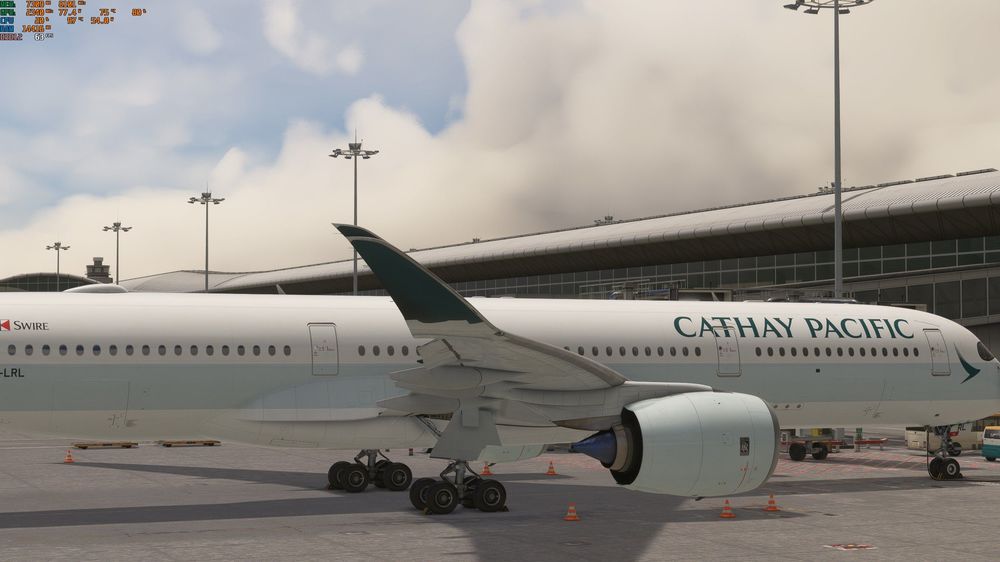
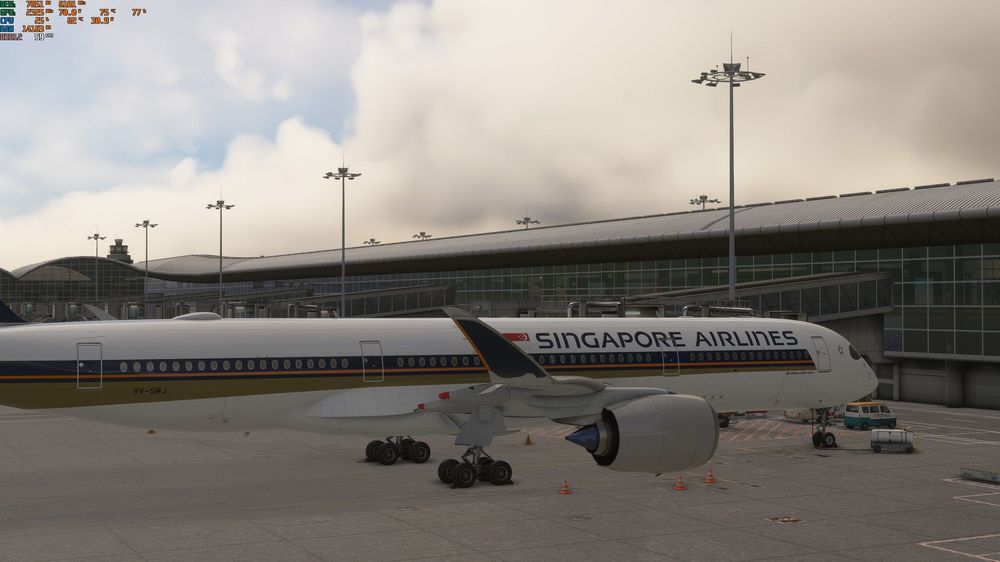
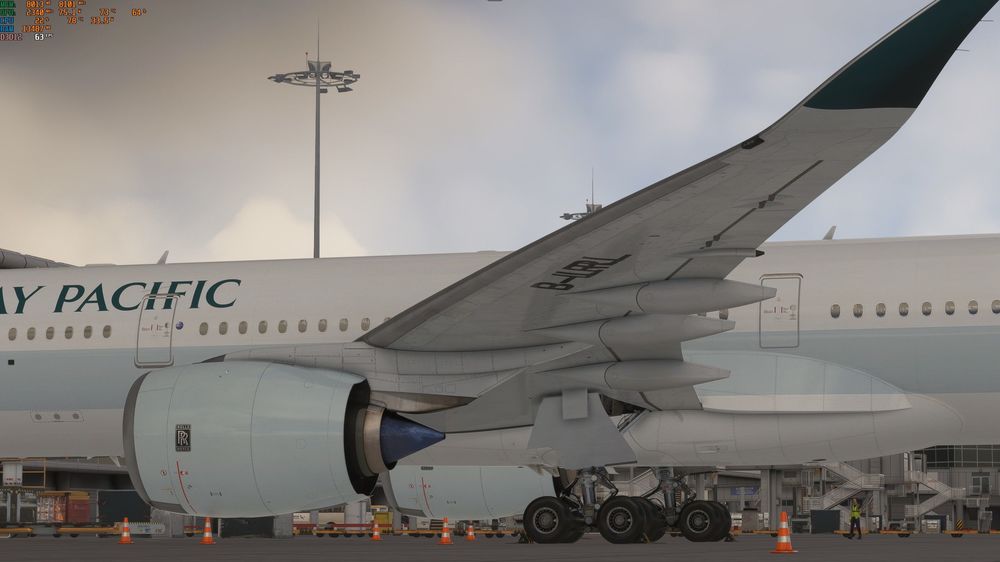
Issue 1: Right winglet geometry overlap on the Long Sharklet variant When loading the A350-900 with the Long Sharklet exterior configuration selected, the right-side sharklet exhibits a visible geometry overlap — two surfaces are rendering through one another. The left sharklet appears correctly rendered. This is consistently reproducible at every airport and in every lighting condition I have tested. The issue is exclusive to the right winglet and to the Long Sharklet option; the standard configuration does not appear affected. Issue 2: Registration text overlap on the official Cathay Pacific livery The official Cathay Pacific livery downloaded through iniManager has a registration text rendering issue on the underside of the left wing. The registration characters are visibly doubled/overlapping rather than rendering as a clean single layer. As shown in the attached screenshot, the aircraft registration on the left wing underside appears to have two offset instances of the same text drawn on top of each other.