



Skip to content
View in the app

A better way to browse. Learn more.

iniBuilds Forum

A full-screen app on your home screen with push notifications, badges and more.

To install this app on iOS and iPadOS
  1. Tap the Share icon in Safari
  2. Scroll the menu and tap Add to Home Screen.
  3. Tap Add in the top-right corner.
To install this app on Android
  1. Tap the 3-dot menu (⋮) in the top-right corner of the browser.
  2. Tap Add to Home screen or Install app.
  3. Confirm by tapping Install.

Emerson Battle

Member
  • Joined

  • Last visited

  1. For anyone also experiencing this problem... the iniBulds support team provided my answer. You need to ensure the livery itself is also updated. I'm good to go now. Happy Flying!
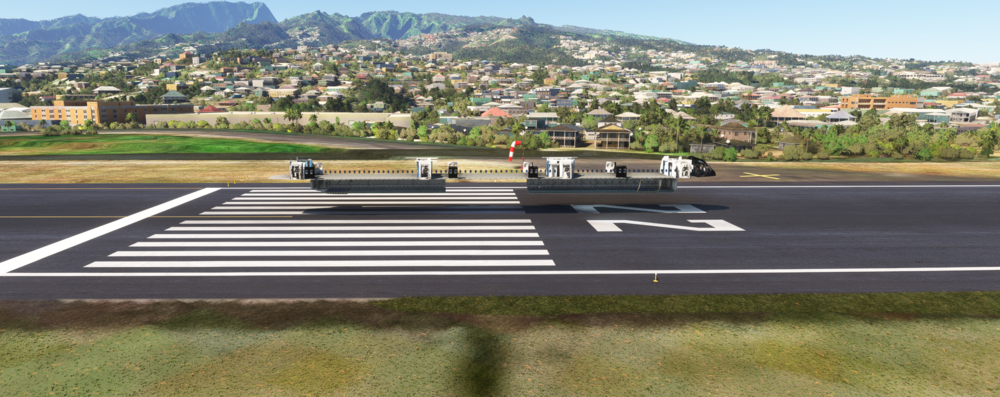
  2. iniBuilds Team, Please Help! I cannot get anything to display properly. I've tried clearing WASM and updating, clearing WASM, uninstalling, and reinstalling, all of the above with power cycles in between.... nothing helps. Can someone point me towards a resolution? Thank you, Emerson
Account

Navigation

Configure browser push notifications

Chrome (Android)
  1. Tap the lock icon next to the address bar.
  2. Tap Permissions → Notifications.
  3. Adjust your preference.
Chrome (Desktop)
  1. Click the padlock icon in the address bar.
  2. Select Site settings.
  3. Find Notifications and adjust your preference.