Vicky Gween
Member
-
Joined
-
Last visited
-
Hi. Yes, they released v1.0.5 on September 22nd which fixes this issue.
-
Thank you for this information. I opened a ticket at Inibuilds for this problem, after some verification, it's in the hands of the developers. Hoping for an update soon. That said, if you still want to make a flight with this aircraft and have the speed data, you must launch the flight from the runway with the aircraft already started. (on MSFS 2024)
-
Yes, but I'm flying in the summer over Vancouver, and it doesn't even work from the ground.
-
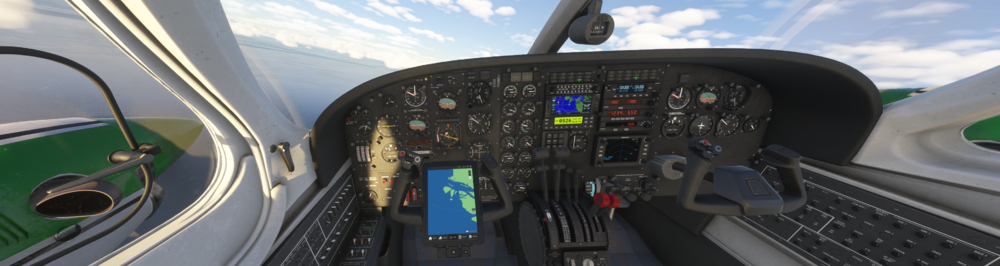
I haven't flown the F406 in a while, and I've been testing it again since the last update from the previous days. Once the engines are started and everything else is, after carefully following the checklist (including the outside walk before start), everything works, except the instrument that displays the aircraft's speed, which stays at zero. I don't know if I'm forgetting something or if it's a bug. Note: I did remove the socks from the 2 pitot tubes. Is anyone else having this problem, too? Where did you find out about this problem?