bilookhan
-
Posts
6 -
Joined
-
Last visited
bilookhan's Achievements
0
Reputation
-
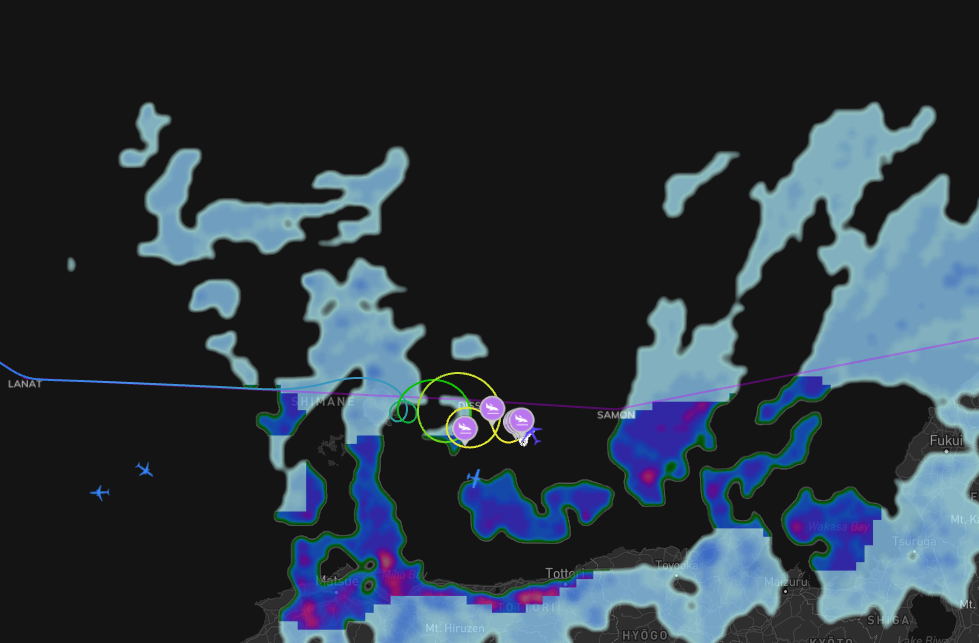
Anyway I managed to carry out my flight from RKSI to KDTW and got myself to cruise level. When I returned after 6 hrs of sleep I found this: I have so many questions but I dont know where to begin investigating lol BTW, there is no wasm as all buttons are clickable nothing seems frozen.

-
ok I think I seem to figure out the culprit. After each clean install or before starting up sim I would delete wasm folders. This time I kept wasm files and folders and the problem seems to have resolved.
-
Hi I have tried multiple clean reinstalls and tried different liviries but I am getting the same weird cockpit screen displays. I am using MSFS 2024 Delta livery. Custom cabins are uninstalled. Using default cabin. BTW earlier I had custom cabins installed and that had my cockpit missing altogether. I am not sure if the custom cabins have messed up some hidden files that I am unaware of. The version in use is v1.2.0 If anyone can help I would really appreciate it. Thank you
-
I am having the same issue. Its been going on with v1.1.5 and now with v1.1.6. Its not wasm error. Aircraft: A350-900 Simulator: FS2024 Navdata: Navigraph OFP: included Specs: CPU: Intel i5-13400, RTX 3060 Ti, 32gb RAM Autosave: Included I have also included screenshot of the error in console window 1760055156.bin WSSSLTFM_PDF_1760041392.pdf