Skip to content
View in the app

A better way to browse. Learn more.

iniBuilds Forum

A full-screen app on your home screen with push notifications, badges and more.

To install this app on iOS and iPadOS
  1. Tap the Share icon in Safari
  2. Scroll the menu and tap Add to Home Screen.
  3. Tap Add in the top-right corner.
To install this app on Android
  1. Tap the 3-dot menu (⋮) in the top-right corner of the browser.
  2. Tap Add to Home screen or Install app.
  3. Confirm by tapping Install.

ibou nass

Member
  • Joined

  • Last visited

  1. Hope they fix it in a coming update
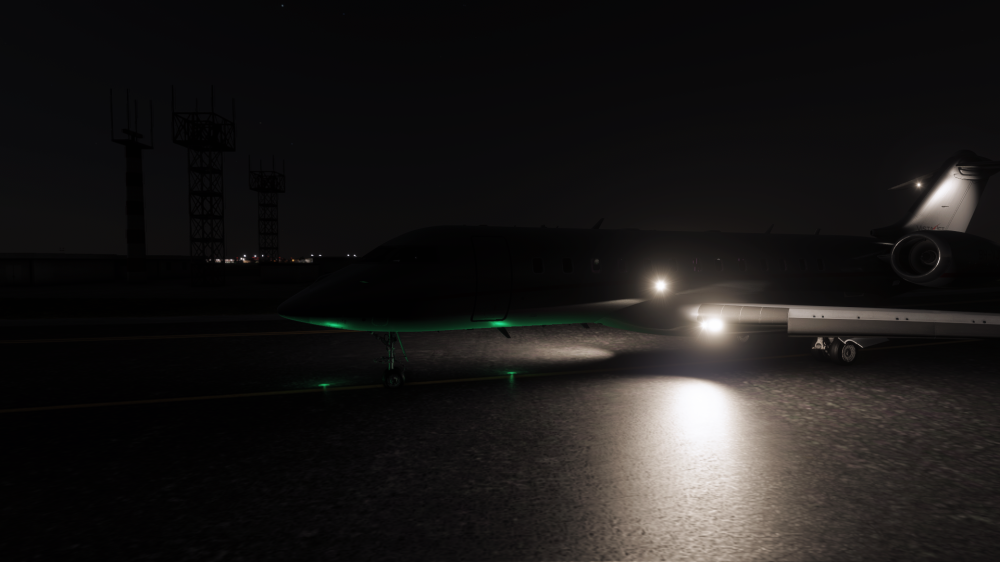
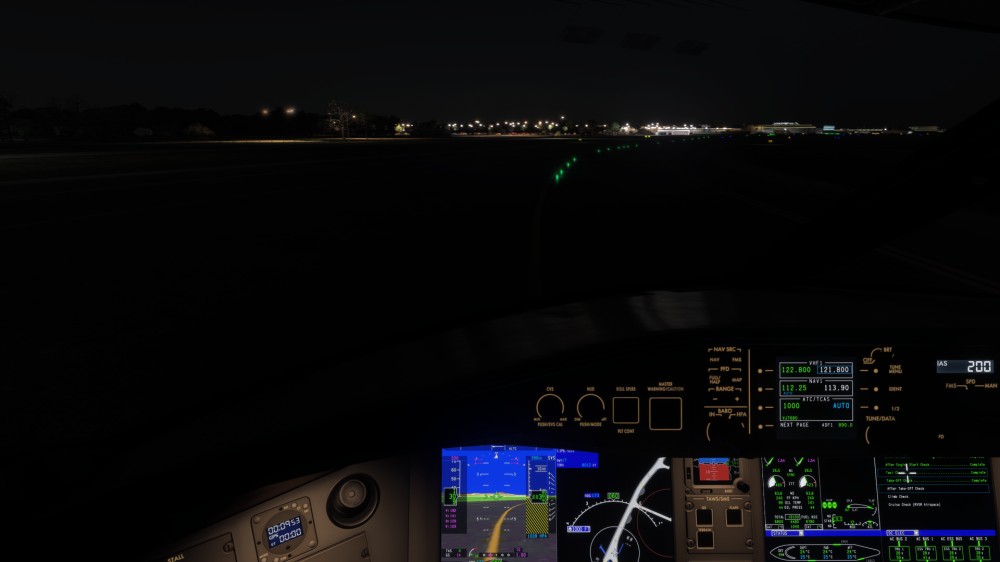
  2. I have an issue with the exterior lights when flying the iniBuilds Global 6000 at night. The taxi lights barely illuminate the ground, and the landing lights are also very weak. I can hardly see anything when taxiing or landing, which makes night operations quite difficult. Interestingly, from the external view, the lights appear to be working properly and look bright enough, but from inside the cockpit, they barely illuminate anything. Is anyone else experiencing this issue, or is there a way to fix it?
  3. Yes having this issue too

Account

Navigation

Configure browser push notifications

Chrome (Android)
  1. Tap the lock icon next to the address bar.
  2. Tap Permissions → Notifications.
  3. Adjust your preference.
Chrome (Desktop)
  1. Click the padlock icon in the address bar.
  2. Select Site settings.
  3. Find Notifications and adjust your preference.