




robbertzzz
Member
-
Joined
-
Last visited
Everything posted by robbertzzz
-
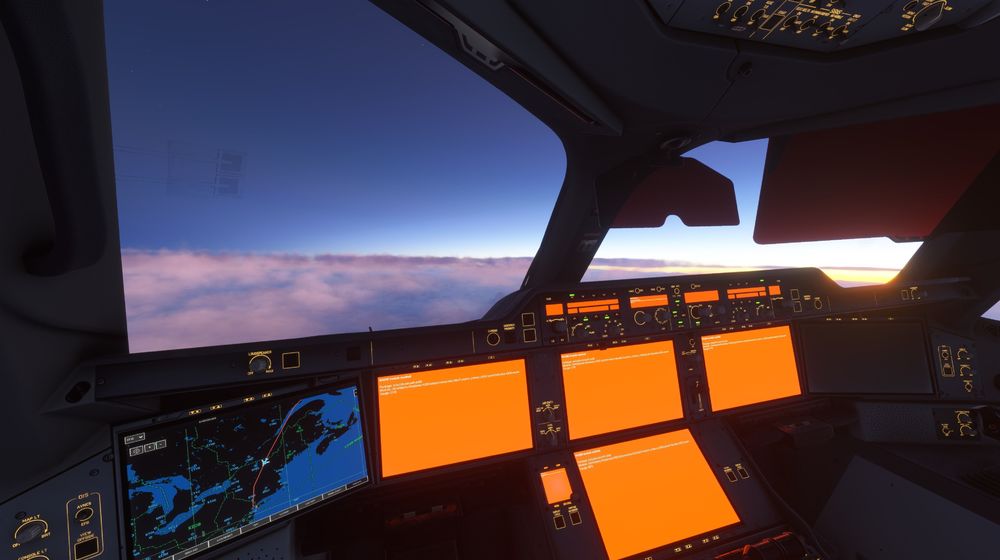
After a long cross Atlantic flight on stream my flight ran into a malfunction that even the amazing Airbus systems could not cope with. Eventhough it hurts (not as much as an actual crashlanding) the silver lining is.. it did result into some entertaining content and a free lesson in a 'go with the flow' attitude. Here a screenshot from the time i was making my mayday call to Boston control... i tried to divert to KBOS but unfortunately also my instruments and controls were not responding, except for my ailerons. So with losing altitude fast, me and my crew kept gaining speed, until unfortunatly the fuselage could not withstand the pressure and the stream went dark. mayday mayday mayday
-
I agree, loved the airbussy flap sounds..and i really miss them since the new update. Maybe we can get some sliders so everyone is happy 😊 Edit: i am currently messing with the already existing sliders, will try to lower them all to 60 and systems to max. Ill update if the effect is 'a hydrolic pleasure' flap flap
-
Thats really great 🙂 from the heart
-
I agree strongly, iniBuilds has proven themselves to be absolute masters of FS24 content, since Flytampa had abandoned EHAM there is a huge demand within the community for a up to date EHAM rendition. It would make my day many times over if iniBuilds is that developer that makes the move. Last FS weekend ive heard many simmers make this request at the iniBuilds stand, terribly sorry for the overload.. but passion leads to demand. 😄 Ill keep my fingers crossed.


