



Skip to content
View in the app

A better way to browse. Learn more.

iniBuilds Forum

A full-screen app on your home screen with push notifications, badges and more.

To install this app on iOS and iPadOS
  1. Tap the Share icon in Safari
  2. Scroll the menu and tap Add to Home Screen.
  3. Tap Add in the top-right corner.
To install this app on Android
  1. Tap the 3-dot menu (⋮) in the top-right corner of the browser.
  2. Tap Add to Home screen or Install app.
  3. Confirm by tapping Install.

DuxaS

Member
  • Joined

  • Last visited

  1. DuxaS replied to DuxaS's topic in Other
    Yes, indeed! everything worked for me. Thanks a lot for fixing it.
  2. DuxaS replied to DuxaS's topic in Other
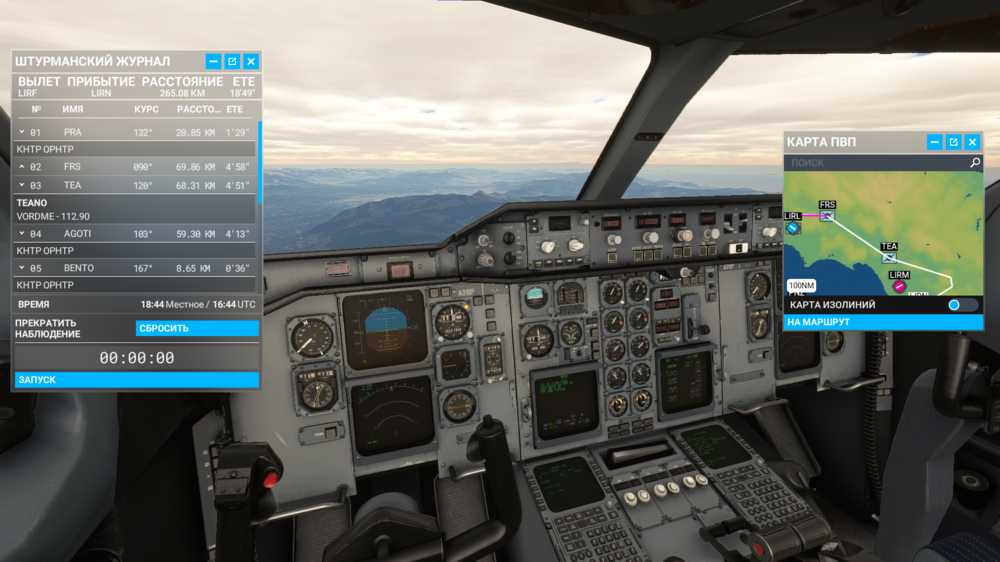
    An interesting moment! The aircraft works perfectly in the tasks. can I refer to the incompatibility of 4k textures?
  3. DuxaS replied to DuxaS's topic in Other
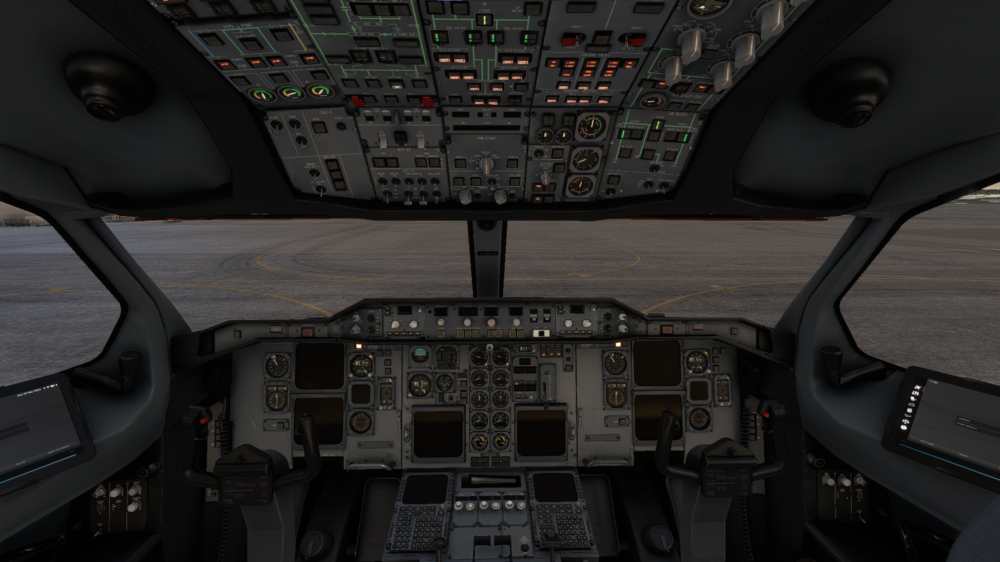
    nothing works for me, although the plane is controlled and flying when loading on the runway. the error is very similar to the error from X-Plane 11. I also can't set settings or adjust the throttle on my tablet.
  4. DuxaS replied to DuxaS's topic in Other
    P.s. Steam msfs 2020 deluxe edition
  5. a couple of days ago, I downloaded MSFS for the A310 (since the X-plane license is not open) and I see that the plane is broken. The plane started up only once, after which it was always broken. I deleted the community, I reinstalled the plane, and the result is the same 😕
Account

Navigation

Configure browser push notifications

Chrome (Android)
  1. Tap the lock icon next to the address bar.
  2. Tap Permissions → Notifications.
  3. Adjust your preference.
Chrome (Desktop)
  1. Click the padlock icon in the address bar.
  2. Select Site settings.
  3. Find Notifications and adjust your preference.