Skip to content
View in the app

A better way to browse. Learn more.

iniBuilds Forum

A full-screen app on your home screen with push notifications, badges and more.

To install this app on iOS and iPadOS
  1. Tap the Share icon in Safari
  2. Scroll the menu and tap Add to Home Screen.
  3. Tap Add in the top-right corner.
To install this app on Android
  1. Tap the 3-dot menu (⋮) in the top-right corner of the browser.
  2. Tap Add to Home screen or Install app.
  3. Confirm by tapping Install.

Flotoda01

Member
  • Joined

  • Last visited

  1. Hi IniSteve, Thanks for the suggestion. I cleared my SceneryIndexes, and the issue seems to be resolved. It was indeed the SceneryIndexes causing the problem. Thanks for your help! Best regards, Flotoda1
  2. Photogrammetry is enabled and Orbx Dubai Landmarks is installed. However, the issue persists even when I uninstall Orbx Dubai Landmarks.
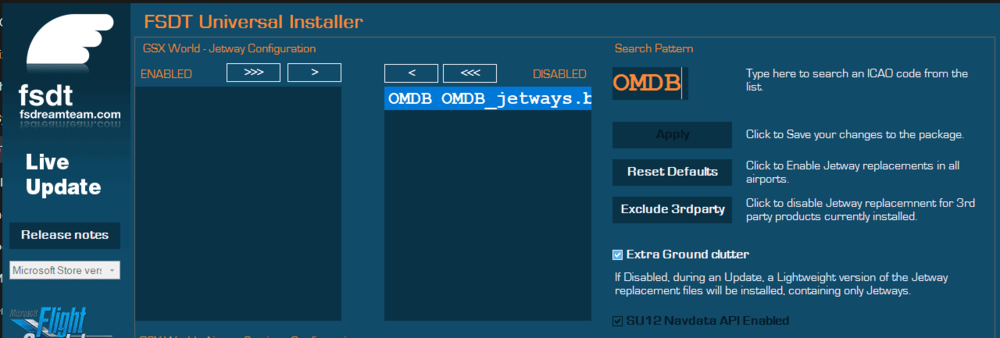
  3. I have the profile from IniManager (Today gsx updated)
  4. It seems to be related to GSX. When I turn off Couatl GSX, the issue disappears; when I turn it back on, the issue reappears.
  5. Testing in V 1.0.2
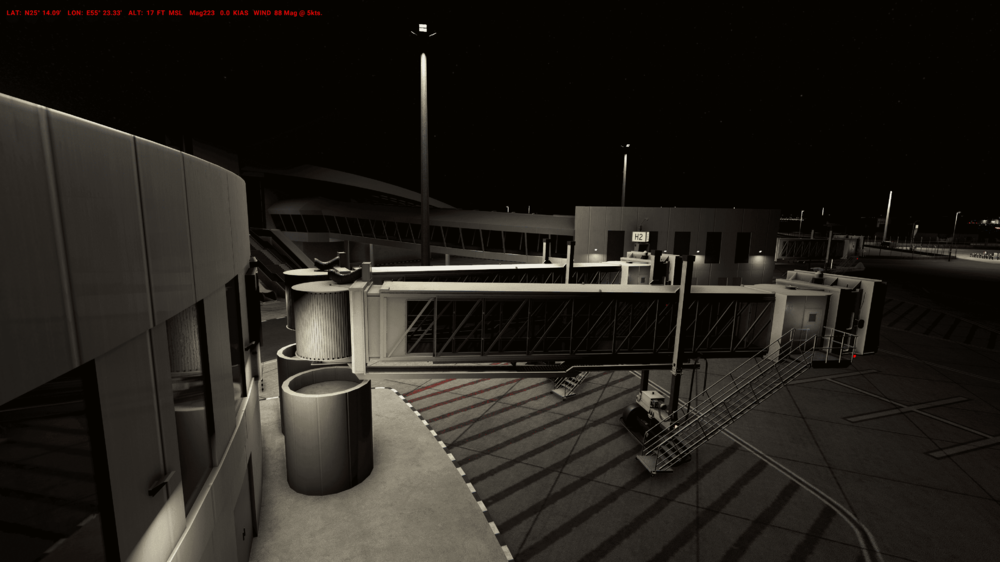
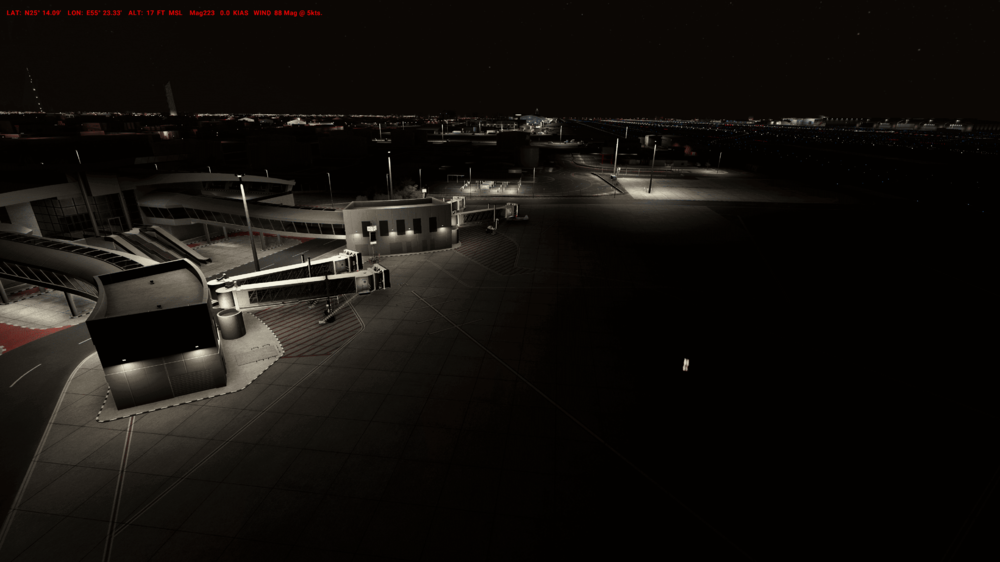
  6. Found a small error in OMDB VIP Terminal
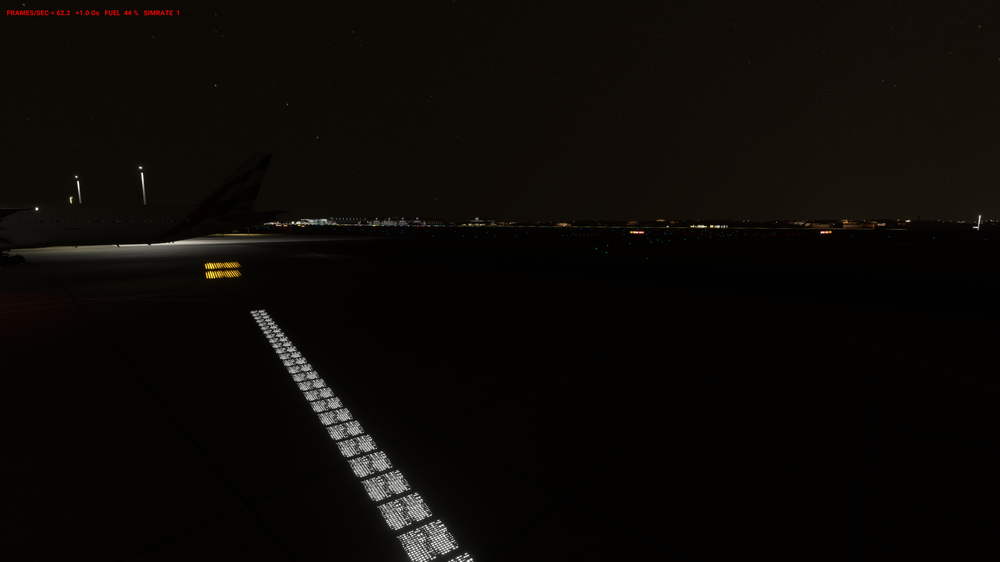
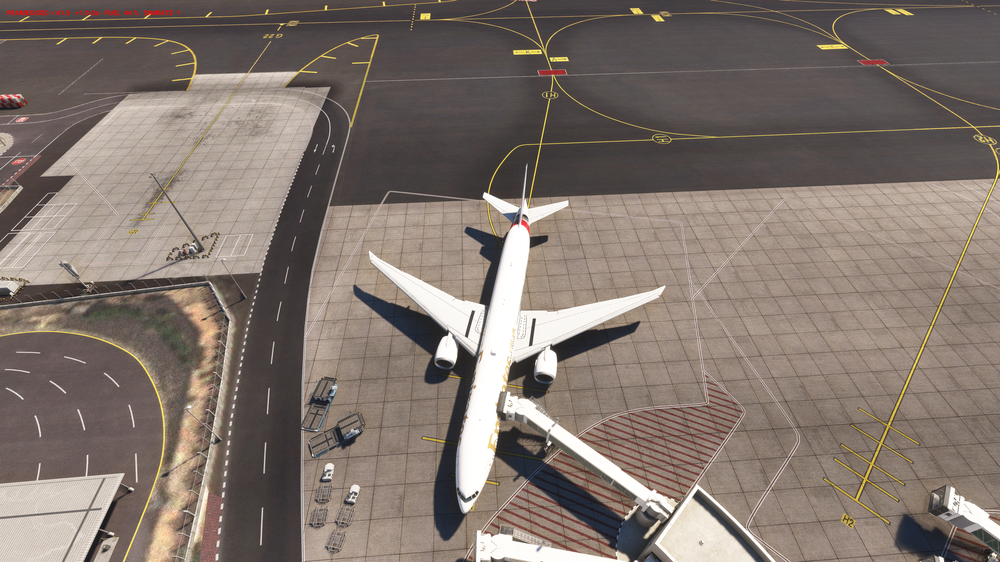
  7. a small mistake (pink color of the Plame)
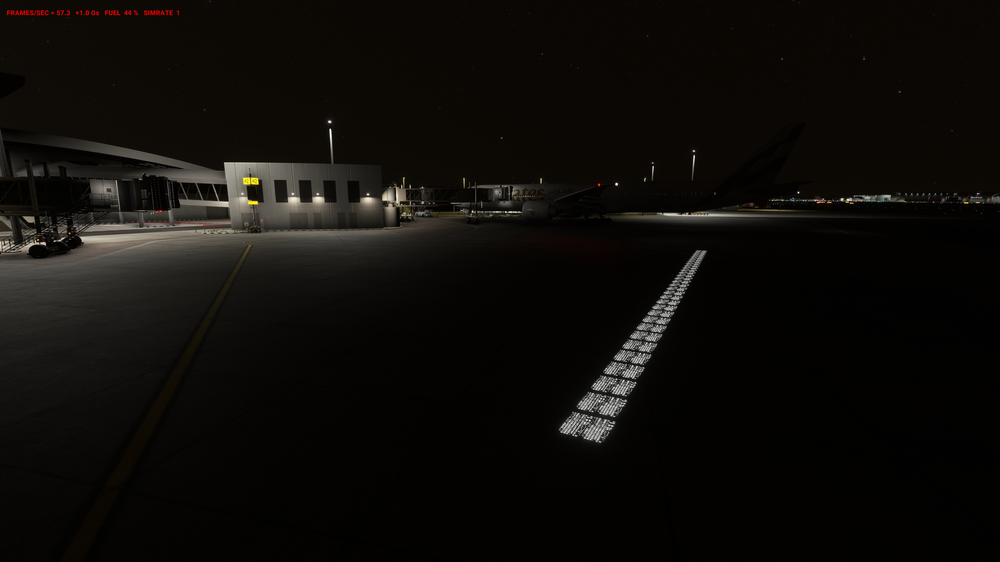
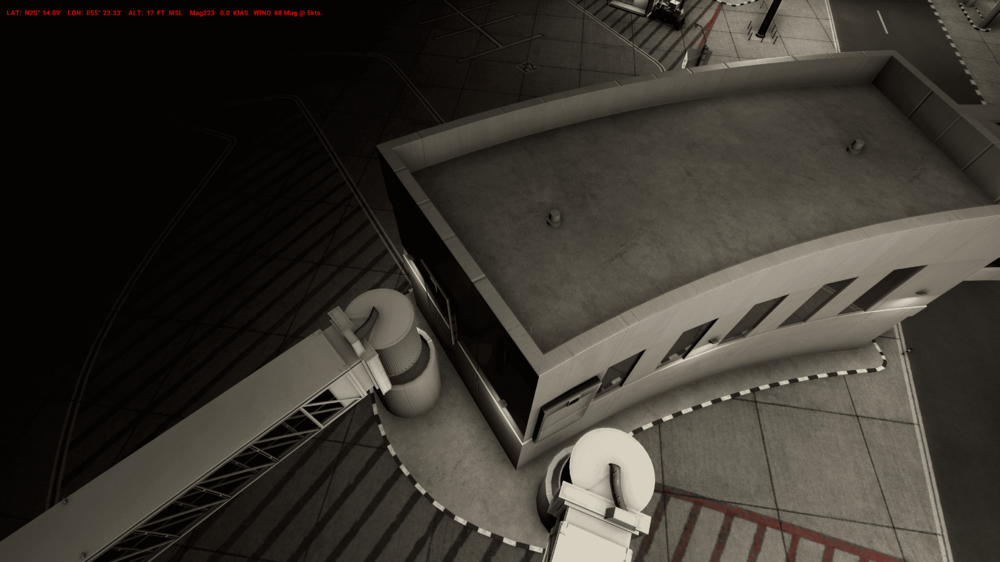
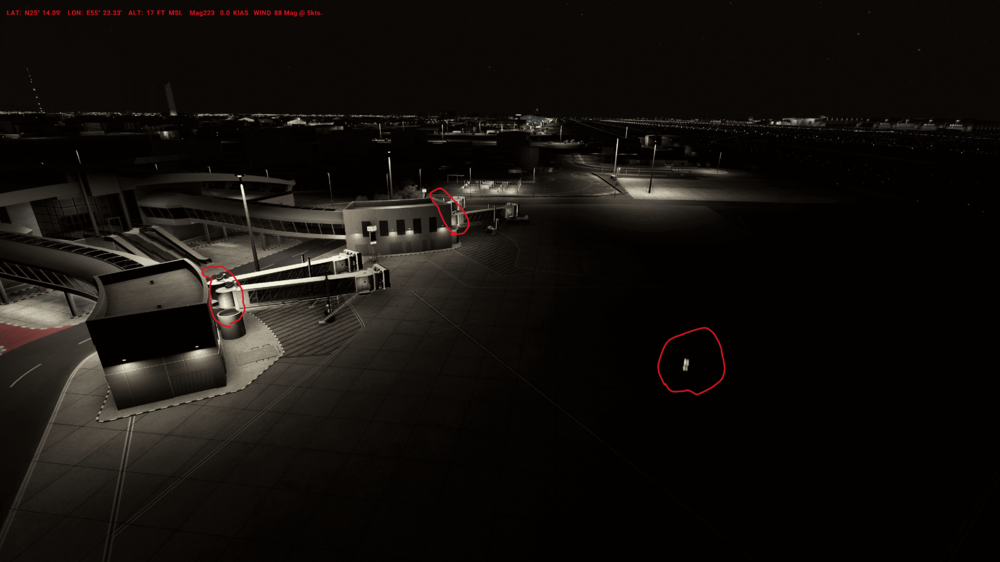
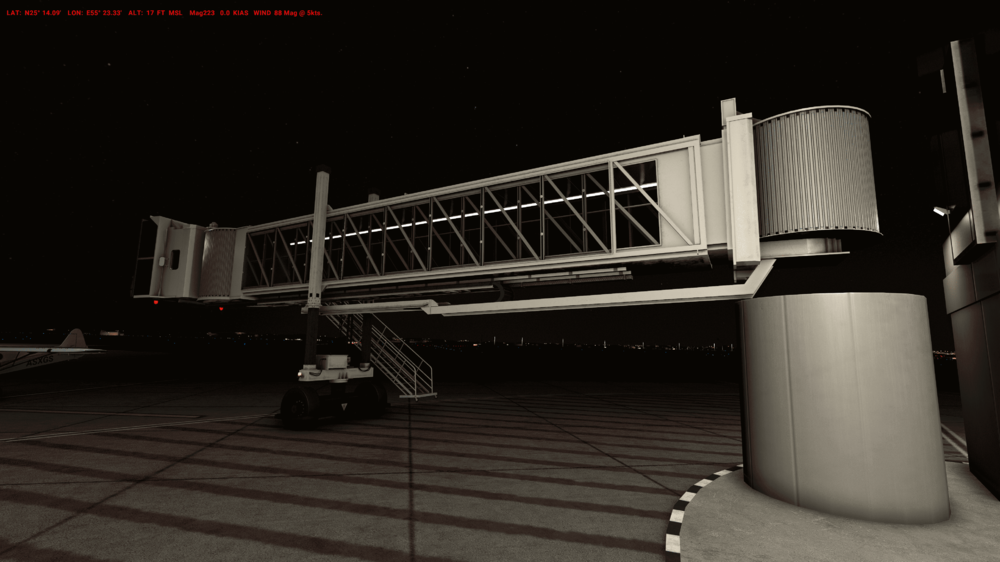
  8. I have identified an error in the OMDB (GSX profile) within the VIP terminal area. Please refer to the attached images. Additionally, there is an issue related to the jetways of the VIP terminal.
Account

Navigation

Configure browser push notifications

Chrome (Android)
  1. Tap the lock icon next to the address bar.
  2. Tap Permissions → Notifications.
  3. Adjust your preference.
Chrome (Desktop)
  1. Click the padlock icon in the address bar.
  2. Select Site settings.
  3. Find Notifications and adjust your preference.