




efchou
Member
-
Joined
-
Last visited
-
Hi all, I have a machine with the following specs AMD 5950x 128GB memory 3080Ti NVMe SSD Now, I can play ultra settings at 4K all day. For some reason when loading PHNL (even latest update) the airport takes forever to load and it's just the jetways for at least 10 minutes. Any insight would be appreciated here. It looks great when it does load. It also causes the initial load time of the sim to astronomically increase.
-
Disregard this. This was caused by GSX. I installed the GSX profile from the store and it's fixed
-
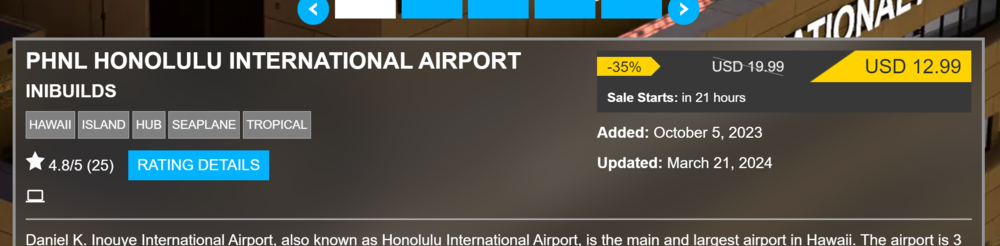
Also wanted to point out the update posted on March 21, 2024. Happy flying!
-
Will the update fix the duplicate gate issue? For example: gate 327 and gate A17 are the same parking but one is from your mod and the other is from the MSFS default parking.
-
I was talking about on the world map selector. Is this what you mean? How do I exclude something in the GSX options?
-
Besides the framerate issues I noticed that the new gates collide with the existing gates. For example I have both Gate A19 and Gate 325 show up. Hopefully these get patched soon! It looks great for sure.


