theex0r
Member
-
Joined
-
Last visited
Everything posted by theex0r
-
what about the MCDU AVIA Update?
-
I haven't actually done that yet. So far, all airplanes have felt different when flying. Do you know if the settings are saved for the specific aircraft or in general?
-
Thank you very much! This is exactly what I was looking for. That's right, I found the setting for the camera in the settings. The instructions also helped me. Am I alone with the flight characteristics or is that the intention?
-
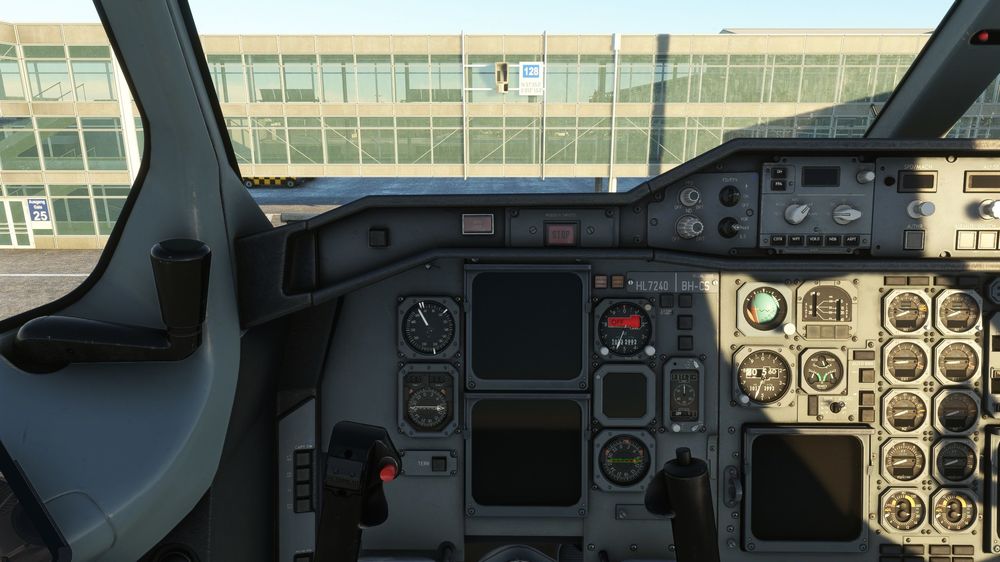
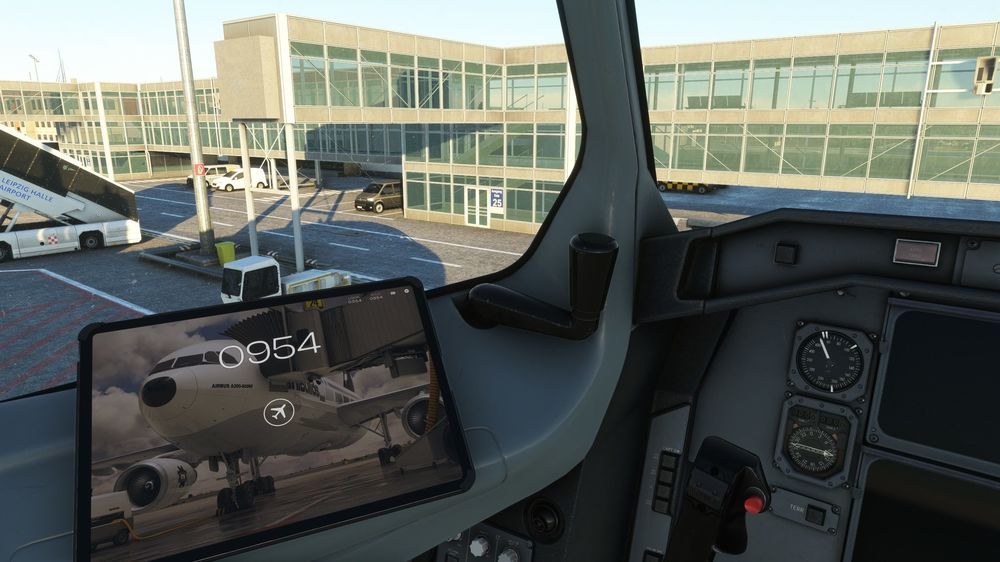
Hello everyone! I'm pretty excited about the plane so far, but I've noticed a few things that bother me a bit or I haven't figured out how to adjust them yet: My seat position is way too low. It feels like my head is right in front of the instruments. I hope the screenshots make it clear what I mean. Furthermore, the airplane somehow flies much too lightly. When I move my joystick a little, the airplane swings out very far and somehow feels "light". I have never changed my joystick settings because all the airplanes so far have given a very good "feeling of flying". By default. Or should the airplane just fly like that? I find the documentation on the autopilot in the manual a little too unsatisfactory. I have already watched one or two tutorials, but I would like to be able to read a little more about it? Maybe someone has a tip for me.