DDowns
Member
-
Joined
-
Last visited
Everything posted by DDowns
-
UPDATE: As it turns out it's not low bandwidth; rather, it is Azure throttling the servers during busy hours. For me, in So Texas, that is after 5 pm (2200Z) and I can see in by monitoring my eithernet activity with Process Explorer. I'm sending a few kb's just getting a busy signal, for up to 20 min. This happens when loading MSFS 2024, again when starting free flight so the delays continue every time there is an exchange between client and server. However, at 10 am (1500Z) for example, the launch and entering free flight happen without delay and I can see burst of data exceeding 700Mb/s on my 1Gb fiber service. Sorry iniBuilds, the product is beautiful but barely supported by Asobo. Do they really want 3d parties to support their little enterprise? Not so sure.
-
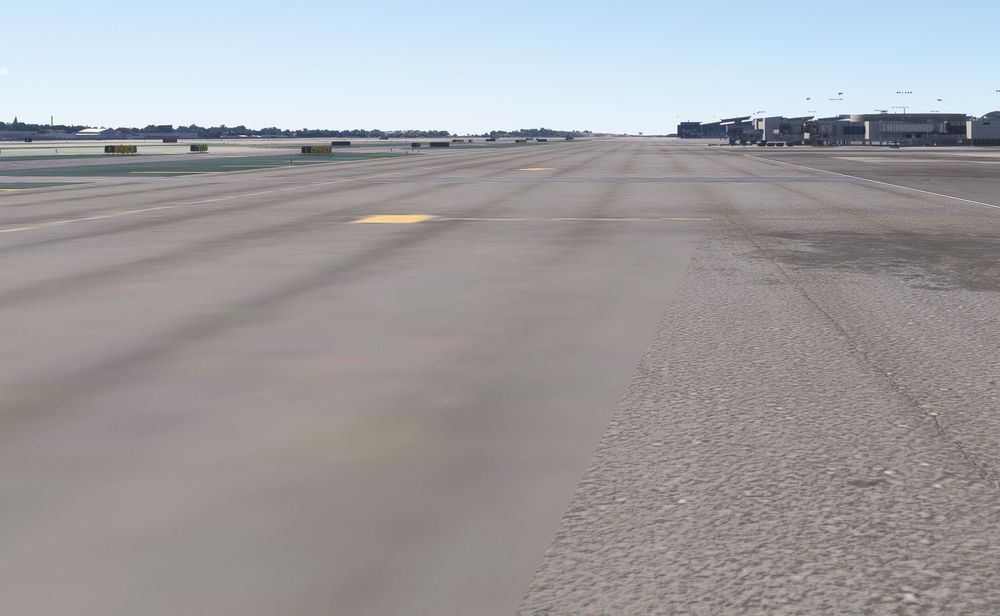
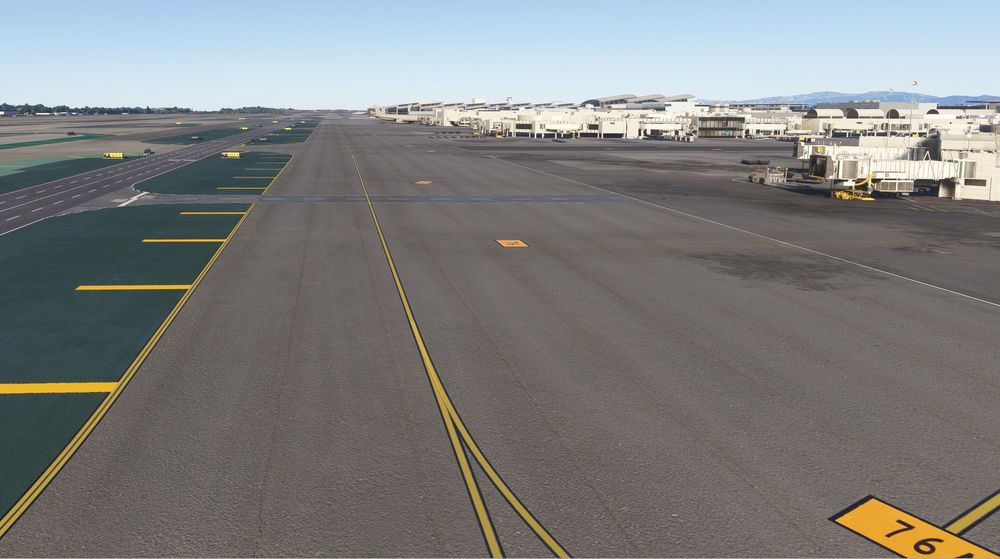
I'm not seeing the pretty pictures posted in the promotion. This is Taxi C facing West near C7 intersection. Extensive blurries everywhere and they do not diminish were it due to low bandwidth.