




DisneyFlyer
Member
-
Joined
-
Last visited
Everything posted by DisneyFlyer
-
Hi there. Just checking in to see if you have any more info for us on a planned update? Jan 20 had this reply in a closed thread We don't have a set date yet, but rest assured the update is in the works.. Still getting less than ideal FPS while flying in and around the airport.
-
you can remove them easily by using the configuration manager. Its the last one on there when you scroll down.
-
Just making sure because there is a ton of stuff you can do with the Nvidia panel too. Sucks to have to turn it down to make it better. Like I said before TLOD is 100 and I confirmed my OLOD are at 100.
-
Is this in the sim settings or the Nvidia control panel?
-
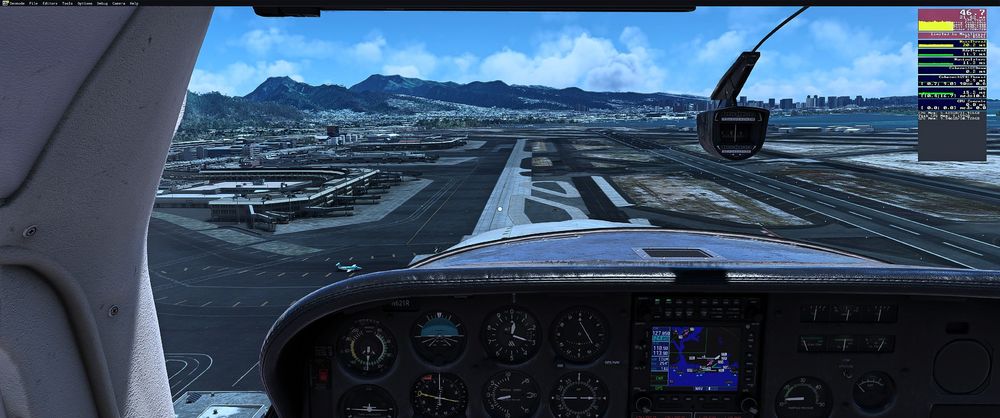
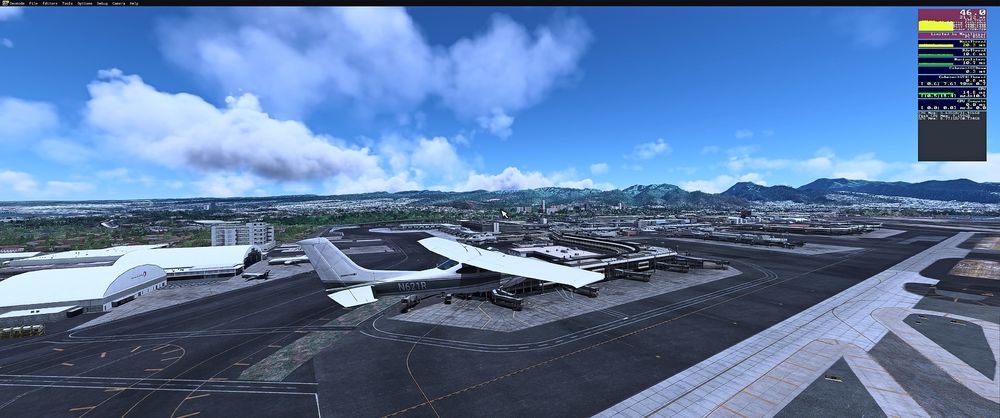
here are the directx 11 pics
-
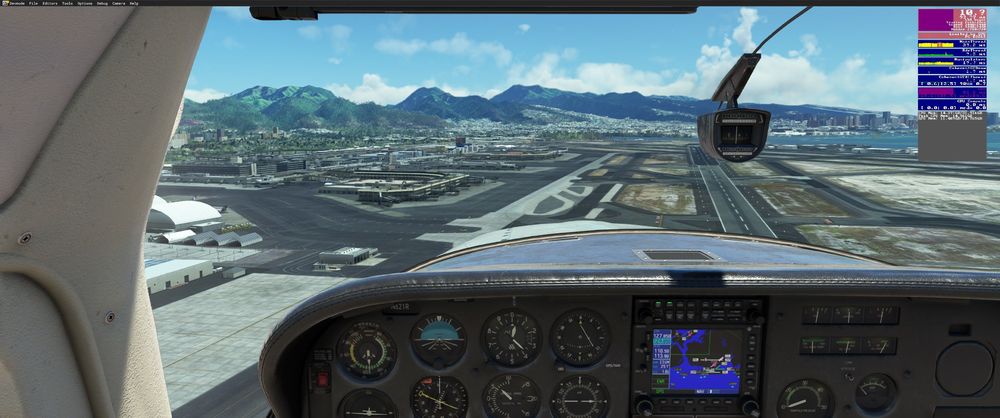
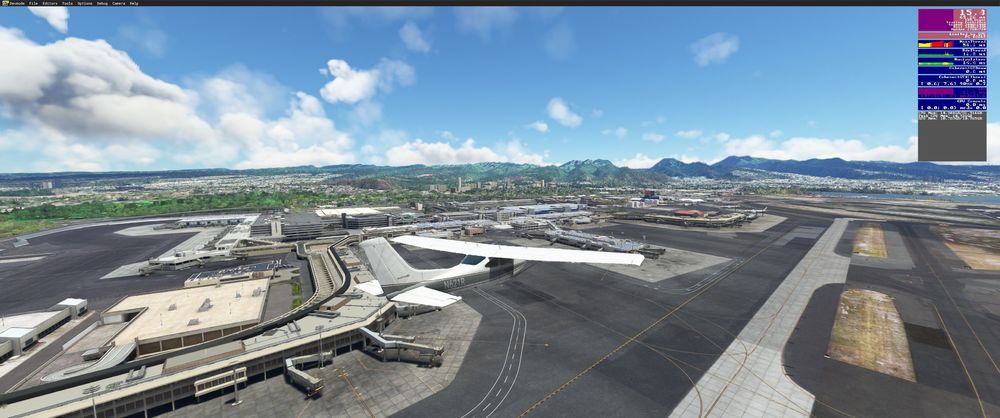
I think it might be a DirectX12 issue. I switched to DirectX11 and never had it drop below 40. Flying in it on both days I was using the Carendo 182 RG
-
Lol. That what I was thinking too. I have TLOD set to 100. I dont have any other scenery active for Honolulu area.
-
Have owned LAX and Venice beach for almost a year now and never had any issues. Solid frames with no issues/stutters with all settings on. Decided to purchase PHNL and it looks simply amazing. Fired it up and took it for a spin and was pretty disappointed very quickly. Stutters and almost seemed like it backed up while flying over the terminal building. I decreased the enhancements via the inimanager and it helped a minor bit but it was still very jerky even when I turned them all off. My PC specs are I7-9700k, RTX4080, 32gb ram on a ultrawide 3440/1440 LG monitor with 120hz refresh. Previously I had the same specs except an RTX2070 Super which was upgraded 1 month ago to the 4080. Hopefully it can be ironed out and put some patches out there to fix it because it was laggy as all hell. Never a hiccup at LAX so its kinda weird. Actually just went over it to test out and was solid 40fps at 1500ft.


