




Fredst321
Member
-
Joined
-
Last visited
-
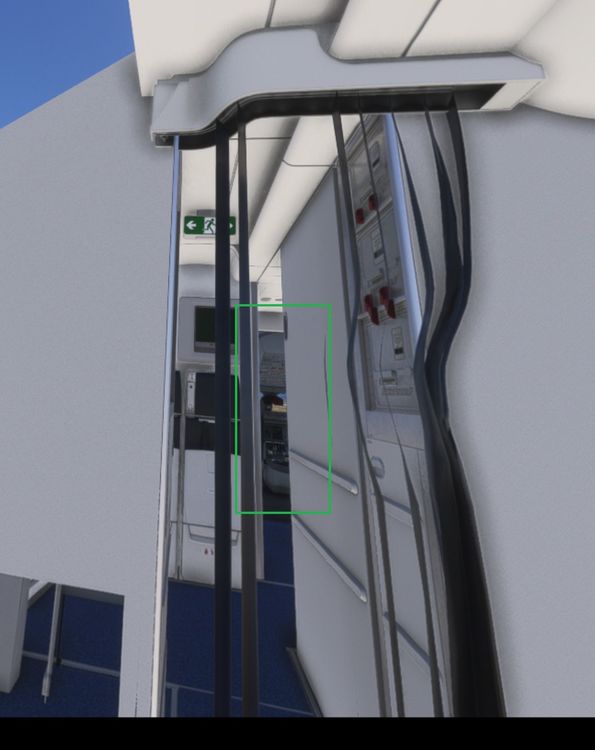
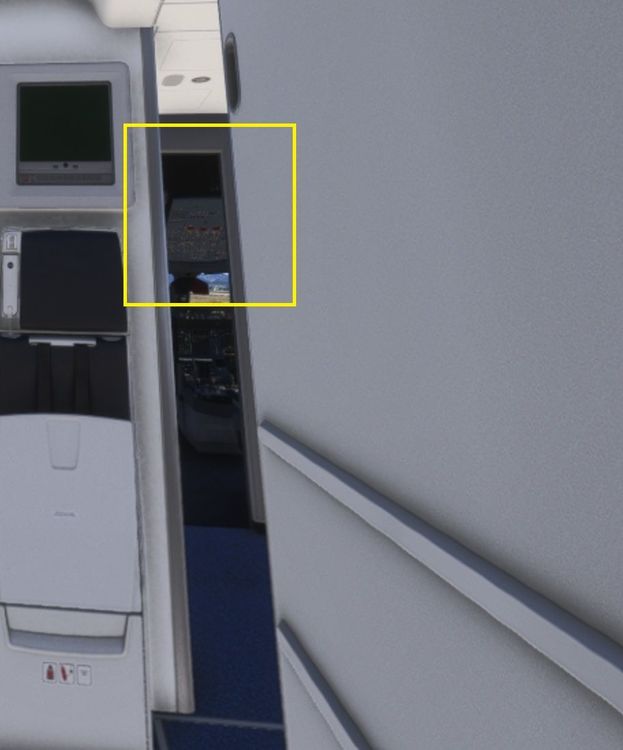
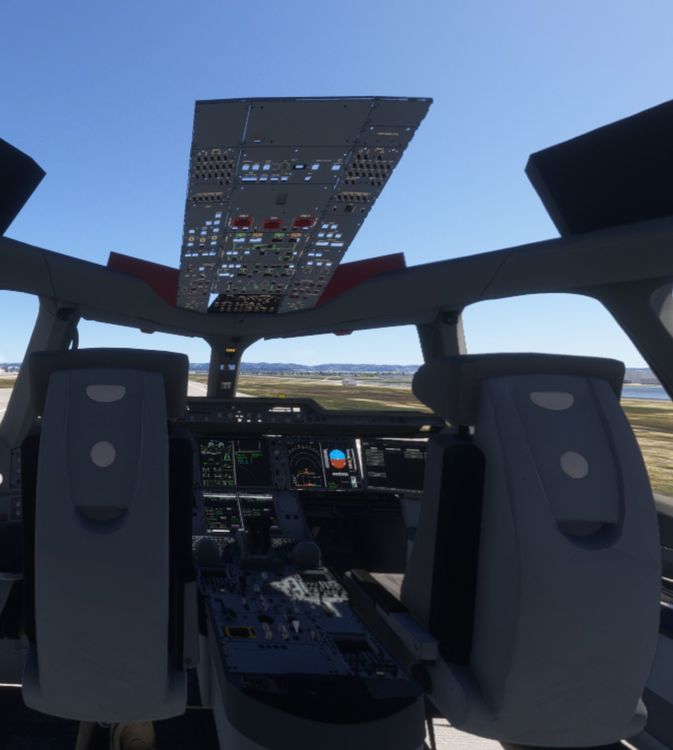
Hi Still the issue in VR. What I did to make a fresh test : 1-uninstall textures optimized pack from inibuilds manager then uninstall the a350 3-clean shaders cache from windows cleanmgr.exe tool 4-clean shaders cache from AMD graphics card control panel 5-restart 6-install A350 without textures optimized pack from inibuilds manager 7-load the aircraft in FS2024 on the 2d screen (not in VR) variation no-cabin : on 2d screen it looks OK 9-switch to VR and still the issue Note that I don't have these LOD problems with the native FS2024 version of A300-600R, and no problem too with the Fenix A320 (native FS2024 version). With the A321LR Inibuilds, some subtle and far less serious LOD problems depending on distance of the point of view from the panel. In the A350, distances to display more detail are inverted in VR : far from the cockpit all parts are displayed and active, in the cockpit, most parts and missing and switches inactive : -as you can see on the third picture, in the cockpit, most parts are missing -if you move the camera back to the entrance of the plane (2nd screenshot) you see some textures are now displayed again around overhead panel, highlighted in yellow -if you move further back, (first screenshot) you can all parts are now displayed and active ! (highlighted in green) Sorry for the quality of the attached pictures, I took them from VR Hope this can help Inibuilds team to troubleshoot and fix
-
I knowi was refering to the posts about changing the shaders cache size in NVidia control panel. Concerning the workaround in dev mode with Lod's I don't want to try this regarding the impact on performances So I prefer to wait for the Inibuilds fix 🙂
-
Hi everyone, Same problem for me (LOD issue in VR makes most parts of the cockpit disappear), except I can't apply the fix with shaders cache in Nvidia panel as I have an AMD graphics card. So I will wait for the fix 😉


