Donald123098
Member
-
Joined
-
Last visited
-
After update, the problem still here
-
The problem is not because Navigraph, I didn't use Navigraph, it's beacuse VHHH scenery by WF SCENERY STUDIO after my testing, if I install VHHH scenery by WF SCENERY STUDIO the problem will appear, but if I remove it the problem will disappear Does it have any way that I can keep VHHH scenery and the correct waypoint data?
-
I didn't use Navigraph after my testing, if I install VHHH scenery by WF SCENERY STUDIO the problem will appear, but if I remove it the problem will disappear Does it have any way that I can keep VHHH scenery and the correct waypoint data?
-
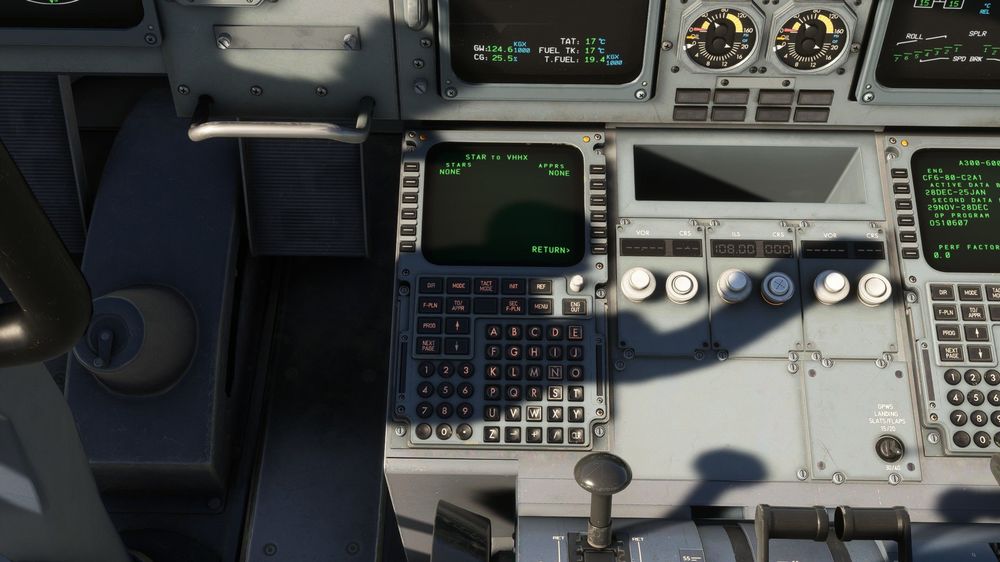
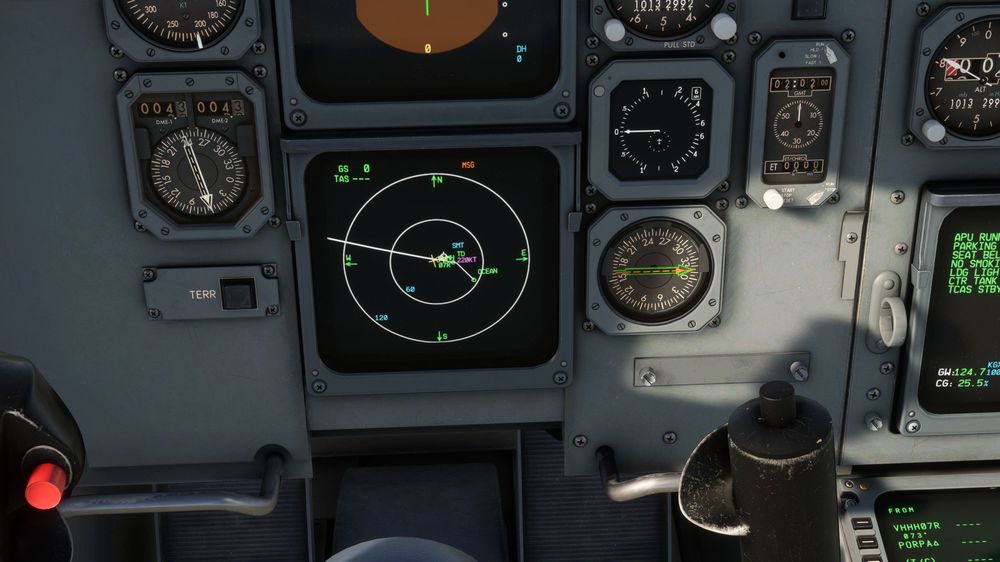
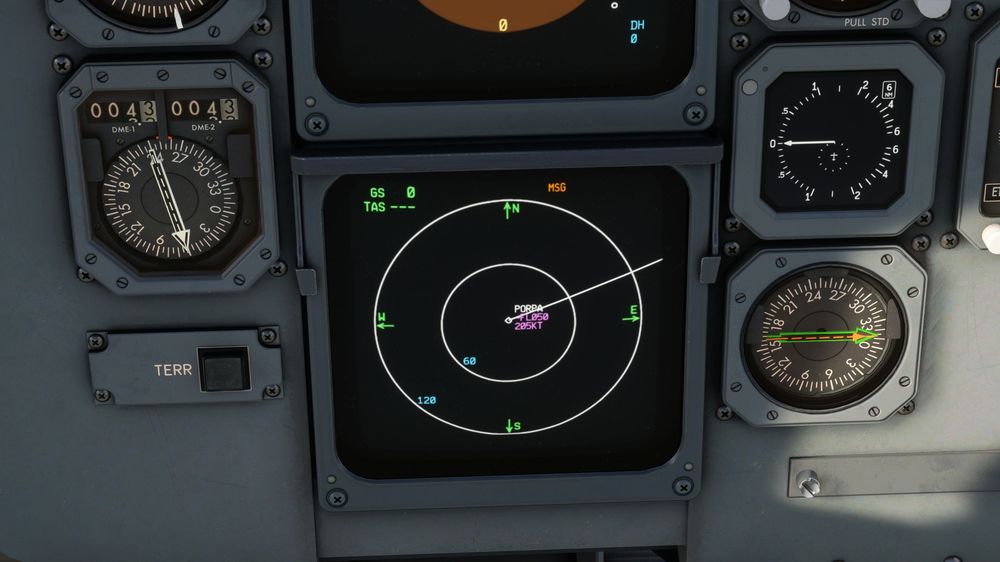
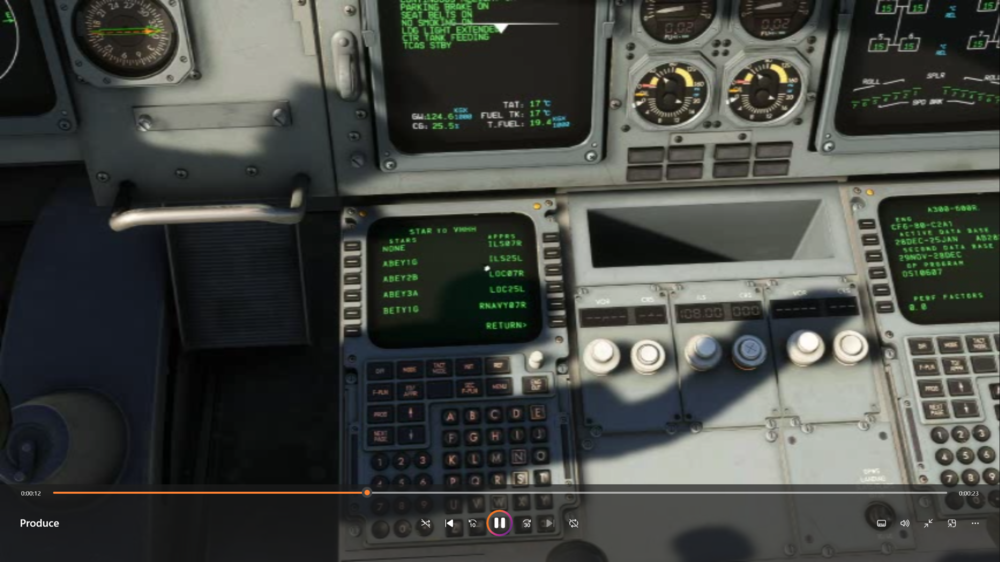
When I departure from Hong Kong Airport via SID: OCEA2A, way point "POPAR" location is totally wrong For the STAR ILS 07L/25R missing too, when selecteing STAR and runway I can't find 07L/25R, NEXT PAGE button is not working And KaiTak VHHX is missing all data Do anyone know how to fix it?