Timm53
Member
-
Joined
-
Last visited
Everything posted by Timm53
-
As I stated in an earlier post just purchased this Airport as it seemed to have some nice shots, But sadly it seems that who ever did this spent more time on internal scenery IE Departure Lounge decor etc instead of looking at the outside. For example what kind of person would pass this addon with scenery like the below image to pass. Sorry fo being abit on the negative side. Please sort out. Timm


-
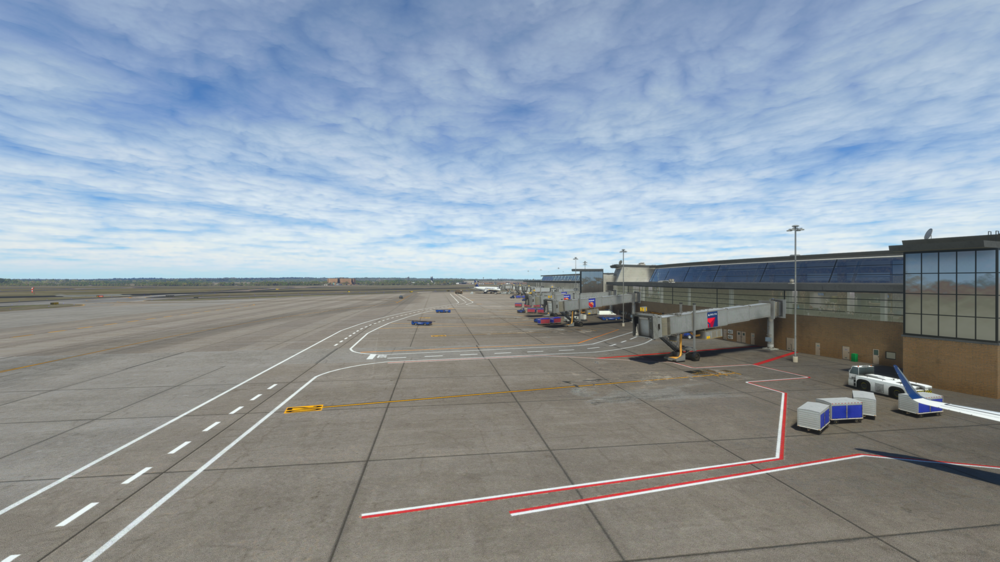
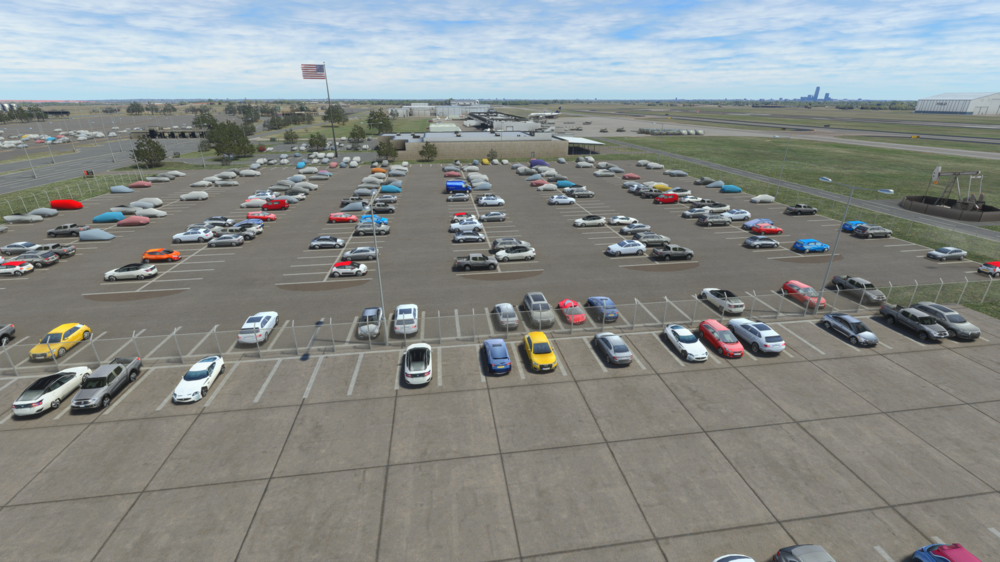
Hi, Hope you can help here. Just purchased the new Airport KOKC and noticed a couple of issues whilst doing a camera scan. First of is there any reason I'm not seeing any Static Aircraft at the Gates? I would have thought this would a busy place . Secondly will you be sorting out the poppin car graphic issue or am I missing something here? When I fly over all the cars are just coloured blobs and as I zoom in they start to show the details