



Skip to content
View in the app

A better way to browse. Learn more.

iniBuilds Forum

A full-screen app on your home screen with push notifications, badges and more.

To install this app on iOS and iPadOS
  1. Tap the Share icon in Safari
  2. Scroll the menu and tap Add to Home Screen.
  3. Tap Add in the top-right corner.
To install this app on Android
  1. Tap the 3-dot menu (⋮) in the top-right corner of the browser.
  2. Tap Add to Home screen or Install app.
  3. Confirm by tapping Install.

Aaroncalypse

Member
  • Joined

  • Last visited

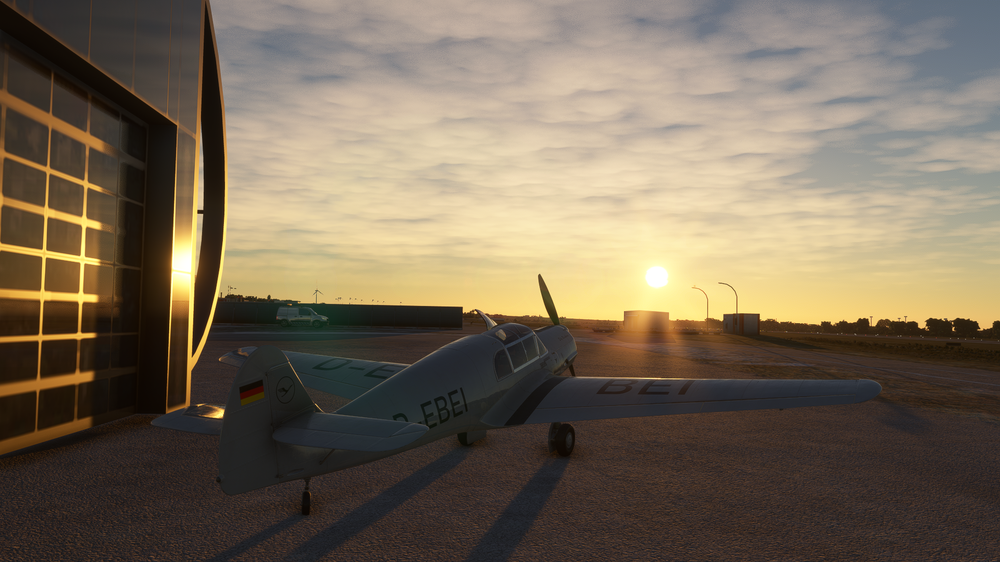
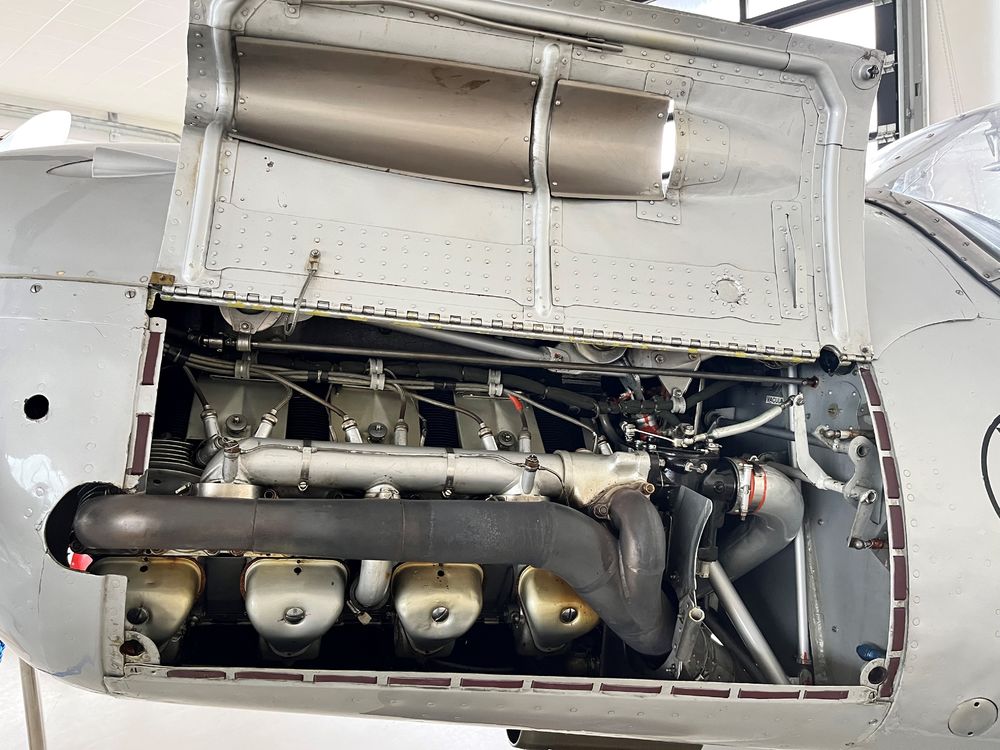
  1. God what a lovley girl. ❤️ Last year i have the honor to fly with her with a Lufthansa Pro (thx Hauke <3) from Paderborn (Quax Flieger, our Club) to Berlin. The sound is amazingly near on it. Pro- Perfect Modelled Nice Liveries Sound give me chills Flight Model is alright Nice Features The Price 😵Its a gift. Critics- The Cockpit views/ I play without eye tracking and whoa i see nothing but the frame and engine cowling 😄 The Rudder Trim is hard pointed.... In flight its smooth trimming, even when its windy and hopping 😉 Do you even see the inverted Argus AS10 under the cowling? Its so delicious ❤️ So pack your baggage and open the Cowling please 😛 Thanks a lot for one of my alltime fav Birds. You made a great Job
Account

Navigation

Configure browser push notifications

Chrome (Android)
  1. Tap the lock icon next to the address bar.
  2. Tap Permissions → Notifications.
  3. Adjust your preference.
Chrome (Desktop)
  1. Click the padlock icon in the address bar.
  2. Select Site settings.
  3. Find Notifications and adjust your preference.