



Skip to content
View in the app

A better way to browse. Learn more.

iniBuilds Forum

A full-screen app on your home screen with push notifications, badges and more.

To install this app on iOS and iPadOS
  1. Tap the Share icon in Safari
  2. Scroll the menu and tap Add to Home Screen.
  3. Tap Add in the top-right corner.
To install this app on Android
  1. Tap the 3-dot menu (⋮) in the top-right corner of the browser.
  2. Tap Add to Home screen or Install app.
  3. Confirm by tapping Install.

christof855

Member
  • Joined

  • Last visited

Everything posted by christof855

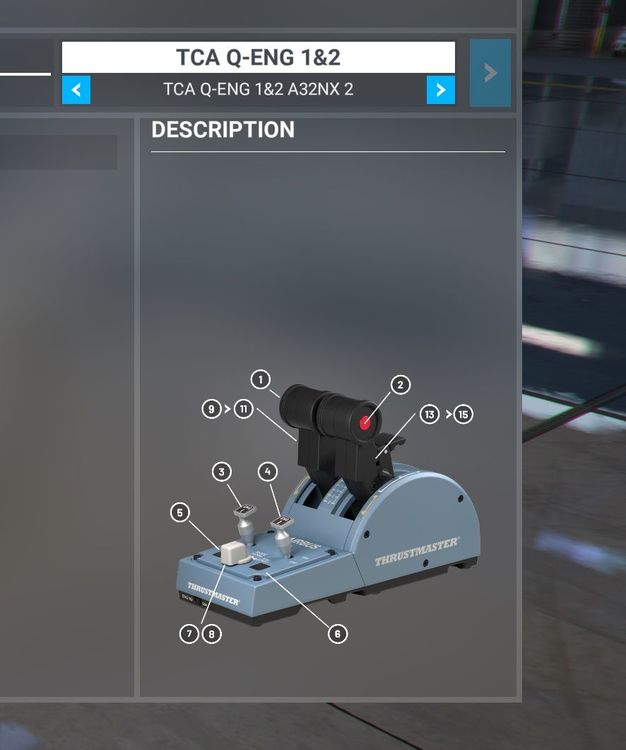
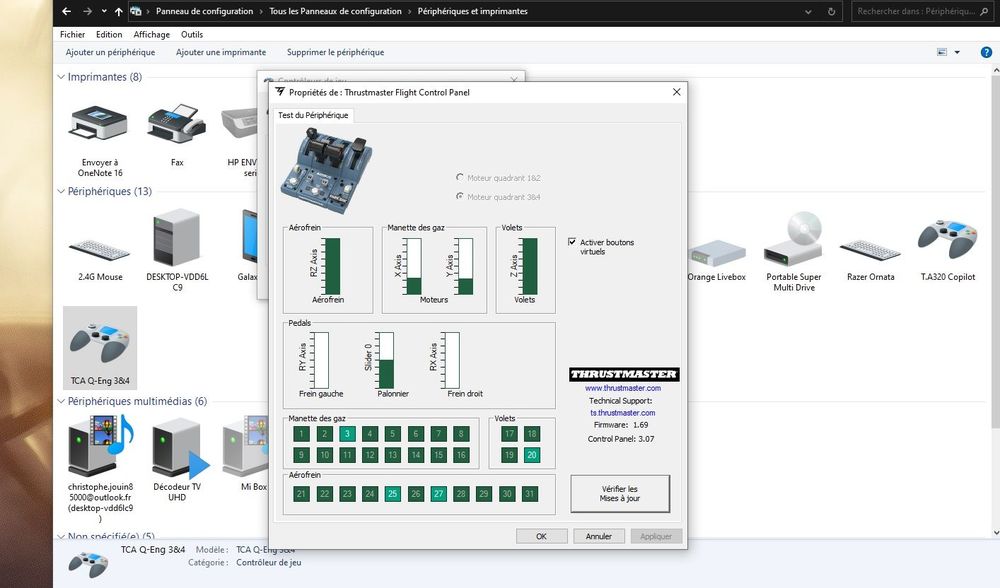
  1. Hello, I have the airbus + addon tca quadrant controllers, ALL of them worked very well on MFS2020.. after disconnections and reconnections (cleaning) and a badly positioned button.. I put everything back as it should, and since the addons are no longer recognized by MFS2020 !! (only the central controller) while in the windows config panel tca +addon are Ok !!!! I reinstalled the drivers, put on another USB port ... nothing helps!
Account

Navigation

Configure browser push notifications

Chrome (Android)
  1. Tap the lock icon next to the address bar.
  2. Tap Permissions → Notifications.
  3. Adjust your preference.
Chrome (Desktop)
  1. Click the padlock icon in the address bar.
  2. Select Site settings.
  3. Find Notifications and adjust your preference.