




Juergen2
-
Joined
-
Last visited
Posts posted by Juergen2
-
-
-
-
Cabin View
in Other
-
Cabin View
in Other
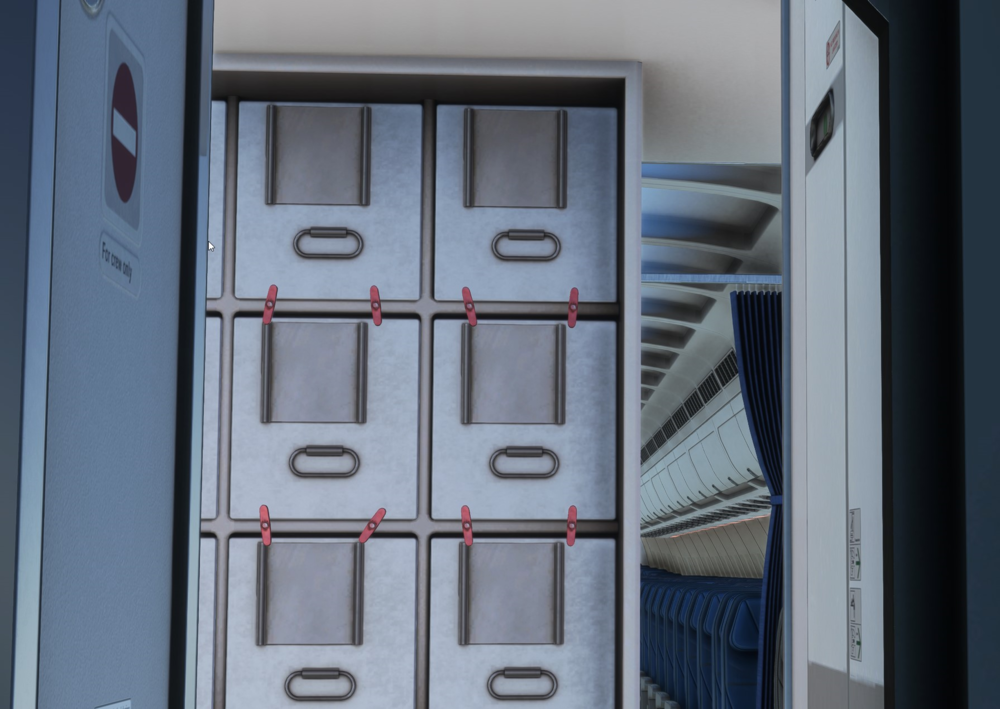
Ok, tried it again - same result. I even checked that I have the inibuild A310-300 and the inibuild A310-300 Enhanced installed. YES.
This is how far I get with the cockpit camera and the scroll wheel on my mouse. The keyboard arrows will not work since they are set to up, down, left and right. Right click and hold on my mouse will move the camera left right and up down.
So I don't know what controls to use to get into the cabin.
Thanks for help
-
Next Flight:
NO PROBLEM! V-DEV scale showed up approx 3 miles prior to T/D.
??????
Thanks for help/reply-
 1
1
-
-
Cabin View
in Other
-
-
-
Cabin View
in Other
-
Cabin View
in Other
-
-
Allen,
The values from Maximilian Schmidt above worked for me. I took his data and updated my throttleconfiguration.ini:
[throttle_common]
reverse_on_axis = true[throttle_axis_1]
reverse_full = -1.000000
reverse_idle = -0.540173
idle = -0.490173
toga = 1.000000[throttle_axis_2]
reverse_full = -1.000000
reverse_idle = -0.540173
idle = -0.487000
toga = 1.000000Brgds
Juergen


Unable to Install the A350 in MSFS2024
in Systems
Hi, I am trying to install the A350 in MSFS2024, but get an Error which I can't read since it immediately disappears. I am trying to install the aircraft into my community folder.
Any help is appreciated
Juergen Mader