




Greg7DT
Member
-
Joined
-
Last visited
Everything posted by Greg7DT
-
Jamir, your solution worked. No more crazy stutters. I'm still getting some micro stuttering, but I don't think this is LAX. Possibly SU5 and my graphics settings. I'll know more about this soon. Thanks for the assistance.
-
I running a RTX5080 w/9950X3D CPU, 64GB and KLAX v1.0.2 is stuttering like crazy. Seems this starts as soon as I enter the approach phase. No issues with any other sceneries. Is there anything I can do to stop the stutters? Thanks
-
I will let Black Square know and request that they resolve the duplicate taxi sign issue. Thanks
-
Thoughts?
-
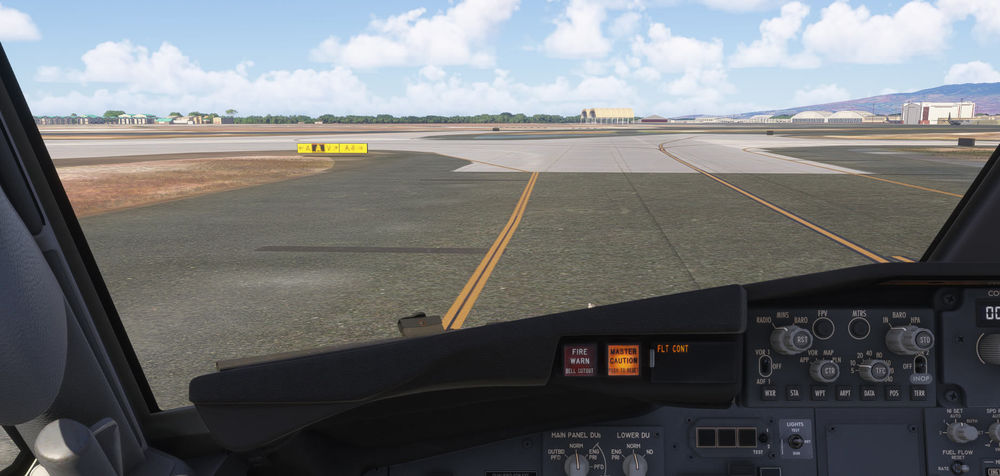
I am using https://www.justflight.com/articles/new-editions-of-real-taxiways-for-msfs-2024 . I removed from the community folder and now only the stock PHNL signs appear. I have not had any issues with the Black Sq 2024 Taxiway addon to date. This is the first time I'm seeing an issue.
-
Not sure what you mean. How do I disable signs?
-
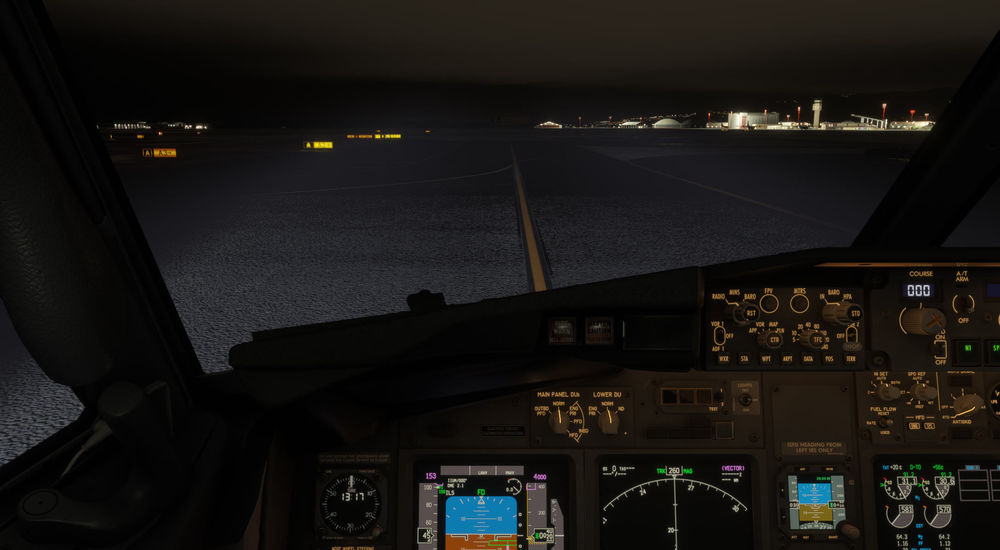
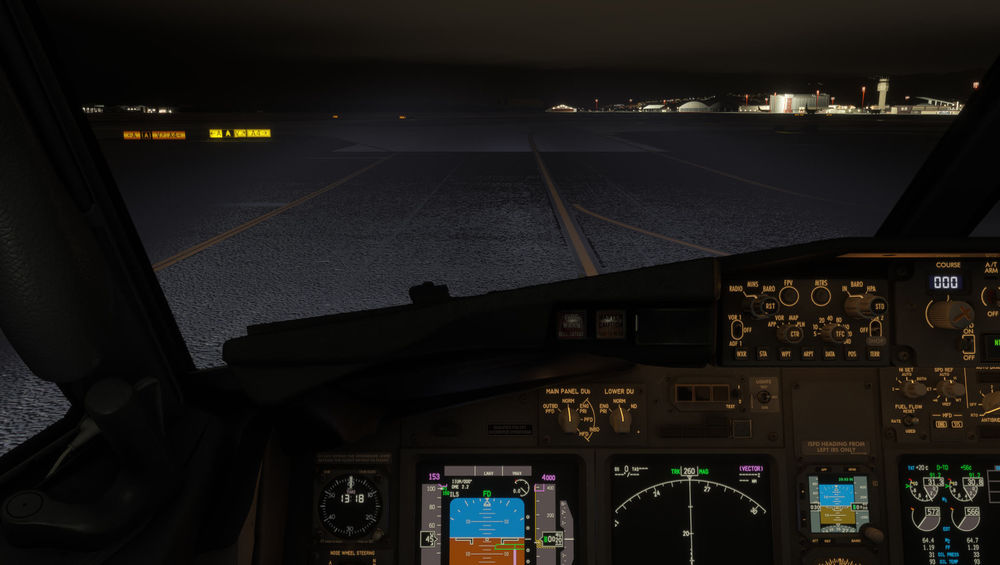
Hi, I just purchased PHNL airport and couldn't help but notice the duplicate taxiway signage. I am using Black Square signs, thought this doesn't happen with my other airports. I verified I didn't have another scenery conflicting, only PHNL from IniBuilds is active. Any assistance would be appreciated. Greg
-
I was able to purchase and download with the discount. It was applied automatically by iniManager once I selected a checkbox. Thanks Much, Greg
-
Is there an upgrade or discount path for the 2024 airport? I haven't been able to find any compatibility mentions like MKE. Thanks


