




Bujasim
Member
-
Joined
-
Last visited
-
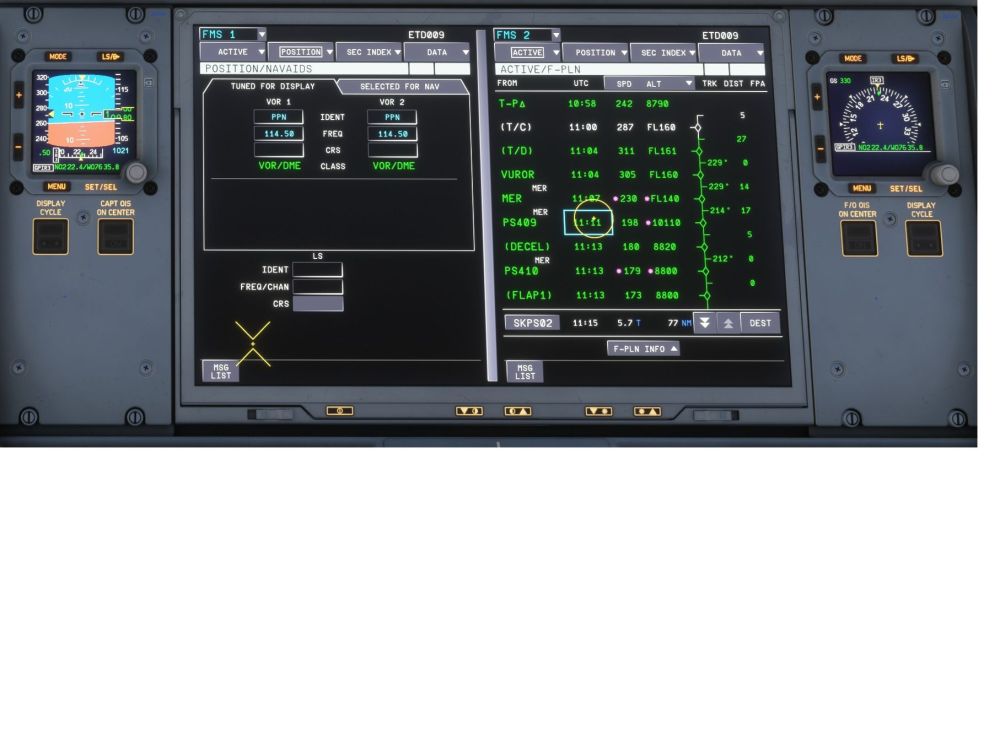
Hello there, using Navigraph data. The strange thing is on MSFS2020 the aircraft does it perfectly
-
Where is the promised ? the update is out but no fixe for the bug on MSFS 2024. No problem on MSFS 2020
-
The new update vanished the FLS button on NAV AIDS page, see attached
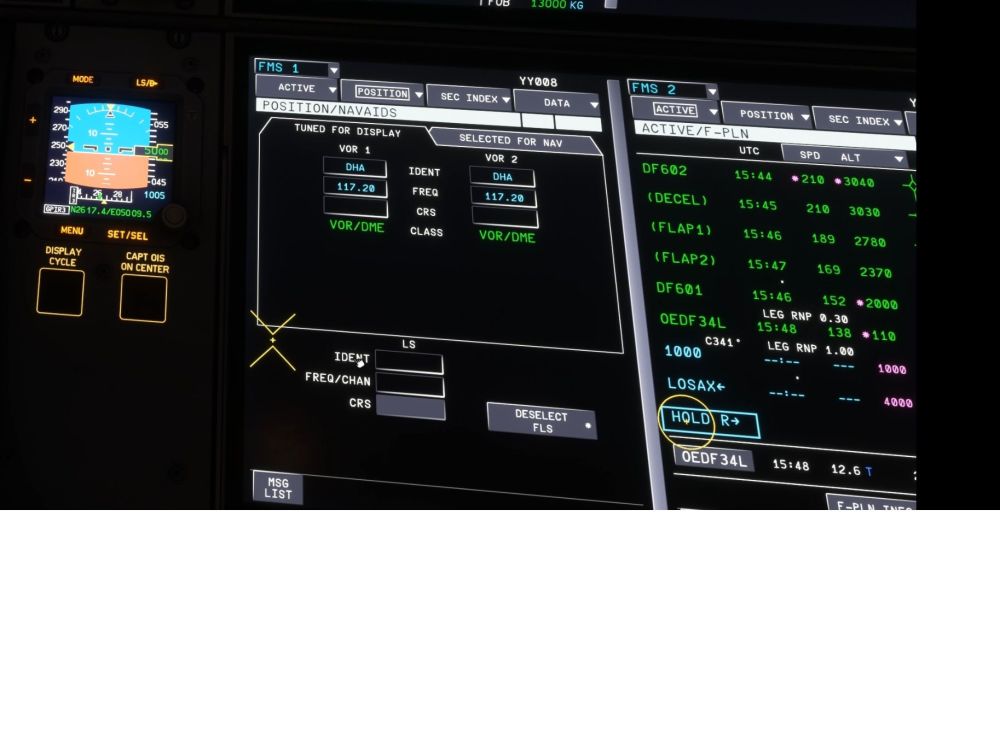
-
RNP RWY 02 AR Approach (Airport SKPS) is coded wrong in MSFS2024 and is not flyable. Same approach is correct in MSFS2020 and the A350 flies perfectly. pls see the attached.
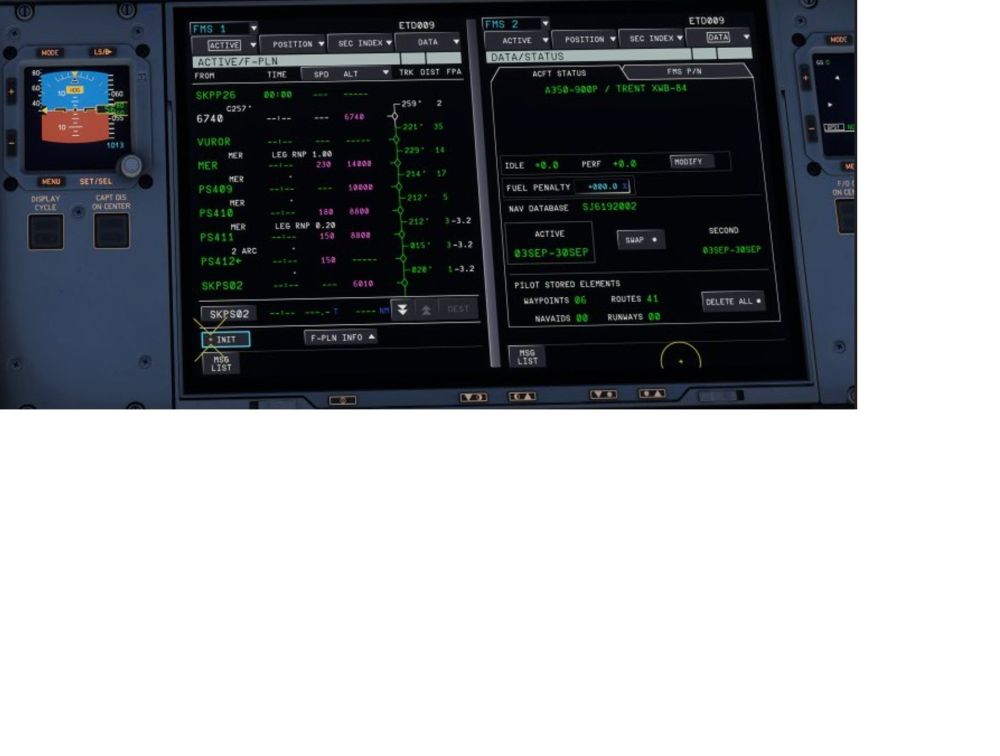
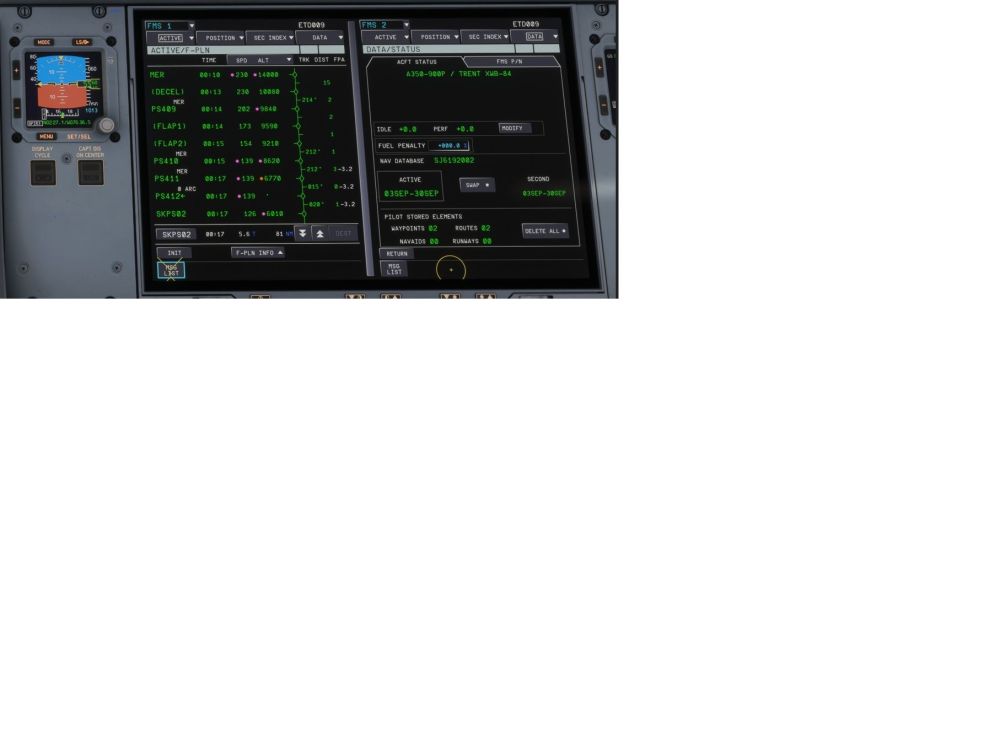
-
-
Now The A350 has mature enough and it is beatifull to fly and to play with FMS functions except the LL CROSSING is not active. Can we have it
-
You need to request the flight plan in the SEC FLN and then swap to active FLN and use the INIT (THIS IS WHAT HAPPEN IN REAL LIVE)
-
Thanks iniBuilds, for fixing PLACE/DISTANCE WPT. It is perfect now, to qualify the Plane for ULR we need the RTA and LL CROSSING to be activated.
-
You are welcome, hope the attached is clear enough.
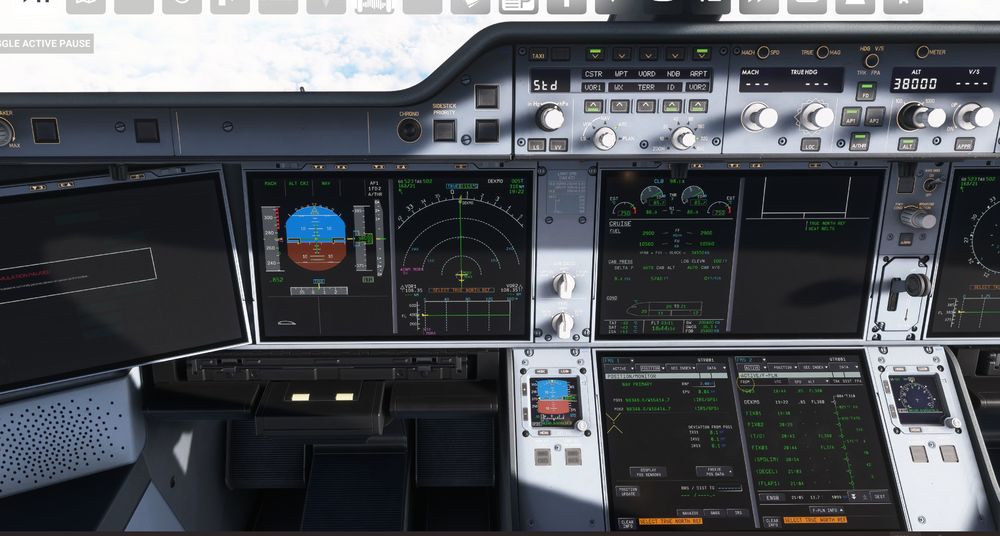
-
It is correct, actually it is within 5 degrees compared with real flight on this route.Sad...I noticed that the new A340-300 (long haul) do not have the LAT/LON CROSSING FMS Function ???Hello ini, Are you likely to activate the " LL Crossing " in the F-PLN INFO
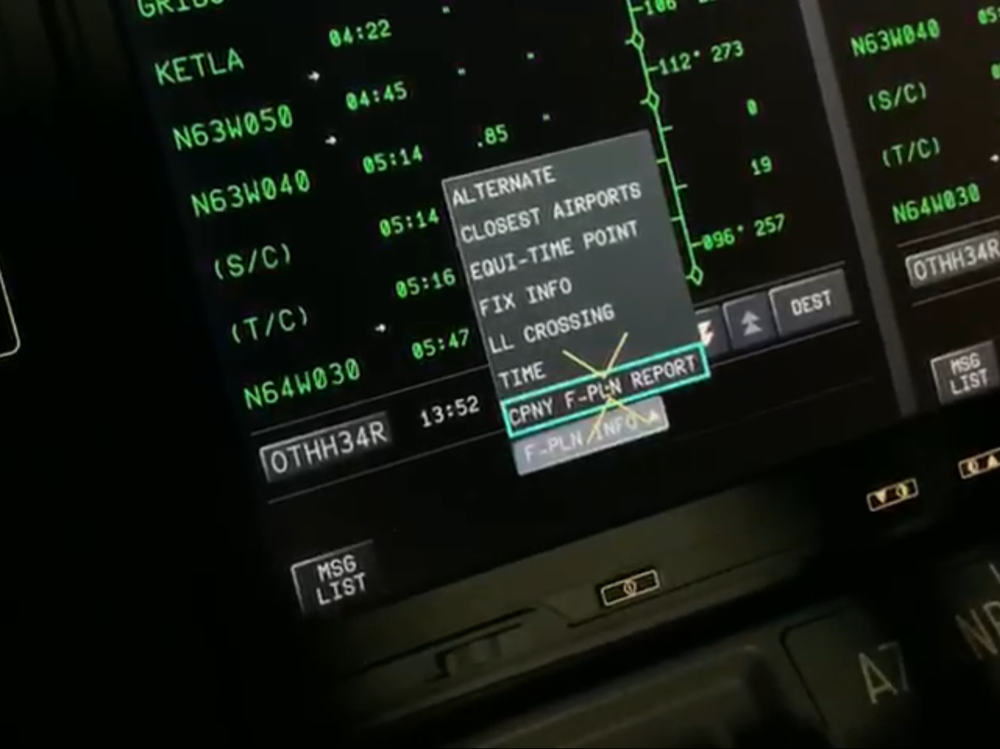 see the attached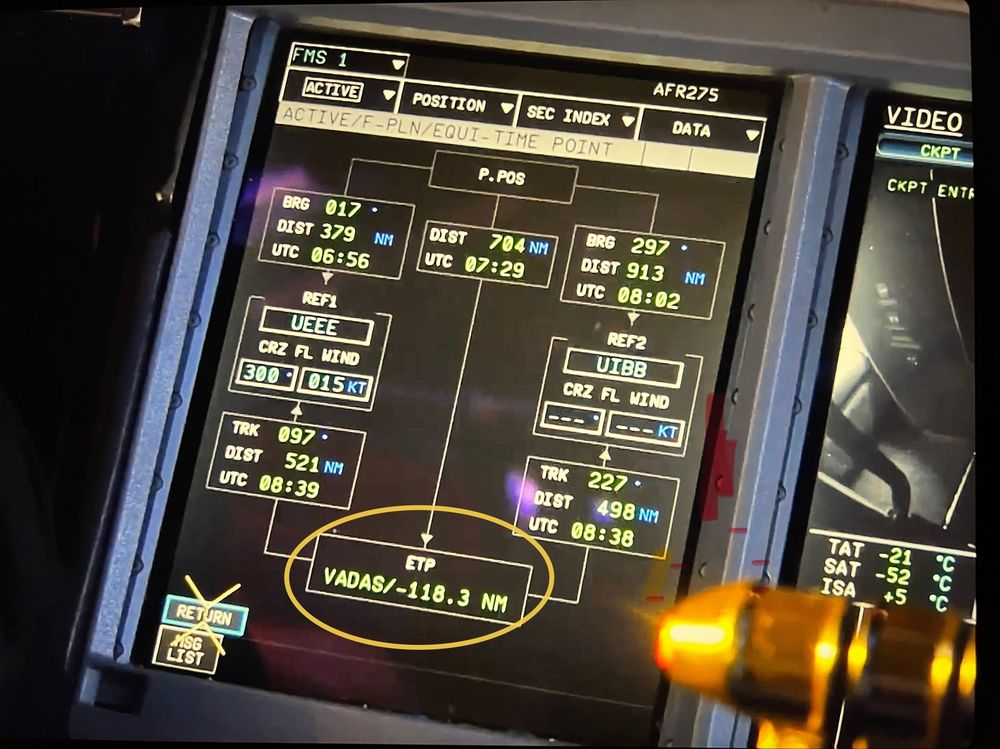
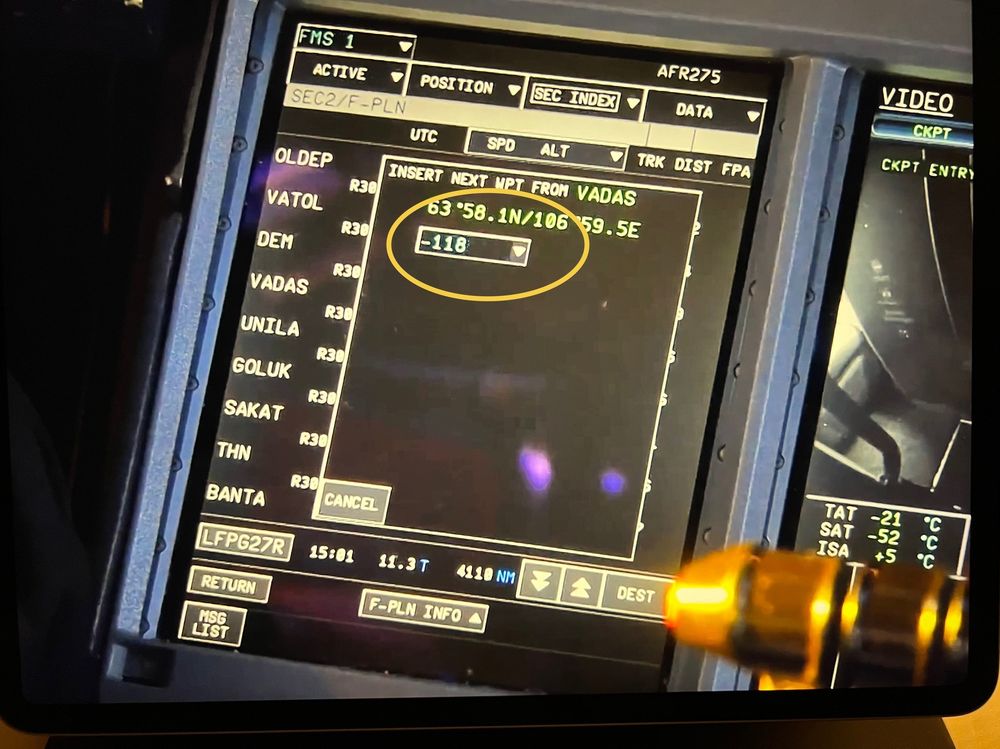 You only need to -31 or +31 without AKLON and without / (slash)


