




Greg Jones
Developer
-
Joined
-
Last visited
-
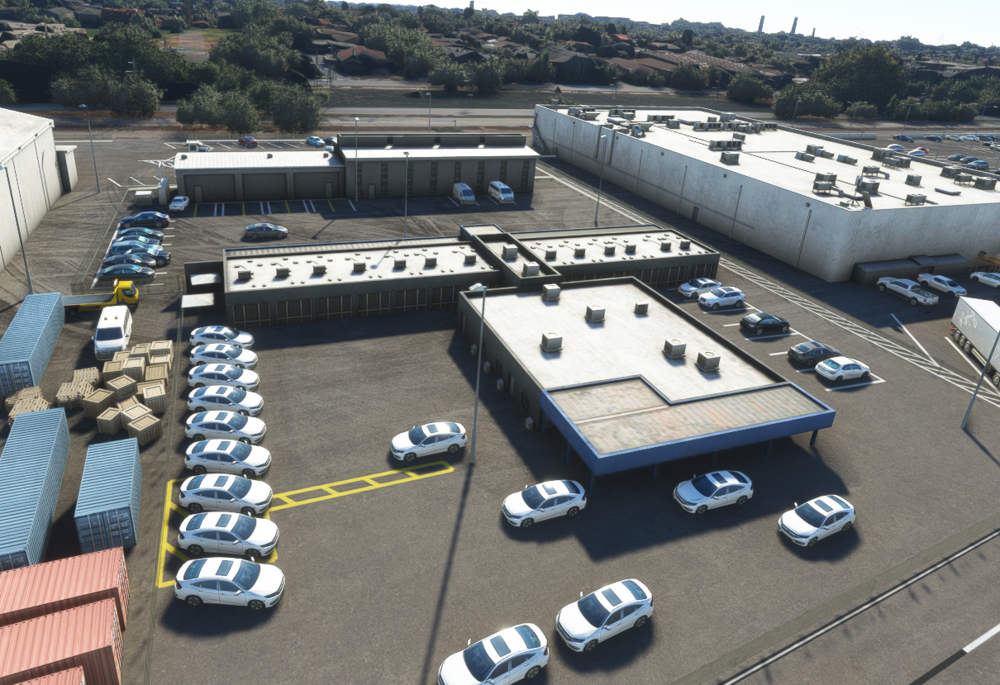
Thanks for the further info. The private suites are already in the current build unless we're not talking about the same thing. Out of curiosity, what do the numbers 42 and 43 specifically refer to? Seems a bit random and doesn't correlate to anything around the position. Lastly, I realise now what wall you're talking about. For some reason, it's missing from the build but was modelled and should indeed be there!!
-
Thanks for the further info. The private suites are already in the current build unless we're not talking about the same thing? Out of curiosity, what do the numbers 42 and 43 specifically refer to? Seems a bit random and doesn't correlate to anything around the position.
-
Hi, Just looking at these issues over the next couple of days; can you clarify a couple of things? The 42 and 43 spots; is this the only place they exist? Seems like there should be more of them around the airport. We'll add the marks as a visual reference but obviously, there's no way for us to make the AI ATC respect them as such. The wall at the museum; do you have any other reference for that? It's a bit difficult to see. Looks like it's a red/white Armco barrier in front of a high dark-beige wall but I can't make out the materials. Cheers, Greg


