FlyingOnRails
Member
-
Joined
-
Last visited
-
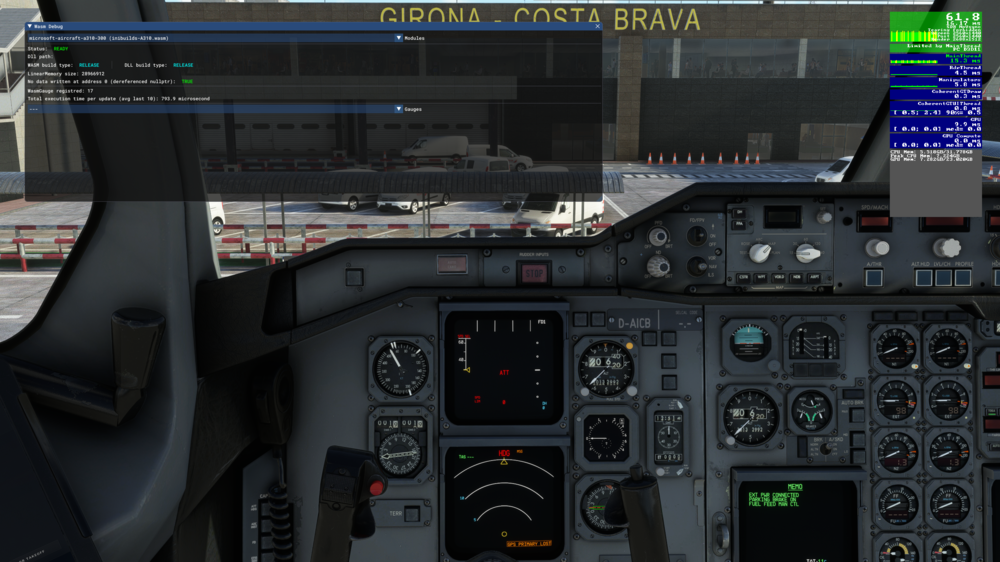
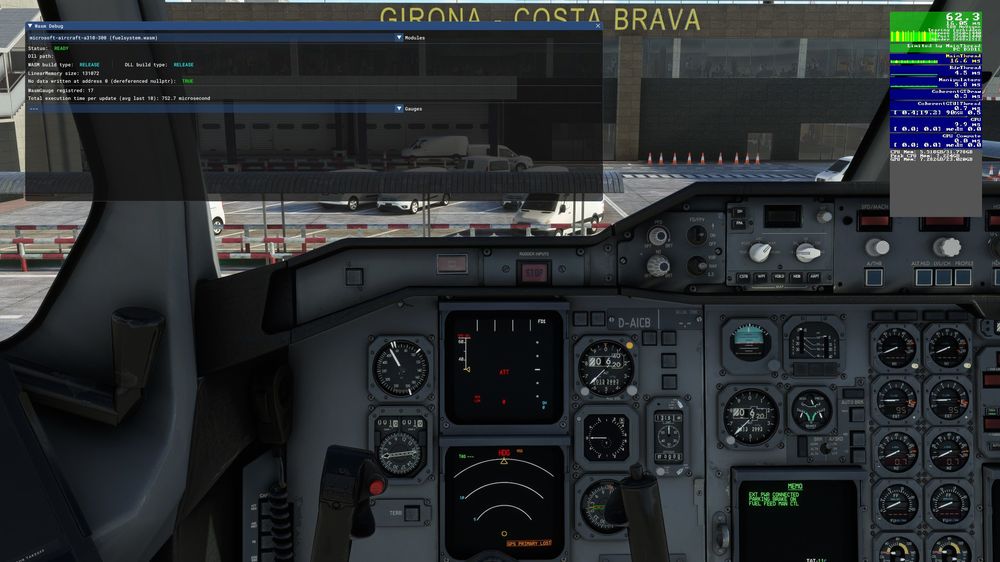
I noticed something strange today. Haven't flown for 2 or 3 days and the last time I remembered flying the A310, the wasm modules where in "DEBUG" mode, like it was for everybody else. I changed absolutely nothing and just decided to check if this is still the case, now both (main module and fuel system) seem to be in "RELEASE" state? The "work" foulder though (where all the compiled .dlls should be in) is still empty. (In case you wonder about my FPS, don't. I'm running a heavily overclocked (5.7 - 6.2 GHz) 13900k on a custom water loop and DDR5-7200 with tightened timings, so not the most common setup - i still get 10 to 20 FPS more in the Fenix or PMDG and I'm still CPU limited with the A310. For me it was always flyable but it's still more demanding than the other complex aircraft. The FPS don't have improved or worsened for me since WASM says "RELEASE" for the build type)