Cumulant85
Member
-
Joined
-
Last visited
-
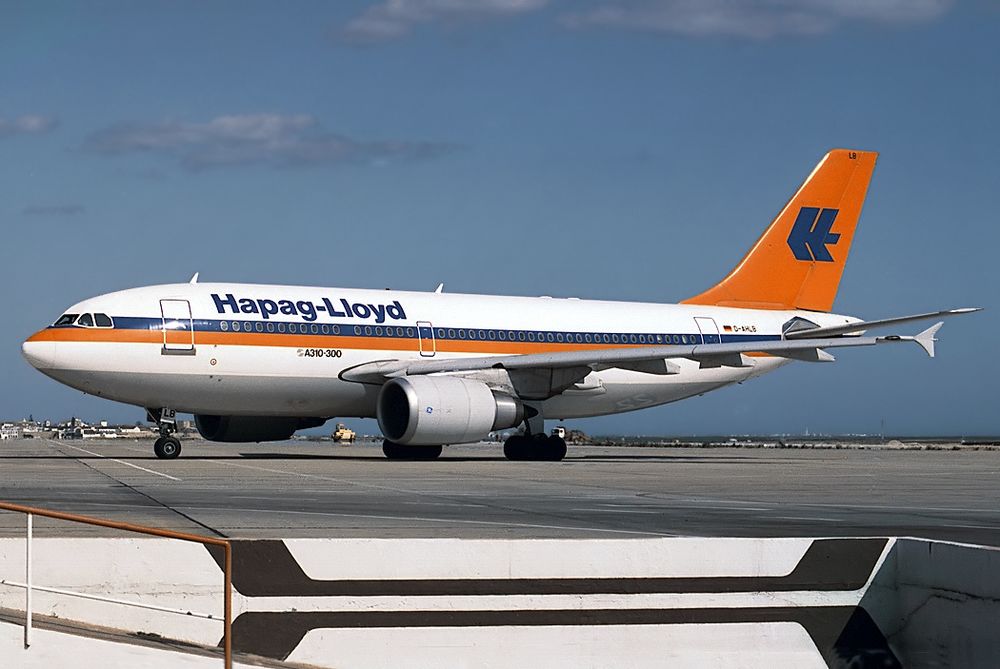
Good morning, is it possible to bring the Hapag-Lloyd D-AHLA livery to MSFS? That's the only one i'm still missing. Would be fantastic 🙂
-
Now it works perfectly with SU10 🥳
-
Cumulant85 changed their profile photo
-
It still occurs. LEIB is like the other inibuilds sceneries (from the marketplace) located in: packages -> official -> OneStore. But i tried it also with completely empty community-folder, but with the same result 😔 Hope you can fix that some day...
-
I bought it today in the MSFS-Shop. It crashes already the first time. Tried everything, reboot, reinstall, nothing works.... Specs: i9-11900KF RTX3090 64GB DDR4
-
The Sim always crashes during loading... Tried everything, reboot, new install... Bought it today within MSFS

-
Hope to see this beautiful livery some day. I would even pay for it 😉