



Skip to content
View in the app

A better way to browse. Learn more.

iniBuilds Forum

A full-screen app on your home screen with push notifications, badges and more.

To install this app on iOS and iPadOS
  1. Tap the Share icon in Safari
  2. Scroll the menu and tap Add to Home Screen.
  3. Tap Add in the top-right corner.
To install this app on Android
  1. Tap the 3-dot menu (⋮) in the top-right corner of the browser.
  2. Tap Add to Home screen or Install app.
  3. Confirm by tapping Install.

Masters19

Member
  • Joined

  • Last visited

Everything posted by Masters19

  1. after doing a fresh install and logging in, this is all i get and no matter how long i leave it sit, it never loads. also when i go to do a fresh install, when i delete the data folders in roaming and local it completely get rid of inimanager and im unable to relaunch inimanager to get it to remake all the thjings it needs too
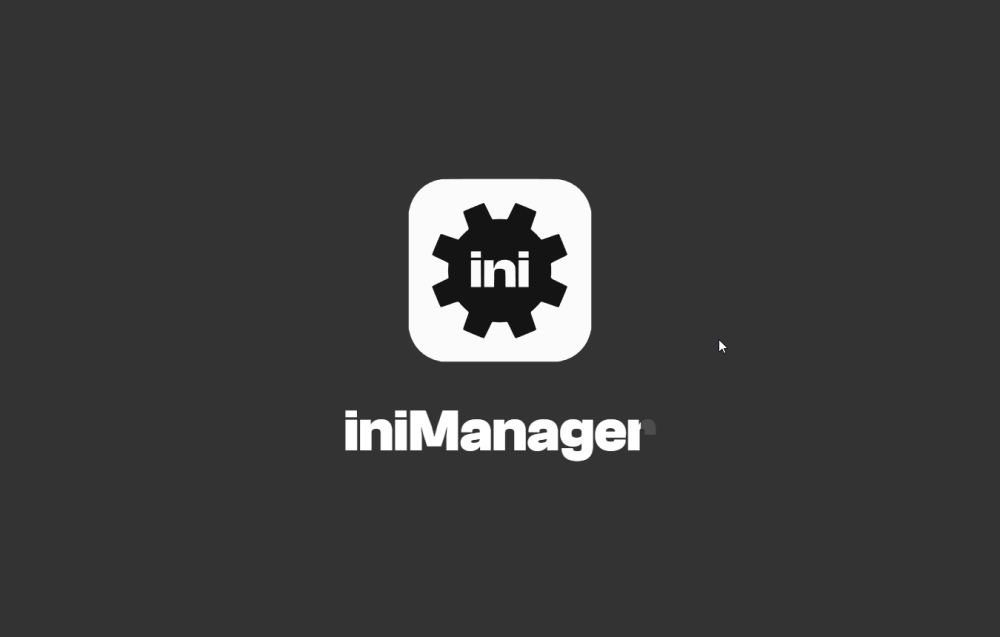
  2. i have tried all of these steps as well. i havent been able to use inimanager since a few days after the latest A220 update. ill be able to sign in then itll try log me in then get stuck on the loading screen once the loading gets to the R in manager

Account

Navigation

Configure browser push notifications

Chrome (Android)
  1. Tap the lock icon next to the address bar.
  2. Tap Permissions → Notifications.
  3. Adjust your preference.
Chrome (Desktop)
  1. Click the padlock icon in the address bar.
  2. Select Site settings.
  3. Find Notifications and adjust your preference.