Skip to content
View in the app

A better way to browse. Learn more.

iniBuilds Forum

A full-screen app on your home screen with push notifications, badges and more.

To install this app on iOS and iPadOS
  1. Tap the Share icon in Safari
  2. Scroll the menu and tap Add to Home Screen.
  3. Tap Add in the top-right corner.
To install this app on Android
  1. Tap the 3-dot menu (⋮) in the top-right corner of the browser.
  2. Tap Add to Home screen or Install app.
  3. Confirm by tapping Install.

jmerck

Member
  • Joined

  • Last visited

Everything posted by jmerck

  1. Sounds like a frame gen issue for me?
  2. jmerck replied to wil972's topic in Suggestions
    Yes, I second this!
  3. jmerck replied to ajfoxy's topic in Support
    Maybe gsx conflict? Do you have old gsx profiles installed?
  4. I cannot speak for ini builds but I doubt that it will be released into MSFS2020 as its probably a contract with Asobo/MS to keep it only for MSFS 2024...
  5. Thank you for the response! Looking forward to continued updates of this incredible freeware aircraft.
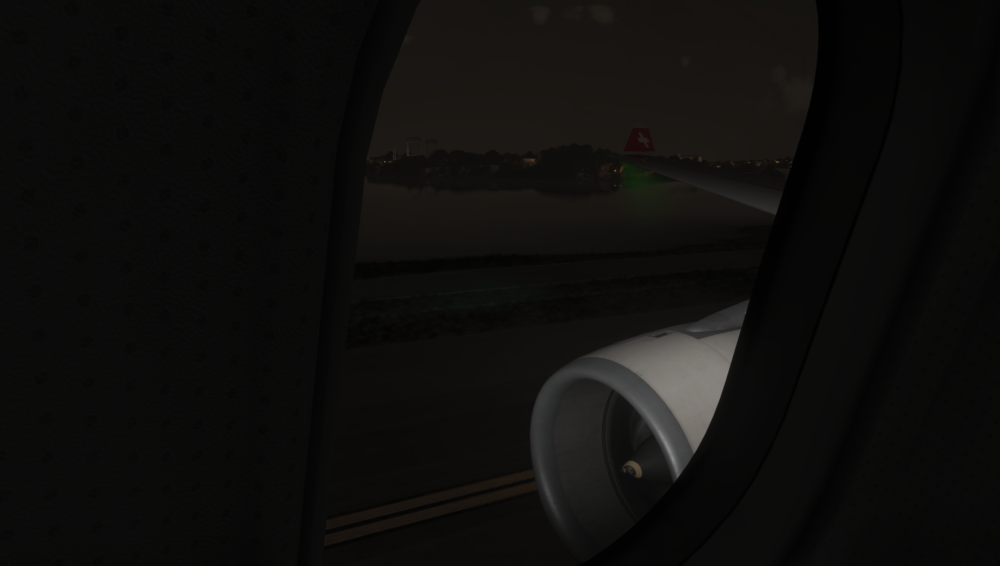
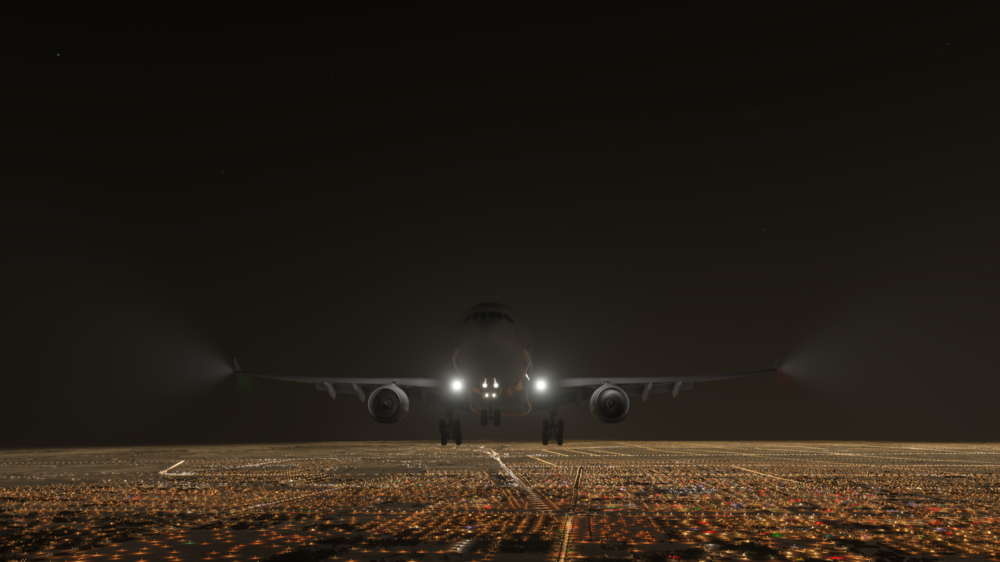
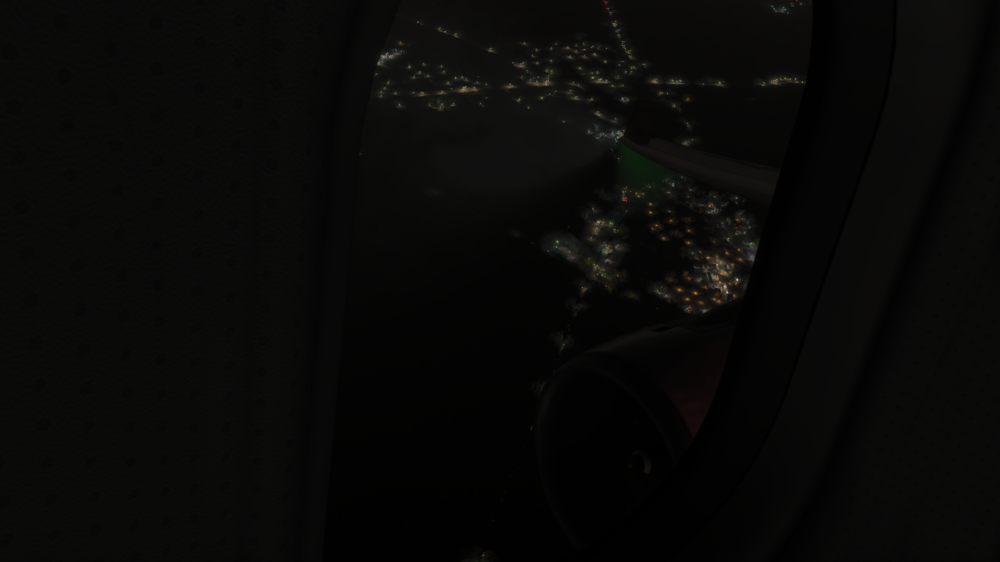
  6. More reference pictures:
  7. Hi! I have noticed the default A330 green nav light is pointing downwards? Is this a bug? or a feature? Thank you and happy holidays!
Account

Navigation

Configure browser push notifications

Chrome (Android)
  1. Tap the lock icon next to the address bar.
  2. Tap Permissions → Notifications.
  3. Adjust your preference.
Chrome (Desktop)
  1. Click the padlock icon in the address bar.
  2. Select Site settings.
  3. Find Notifications and adjust your preference.