

pbrad74
-
Posts
40 -
Joined
-
Last visited
Content Type
Profiles
Forums
Downloads
Everything posted by pbrad74
-
Show me what you get after you fill out INIT B page. Because I get the same thing you do until I complete INIT B page, then I get what I just posted above.
-
Okay, so then I'm clearly doing something wrong. I get the same thing as you until I complete the T/O, Approach, and Wind Desc pages.
-
This is what I am getting. Compare to chart above.

-
Im thinking this must be an iniBuilds problem as I have not had this issue with other aircraft. I just loaded up another flight and still having problems where I have two waypoints with mandatory altitude restrictions with waypoints between those two points that have much higher altitudes assigned. This isn't making any sense. It's always happening with STAR's. SID's and the rest of the route is as it should be.
-
Here is what I am talking about. You can see that FM758 is at 9000, not above or below and FM764 is at 9000 as well. The waypoints in-between in the MCDU are somewhere above 9000, can't remember. But similar to what I described in the post above. So my question is, is this simbrief's fault, something I'm doing wrong, or is it the A300 itself that is the problem?
-
So 9000, then to 9700, then to 10200, and finally back down to 9000 ft is normal on an approach?
-
I did a flight today to LTFM with INBE2B arrival. I loaded my flight plan from simbrief into the MCDU through the ACARS option. At FM758 there is an altitude restriction of 9000, then the next flight restriction is at FM764 at 9000 also. The question is, why does the MCDU automatically assign higher altitudes in-between those two flight restrictions? Like 9700 ft then to 10200 ft? Is it normal to have to go through and change each waypoint in the MCDU?
-
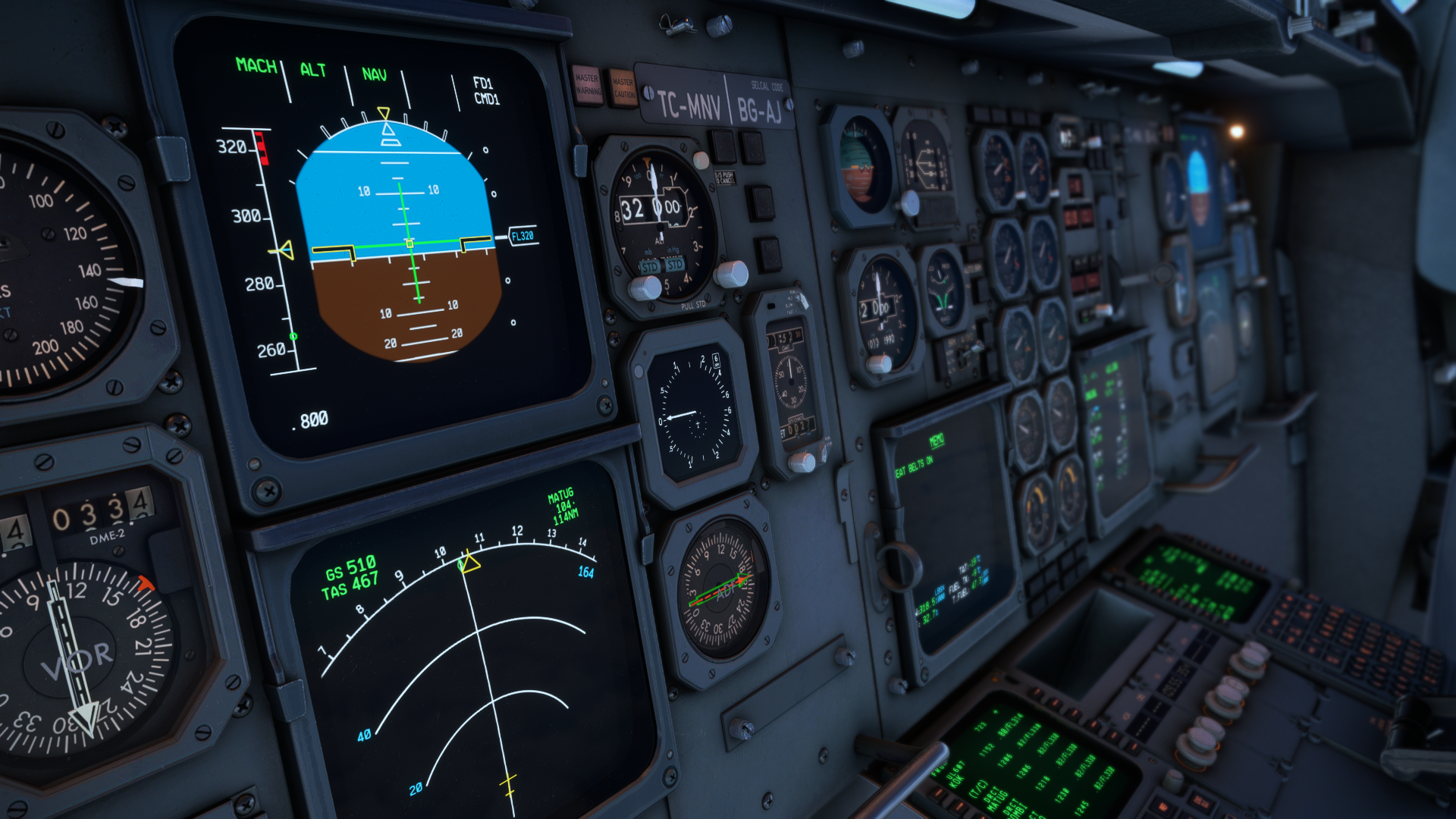
Not sure if this is just user error or what, but I cannot seem to get any tone (NDB station morse identifier) from any of the NDB's that I've tuned in. Well, this goes for ILS too, haven't tried VOR's yet. My steps taken: 1 Tune the NDB on ADF panel. 2 TFR switch to correct ADF 3 Set Tone to on I have also tried pulling the #1 ADF knob to up position and rotating that knob fully closck-wise. So, is this an error on my part is is it not yet functional?
- 1 reply
-
- 1
-

-
Yes, I have to agree here. I will never buy from them again unless it's absolutely necessary. If possible, though highly unlikely, see if MS will do a refund. If so, come back and buy directly through iniBuilds. I hope it works out for you as the A300 is my #1 right now.
-
What's embarrassing is for someone to make a statement like this. If everyone was having this issue, then yes, I could understand that statement. But as I am running this on an old laptop, see above post for specs, and I am having nothing but fun with it. Not to mention how fast the devs were with the most recent set of patches. You need to check your settings, in sim and graphics, especially when flying near big cities and extremely detailed airports. Tons of videos on YT.
-
I'm running this on a laptop and get better framerates than OP. i7-10875H, 32 GB Ram, RTX2070
-
I had the same problem, that is until I rebooted my PC. All is well now. Thank you, iniBuilds, for your hard work and continued support!
-
Set Nosewheel Steering to the same axis as rudder pedals in MSFS Controller options. That was what I had to do.


