dresoccer4
Member
-
Joined
-
Last visited
-
ok so if i'm understanding it correctly, you cannot activate time compression in any way except zooming in to the left screen, navigating into the settings, and clicking on the auto time compression. and to turn it off you have to do the same thing. theres no way to actually enable the normal time compression using the normal keyboard shortcuts like in every other plane. is this correct?
-
re-read the original post: as I said when I manually engage it, the sim rejects it and brings it back down to 1. thats the whole issue here
-
i have simrate 4x selected, but how do I manually engage it?
-
You're assuming everyone uses SimBrief. I only use it if I have to, but majority of the time I use LittleNavMap. It's much easier to create a custom route and save to be used with multiple aircraft.
-
I am unable to control time compression >1 manually. Every time I enable it, the sim rejects it and brings it back down to 0. How can I manually control time compression? I dont want to have to change screen and zoom in, etc, to keep clicking auto time compression on and off again. I want to be able to use my normal keyboard shortcut. Thanks!
-
bump. anyone know anything about this?
-
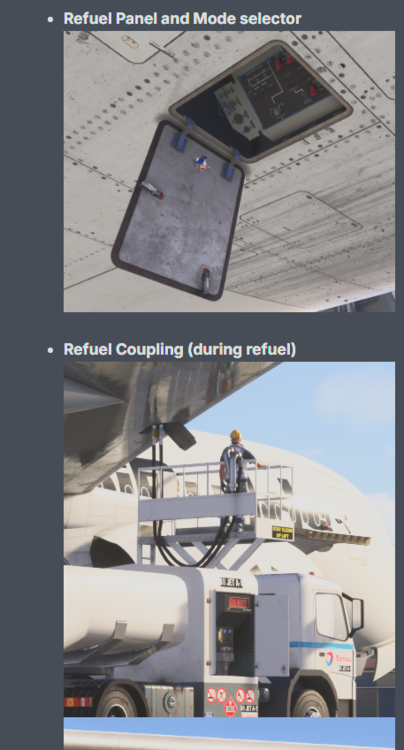
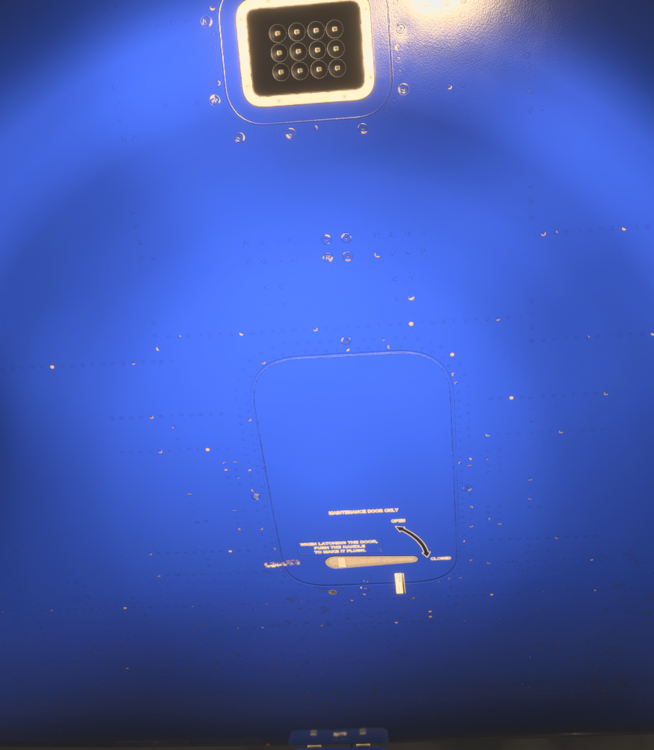
couple questions regarding walk around mode: 1) how do you access the refuel panel and coupling? like where speciically do you click? can you control the refueling from here? can you call the refuel truck from here? 2) how can you open the avionics bay door? i can't find the clickspot:
-
I have a pre-created flight plan which is displaying correctly in the 'route selection' screen. However when pressing *INSERT nothing happens and I can't get the flight plan to load. What am I missing here?
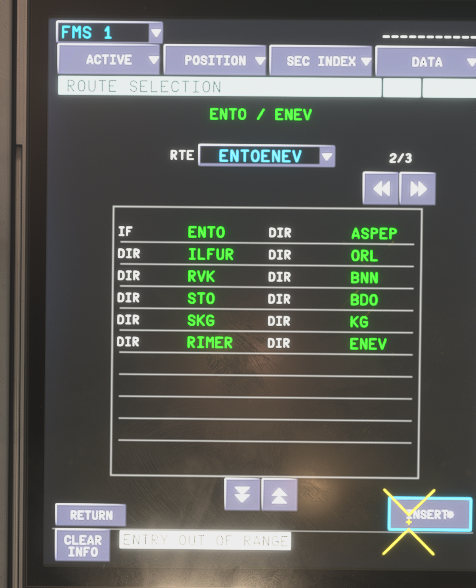
-
is this for the 340 only? or all of the ini planes? i'm a little confused because i've seen other threads for the a350 file plan location
-
are we sure it's not in the WASM folder? a lot of the other tubeliners put their there now
-
i believe so. however after flying about 100 miles manually the GPS randomly came back 🤷♂️. so for now everything is good. coming in to land soon so we'll see what happens
-
you solved it! i saw in the APU diagram that the vent was open and leaking air out but i had no clue how to close it. i must have hit that switch on the ground a while back but the cabin altitude didn't become a problem till i was up at cruise because of the leak. thanks!
-
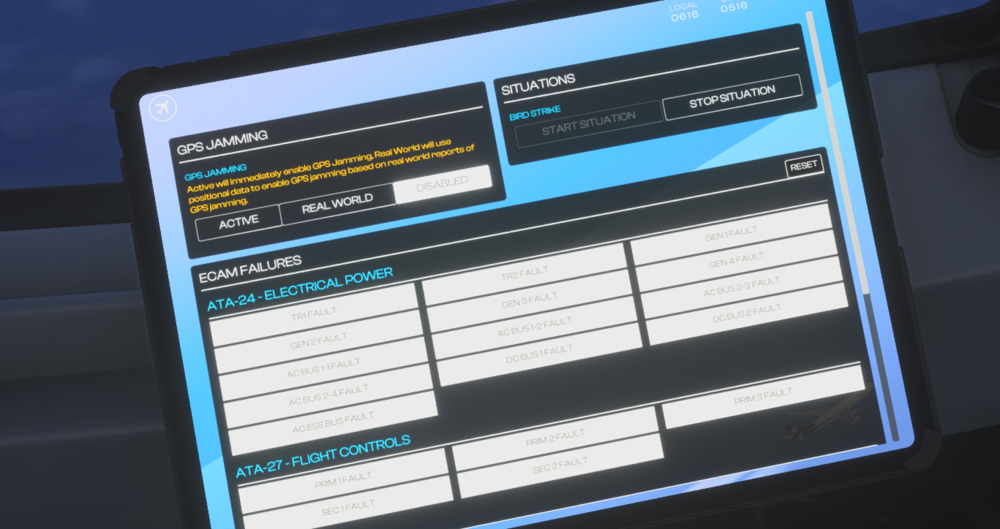
hadn't heard of that but just checked:
-
I’m currently North of Norway at FL330 when all of the sudden I lost all GPS navigation systems. Is this accurate, is there no GPS at all between Norway and Svalbard? (also I’m getting a constant audible message saying “pull up!” over and over that began when I lost GPS…related?)
-
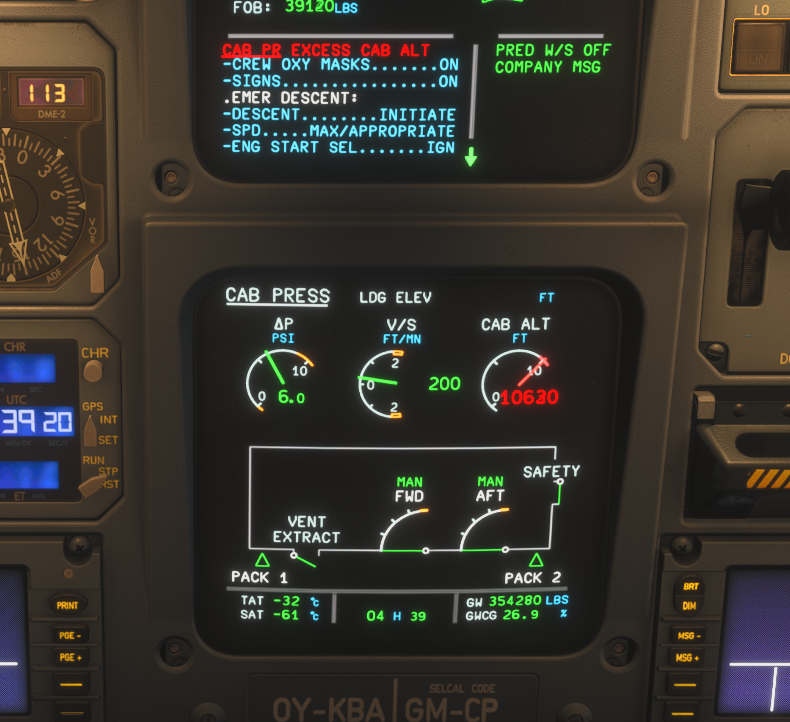
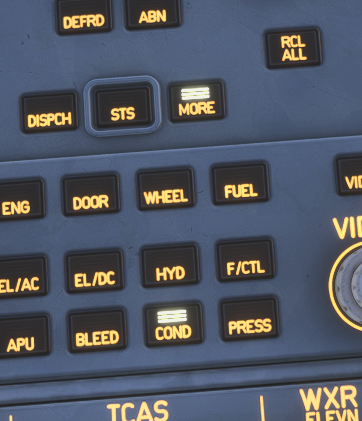
Just got a big warning that the cabin altitude is too high. I'm at FL330 right now. I can't get the cabin V/S to go back down it won't go any lower than 200fpm even when on manual.